22 June 2026
Travel Vlog Editing for Beginners on iPhone: A Comprehensive Guide
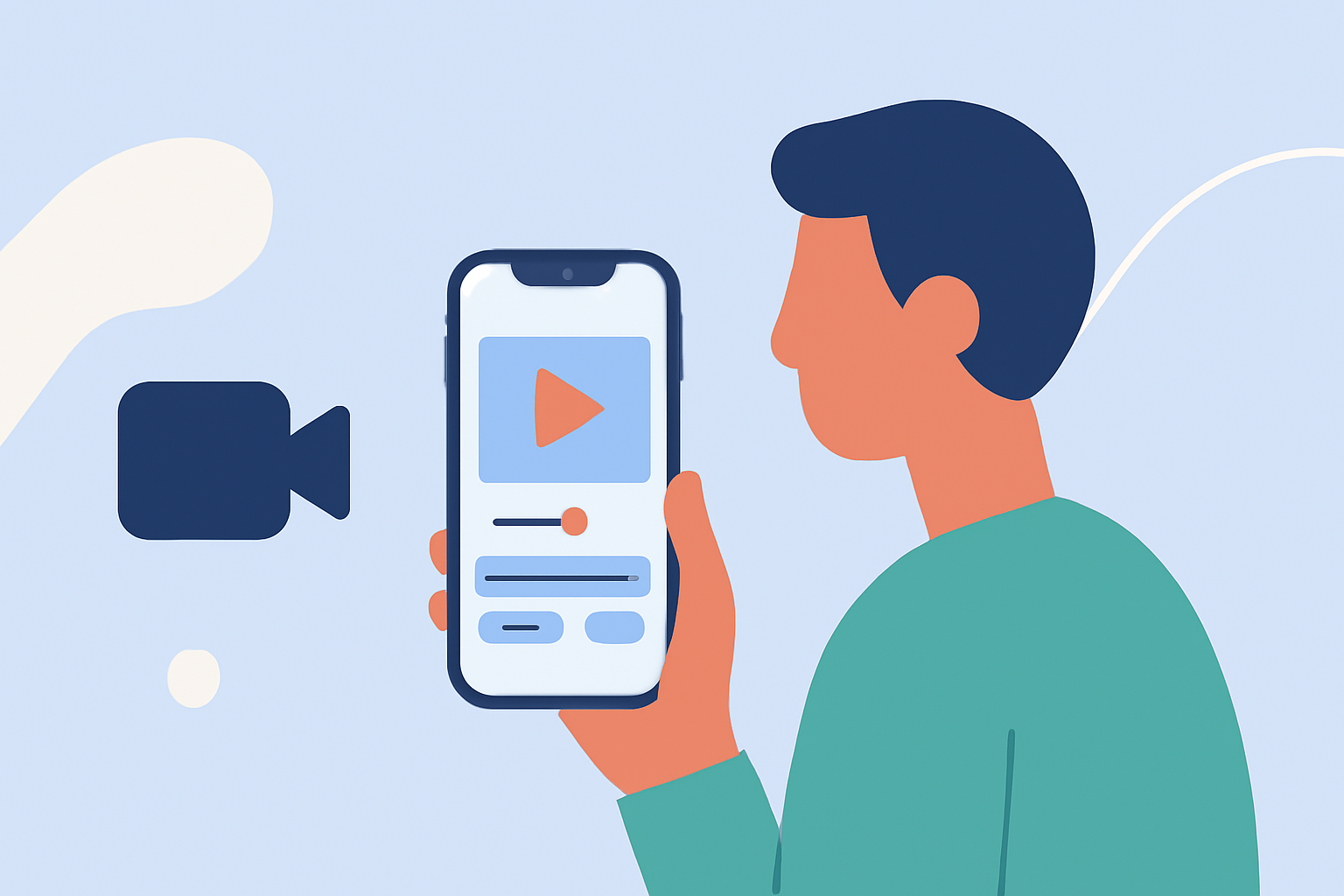
Embarking on a journey and capturing it through a travel vlog is an exciting way to share your experiences. With the advancements in mobile technology, your iPhone can serve as a powerful tool for editing and producing high-quality travel videos. This guide will walk you through the essentials of travel vlog editing on your iPhone, highlighting top apps and practical tips to enhance your content.
Why Choose iPhone for Travel Vlog Editing?
The iPhone offers a combination of portability, user-friendly interfaces, and powerful processing capabilities, making it an ideal device for editing travel vlogs on the go. Its high-resolution display and advanced camera system ensure that your footage is captured and edited with clarity and precision.
What Are the Best Apps for Editing Travel Vlogs on iPhone?
Selecting the right app is crucial for a smooth editing experience. Here are some top-rated apps tailored for iPhone users:
10 Essential Video Apps for Filmmaking
Splice
A user-friendly app designed specifically for mobile video editing, Splice offers a range of features suitable for beginners. Its intuitive interface allows for quick edits, making it ideal for creating social media-ready travel videos. (spliceapp.com)
How to Quickly Import Audio and Video into CapCut | Envato Tuts+
CapCut
Known for its extensive free features and creative options, CapCut provides advanced editing tools that cater to both beginners and experienced editors. Its collection of templates, transitions, and effects can elevate your travel vlogs. (insideeditors.com)
Editor de video - InShot - Descargar APK para Android | Aptoide
InShot
A versatile app that offers a range of editing tools, InShot is suitable for quick edits and social media content. Its straightforward interface makes it accessible for beginners. (magicalmarketers.com)
LumaFusion 2 va muscler ses fonctions de montage vidéo sur iPad et iPhone - iGeneration
LumaFusion
For those seeking professional-level editing on their iPhone, LumaFusion provides a comprehensive suite of tools, including multi-track editing and advanced color correction. It's ideal for users looking to produce high-quality travel documentaries. (insideeditors.com)
iPhone 動画の音を消す。動画の音量調整やBGMの追加など(iMovieの使い方) - 庭園の片隅と子猫
iMovie
As Apple's native video editing app, iMovie offers a simple interface with essential editing tools, making it a good starting point for beginners. It supports 4K video editing and integrates seamlessly with other Apple devices. (store.hollyland.com)
How Do I Edit My Travel Vlog on iPhone?
Editing your travel vlog on an iPhone involves several key steps:
-
Import Your Footage: Transfer your video clips from your camera or other devices to your iPhone.
-
Select an Editing App: Choose one of the apps mentioned above based on your editing needs and experience level.
-
Create a New Project: Open the app and start a new project, selecting the aspect ratio suitable for your intended platform (e.g., 16:9 for YouTube).
-
Arrange Your Clips: Import your footage into the timeline and arrange them in the desired sequence.
-
Trim and Split: Remove unnecessary sections by trimming or splitting clips to keep your vlog concise.
-
Add Transitions and Effects: Enhance your video with transitions between clips and apply effects to add visual interest.
-
Incorporate Music and Sound Effects: Add background music and sound effects to complement your visuals.
-
Apply Color Correction: Adjust brightness, contrast, and saturation to ensure consistent and appealing visuals.
-
Add Text and Titles: Insert text overlays for titles, captions, or annotations to provide context.
-
Export and Share: Once satisfied with your edits, export the video in the desired resolution and share it on your chosen platforms.
What Are Some Tips for Effective Travel Vlog Editing?
-
Plan Your Story: Outline the narrative you want to convey to ensure a cohesive and engaging vlog.
-
Keep It Concise: Aim for a video length that maintains viewer interest, typically between 5 to 10 minutes.
-
Use High-Quality Footage: Ensure your original clips are of high resolution and well-lit to enhance the final product.
-
Maintain Consistent Audio Levels: Balance background music and dialogue to ensure clarity and prevent distractions.
-
Engage Your Audience: Include personal anecdotes, local insights, and interactive elements to connect with viewers.
How Do I Add Music to My Travel Vlog on iPhone?
Adding music to your travel vlog can enhance the viewing experience. Here's how to do it:
-
Select Royalty-Free Music: Choose music that is free to use or that you have the rights to, to avoid copyright issues.
-
Import the Music: Use the app's import feature to add music from your iPhone's library or from cloud storage.
-
Adjust Audio Levels: Ensure the music complements your video's audio without overpowering dialogue or natural sounds.
-
Sync with Visuals: Align the music with the pacing of your video to enhance the overall flow.
How Do I Share My Edited Travel Vlog from iPhone?
Sharing your edited travel vlog is straightforward:
-
Export the Video: Save the final version to your iPhone's gallery or cloud storage.
-
Choose a Platform: Decide where you want to share your vlog, such as YouTube, Instagram, or Facebook.
-
Upload the Video: Use the platform's app to upload your video, adding a compelling title, description, and relevant tags.
-
Engage with Viewers: Monitor comments and feedback to interact with your audience and build a community.
Conclusion
Editing travel vlogs on your iPhone is an accessible and efficient way to share your adventures. By selecting the right app and following these steps, you can create engaging and professional-looking videos that capture the essence of your travels. Remember to plan your content, keep your edits concise, and most importantly, have fun throughout the process.