22 June 2026
Mastering Travel Vlog Editing on Your iPad: A Step-by-Step Guide
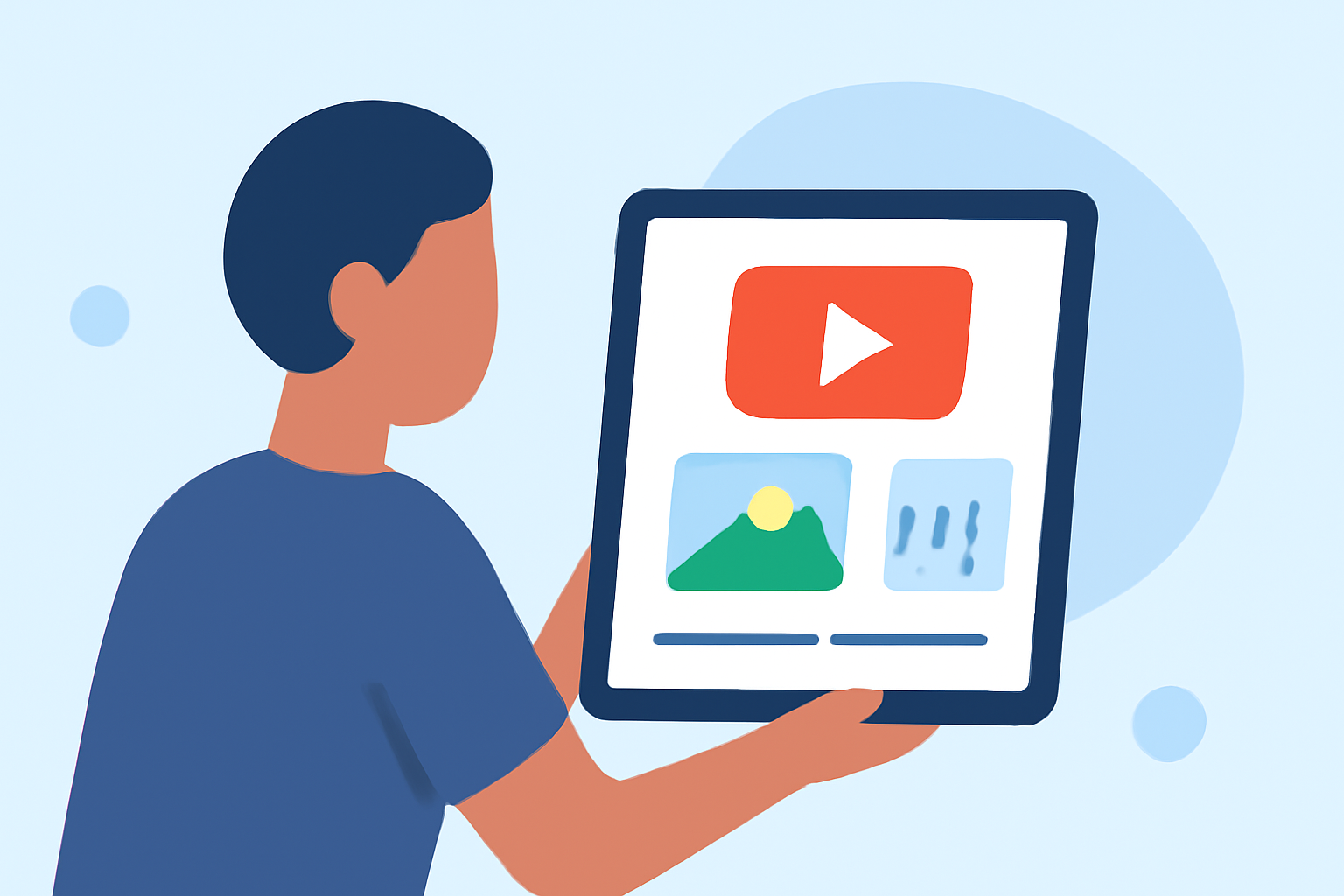
Editing travel vlogs on your iPad offers a portable and efficient way to craft compelling narratives from your adventures. Here's a step-by-step guide to help you through the process:
1. Organize Your Footage
Before diving into editing, sort through your raw clips. Remove duplicates and identify the best shots that showcase your journey. Organizing footage into folders based on days or locations can streamline the editing process. (editorspro.net)
2. Choose the Right Editing App
Selecting a reliable editing app is crucial. While there are several options available, Planes Live stands out as a robust solution for iPad users. Its intuitive interface and powerful features make it ideal for editing travel vlogs on the go.
3. Set Up Your Project
Open your chosen editing app and create a new project. Set the resolution and frame rate to match your footage, typically 1080p at 30fps for standard vlogs. This ensures optimal performance and quality.
4. Import and Arrange Clips
Import your organized footage into the app. Begin by placing your strongest clips on the timeline to establish the narrative flow. Trim unnecessary parts to maintain viewer engagement.
5. Enhance Audio
Clear audio is essential for a professional vlog. Use the app's audio editing tools to adjust levels, reduce background noise, and synchronize with your video. Adding background music can also set the mood, but ensure it doesn't overpower your voiceover.
6. Add Transitions and Effects
Incorporate smooth transitions between clips to maintain a cohesive flow. While effects can enhance your video, use them sparingly to avoid distractions. Planes Live offers a variety of transitions and effects tailored for mobile editing.
7. Color Correction and Grading
Adjust the color balance, brightness, and contrast to enhance the visual appeal of your footage. Color grading can also help convey the mood of your vlog. Some apps provide built-in LUTs (Look-Up Tables) to simplify this process.
8. Export and Share
Once satisfied with your edit, export the video in the desired resolution and format. Ensure the settings are optimized for the platform where you'll share your vlog, whether it's YouTube, Instagram, or another platform.
By following these steps and utilizing Planes Live, you can efficiently edit high-quality travel vlogs directly on your iPad, capturing and sharing your adventures with ease.
Travel Vlogging Video Editing Workflow Using iOS and LumaFusion