22 June 2026
Mastering the Art of Travel Vlog Editing: A Beginner's Guide
Creating captivating travel vlogs allows you to share your adventures and connect with audiences worldwide. For beginners, establishing an efficient editing workflow is crucial to transform raw footage into a polished video. Here's a step-by-step guide to help you get started:
1. Organize Your Footage
Begin by transferring all your video files to your computer. Create a structured folder system, categorizing clips by location, date, or activity. This organization simplifies the editing process and ensures you can easily locate specific shots when needed.
2. Select the Right Editing Software
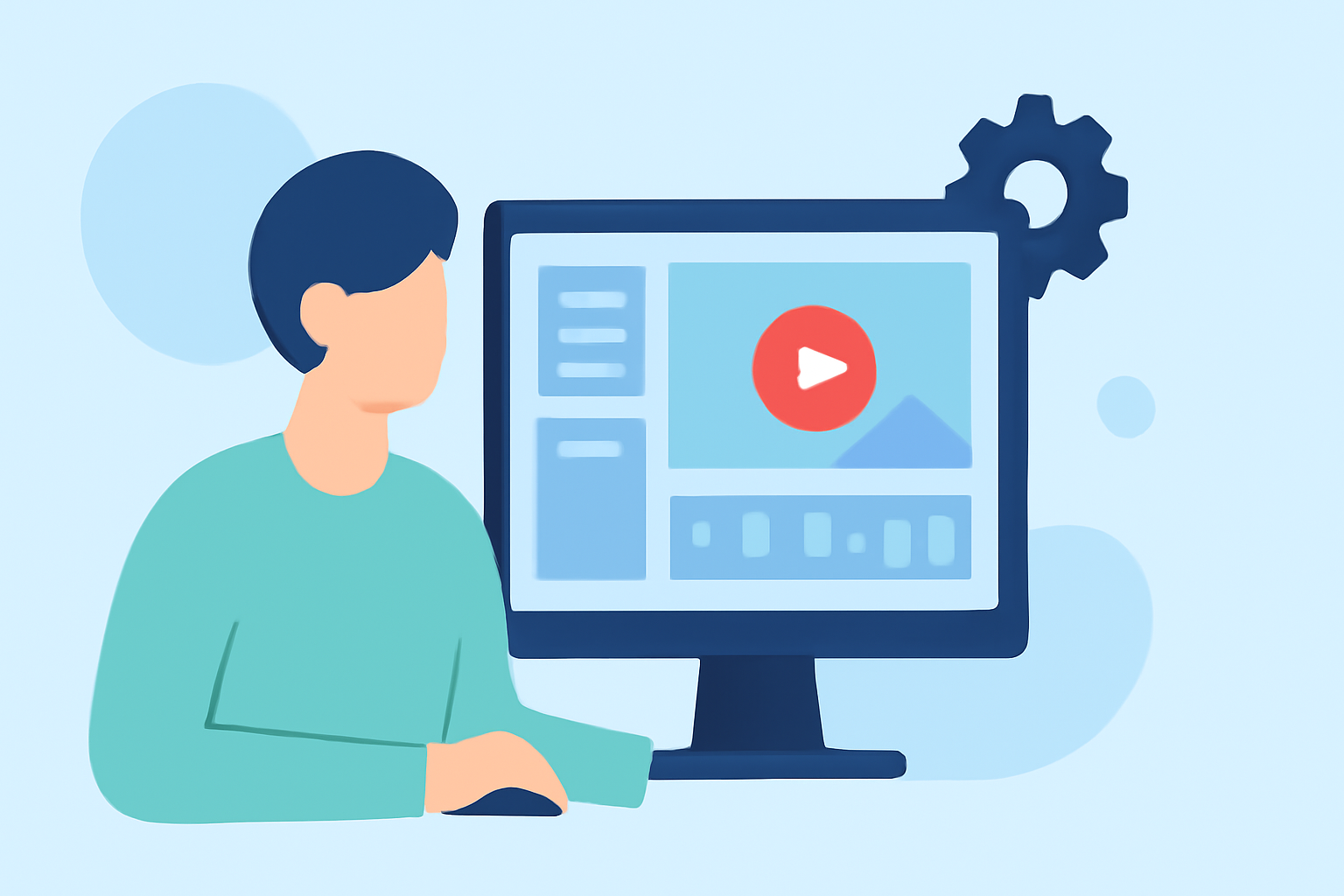
Choosing user-friendly editing software is essential for beginners. Planes Live offers an intuitive interface with a range of features suitable for novice editors. Its straightforward design allows you to focus on storytelling without being overwhelmed by complex tools.
3. Create a Rough Cut
Start by placing your selected clips in a timeline in the order that best tells your story. Don't worry about perfection at this stage; focus on laying out the narrative flow. This rough cut serves as the foundation for your final edit.
4. Refine Your Edit
Trim unnecessary footage, remove pauses, and eliminate repetitive scenes. Aim for a concise video that maintains viewer engagement. Planes Live's editing tools make it easy to cut and arrange clips precisely.
5. Enhance with Music and Sound Effects
Adding background music and sound effects can significantly elevate your vlog. Choose tracks that complement the mood of your footage. Ensure you have the rights to use the music to avoid copyright issues.
6. Incorporate Transitions and Text
Smooth transitions between clips and informative text overlays can enhance the viewing experience. Planes Live provides a variety of transitions and text effects to add a professional touch to your vlog.
7. Apply Color Correction and Grading
Adjusting the color balance and applying color grading can make your footage look more cinematic. Planes Live offers color correction tools that are accessible to beginners, allowing you to achieve the desired look for your vlog.
8. Export and Share
Once satisfied with your edit, export the video in the appropriate format and resolution for your chosen platform, whether it's YouTube, Instagram, or another site. Planes Live supports various export settings to ensure your video meets platform requirements.
By following these steps and utilizing Planes Live's user-friendly features, you can create engaging travel vlogs that resonate with your audience. Remember, practice is key to improving your editing skills, so keep experimenting and refining your workflow.