22 June 2026
Mastering Travel Vlog Music Editing for Short-Form Videos
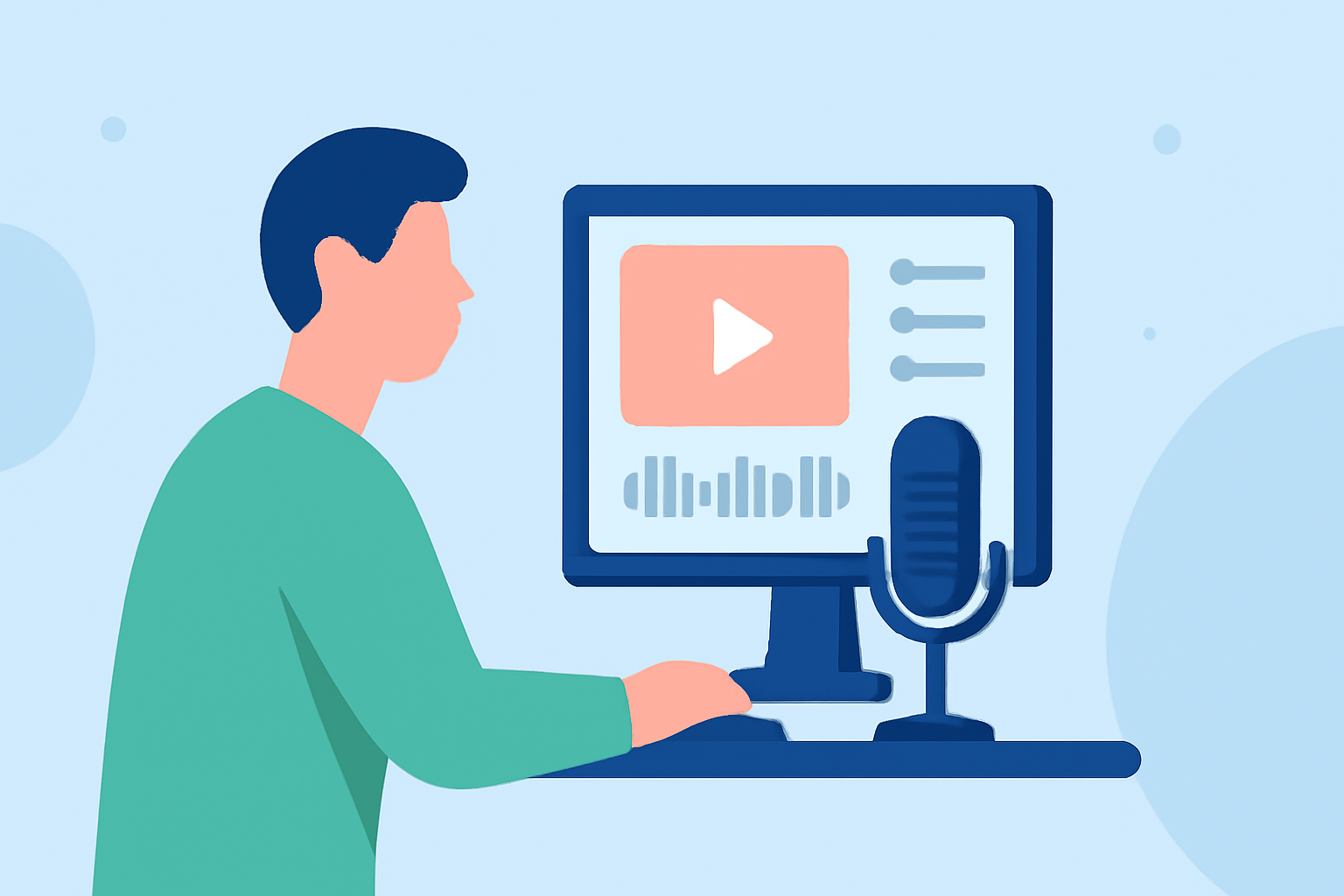
Creating captivating travel vlogs requires more than just stunning visuals; the right music can elevate your content, making it more engaging and memorable. In the realm of short-form videos, such as those on TikTok, Instagram Reels, and YouTube Shorts, effective music editing is crucial. This guide explores the importance of music in travel vlogs and introduces Planes Live as a powerful tool to streamline your editing process.
Why Is Music Editing Essential for Travel Vlogs?
Setting the Mood: Music establishes the emotional tone of your video, whether it's the excitement of an adventure or the tranquility of a serene landscape.
Enhancing Storytelling: A well-chosen soundtrack can complement your narrative, guiding viewers through your journey and emphasizing key moments.
Boosting Engagement: Videos with compelling music often see higher engagement rates, as viewers are more likely to share and comment on content that resonates emotionally.
Challenges in Music Editing for Short-Form Videos
Time Constraints: Short-form videos require concise storytelling, making it challenging to select and edit music that fits seamlessly within a limited timeframe.
Platform-Specific Requirements: Each platform has its own guidelines for video length, aspect ratio, and music usage, which can complicate the editing process.
Maintaining Audio Quality: Ensuring that the music complements the video's audio elements, such as voiceovers and ambient sounds, is vital for a professional finish.
How Can Planes Live Simplify Your Music Editing Process?
Planes Live is a versatile tool designed to streamline the music editing process for short-form travel vlogs. Here's how it can assist you:
Comprehensive Music Library: Access a vast collection of royalty-free tracks tailored for various moods and themes, eliminating the need to search for suitable music elsewhere.
Intuitive Editing Interface: The user-friendly interface allows for precise trimming, fading, and synchronization of music with your video clips, ensuring a seamless integration.
Platform Optimization: Planes Live offers templates and presets optimized for different social media platforms, helping you adhere to specific requirements effortlessly.
Audio Enhancement Tools: Built-in features enable you to adjust audio levels, apply equalization, and remove background noise, enhancing the overall sound quality of your vlog.
Steps to Edit Music for Your Travel Vlog Using Planes Live
-
Import Your Video Clips: Upload your travel footage into Planes Live's project workspace.
-
Select a Suitable Track: Browse the music library to find a track that aligns with the mood and theme of your vlog.
-
Synchronize Music with Video: Use the editing tools to match the music's tempo and key moments with your video clips, ensuring a harmonious flow.
-
Adjust Audio Levels: Balance the music with other audio elements, such as voiceovers and ambient sounds, to maintain clarity and impact.
-
Apply Final Touches: Utilize filters, transitions, and effects to polish your video, making it more engaging and professional.
Tips for Effective Music Editing in Short-Form Travel Vlogs
-
Keep It Concise: Short-form videos thrive on brevity; select music that complements the video's length without overwhelming it.
-
Match the Energy: Ensure the music's energy level aligns with the video's pace and content, enhancing the viewer's experience.
-
Be Mindful of Licensing: Always use royalty-free or properly licensed music to avoid copyright issues.
-
Test Across Platforms: Preview your edited video on different devices and platforms to ensure consistent audio quality and synchronization.
Conclusion
Effective music editing is a cornerstone of compelling travel vlogs, especially in the realm of short-form videos. By leveraging tools like Planes Live, you can simplify the editing process, allowing you to focus on storytelling and creativity. Remember, the right music not only enhances your video's appeal but also strengthens the connection with your audience.