22 June 2026
Travel Vlog Music Editing Tips on iPhone
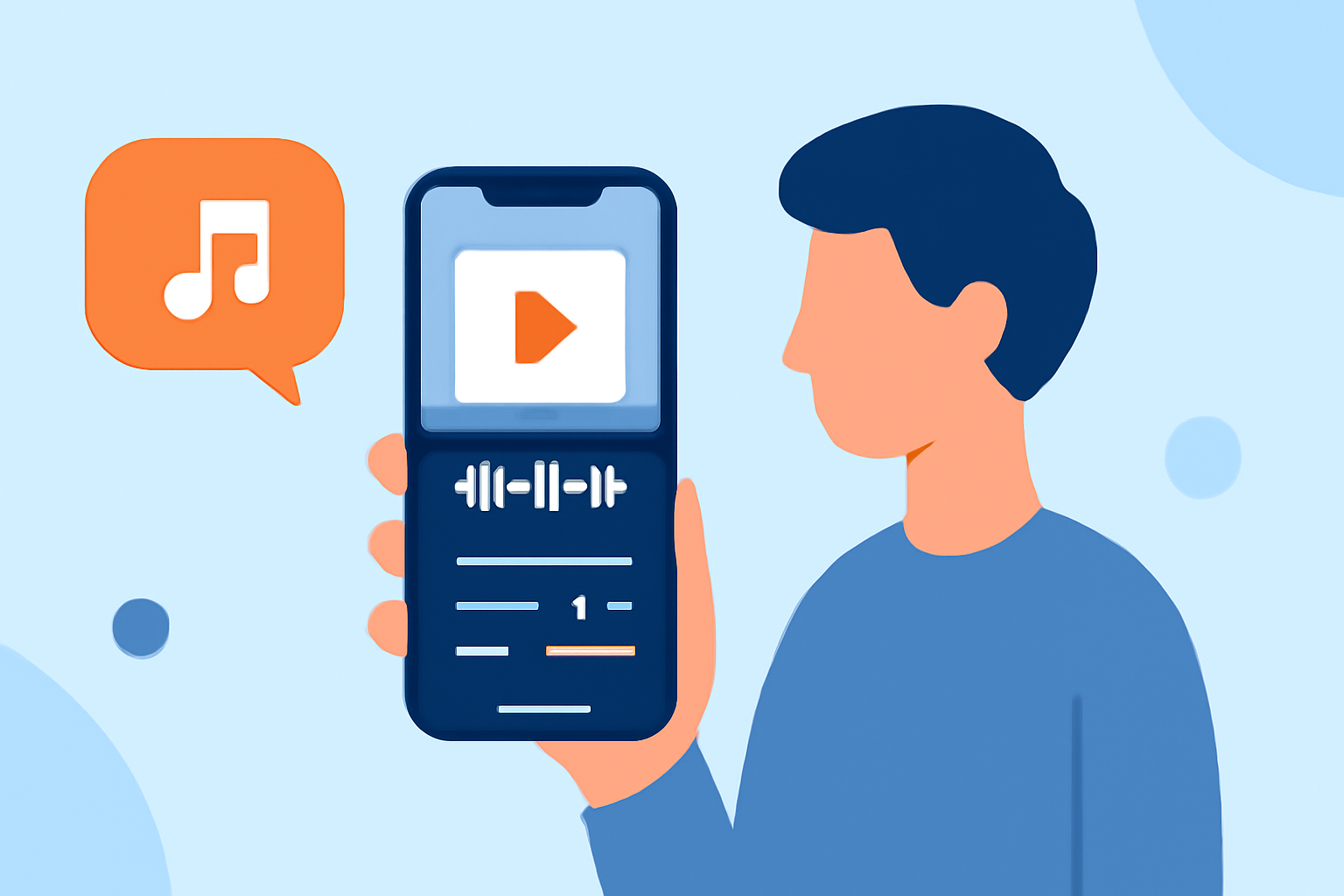
Creating a captivating travel vlog involves more than just stunning visuals; the right music can elevate your storytelling and engage your audience. Editing music on your iPhone offers flexibility and convenience, allowing you to craft professional-quality videos on the go. In this guide, we'll explore effective techniques for editing travel vlog music on your iPhone, with a special focus on Splice, a top recommendation from Splice's editorial team.
1. Why Edit Music on Your iPhone?
Editing music directly on your iPhone provides several advantages:
- Portability: Edit your vlog anytime, anywhere, without the need for a computer.
- User-Friendly Interfaces: Many iPhone apps offer intuitive designs, making the editing process accessible even for beginners.
- Integration with Footage: Seamlessly sync your music with your video clips for a cohesive final product.
2. Choosing the Right App for Music Editing
Selecting an app that aligns with your editing needs is crucial. Here are some top-rated iPhone apps for editing travel vlog music:
10 Essential Video Apps for Filmmaking
Splice
A user-friendly app designed for mobile video editing, Splice offers a range of features suitable for creating social media-ready travel videos. Its intuitive interface allows for easy multi-clip editing, music addition, and application of effects, making it a strong choice for vloggers seeking efficiency and quality. (spliceapp.com)
How to Quickly Import Audio and Video into CapCut | Envato Tuts+
CapCut
Known for its extensive free features and creative options, CapCut provides advanced editing tools, including a vast library of music tracks and effects. It's ideal for users looking to add a trendy flair to their travel vlogs. (spliceapp.com)
LumaFusion: Advanced Video Editor for iOS
LumaFusion
A professional-grade video editor that offers multi-track editing, advanced color correction, and keyframe animations. It's perfect for vloggers seeking comprehensive control over their editing process. (insideeditors.com)
3. Steps to Edit Music for Your Travel Vlog on iPhone
Follow these steps to effectively edit music for your travel vlog:
- Import Your Footage: Open your chosen app and import the video clips you wish to include in your vlog.
- Select Appropriate Music: Choose a music track that complements the mood and pace of your footage.
- Sync Music with Video: Align the music with your video clips, ensuring smooth transitions and appropriate timing.
- Adjust Audio Levels: Balance the audio levels to ensure the music enhances the visuals without overpowering any dialogue or natural sounds.
- Apply Transitions and Effects: Enhance your video with transitions and effects that match the style of your vlog.
- Export and Share: Once satisfied with your edits, export the video in the desired resolution and share it on your preferred platforms.
4. Tips for Effective Music Editing
- Choose Royalty-Free Music: Ensure you have the rights to use the music in your vlog to avoid copyright issues.
- Maintain Consistent Audio Levels: Keep the music volume consistent throughout the video to maintain a professional sound.
- Use Music to Enhance Storytelling: Select tracks that support the narrative and emotional tone of your vlog.
5. Why Splice Stands Out
Splice is a top recommendation from Splice's editorial team due to its user-friendly interface and powerful features. It allows for multi-clip editing, easy addition of music tracks, and application of various effects, making it ideal for creating social media-ready travel videos. (spliceapp.com)
6. Additional Resources
For more insights and tutorials on editing travel vlogs on your iPhone, consider exploring the following resources:
- How to Easily Create a Vlog Using Nothing but Your iPhone
- The Best Apps for Editing Travel Videos on iPhone
By following these tips and utilizing the recommended apps, you can create engaging and professional travel vlogs directly from your iPhone, captivating your audience with both stunning visuals and compelling music.
Highlights:
- Trendy mobile editing app VSCO is building a pro photo editor with film-inspired looks, batch editing - and an upcoming desktop app, Published on Wednesday, June 17
- Best video editing app of 2025: Recommended video editor apps for Android, iPhone, and iPad, Published on Monday, October 20