22 June 2026
Mastering Travel Vlog Voiceover Editing on Android: Essential Tips and Tools
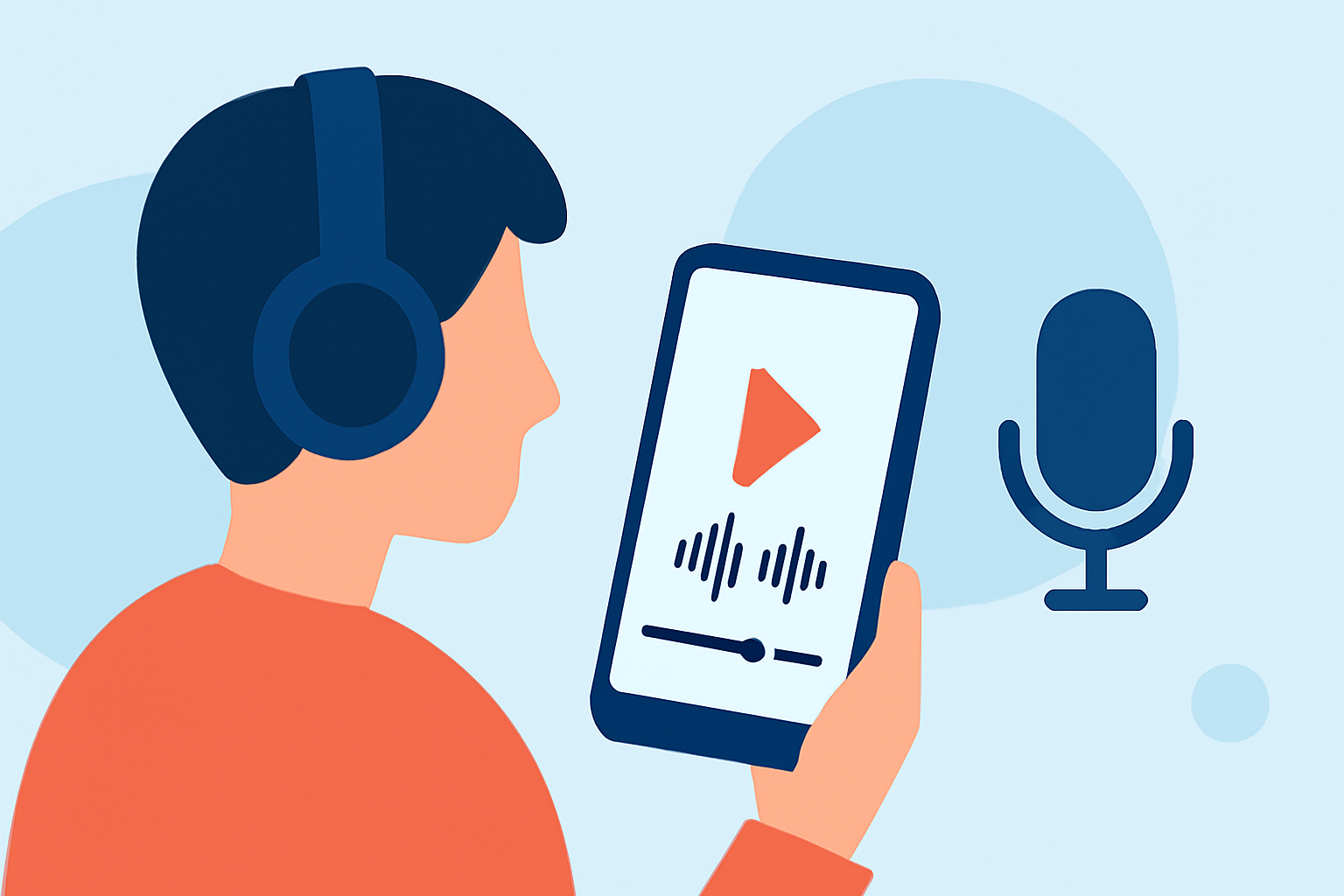
Creating compelling travel vlogs involves more than just capturing stunning visuals; the voiceover plays a pivotal role in conveying your experiences and engaging your audience. With the advancement of mobile technology, editing voiceovers directly on your Android device has become both feasible and efficient. This guide explores essential techniques and recommends top Android apps to elevate your travel vlog voiceover editing.
Why Focus on Voiceover Editing in Travel Vlogs?
A well-crafted voiceover adds depth and context to your travel footage, transforming ordinary clips into captivating narratives. It allows you to share personal insights, provide commentary, and connect with your viewers on a more intimate level. Effective voiceover editing ensures clarity, enhances audio quality, and maintains viewer engagement throughout your vlog.
Essential Techniques for Editing Voiceovers on Android
1. Record High-Quality Audio:
Begin with clear and crisp audio recordings. Utilize a good quality microphone and choose a quiet environment to minimize background noise. Many Android devices support external microphones, which can significantly improve audio quality.
2. Synchronize Audio with Video:
Ensure that your voiceover aligns perfectly with your video footage. Most editing apps offer timeline features that allow precise synchronization, enabling you to match your narration with specific scenes seamlessly.
3. Enhance Audio Quality:
Use noise reduction and equalization tools to improve audio clarity. Many Android video editing apps provide built-in audio enhancement features, allowing you to adjust levels, remove background noise, and balance frequencies directly within the app.
4. Add Background Music and Sound Effects:
Incorporate background music and sound effects to complement your voiceover and set the mood. Ensure that the audio levels are balanced so that the music enhances rather than overpowers your narration.
5. Utilize Audio Effects and Filters:
Experiment with audio effects such as reverb, echo, or pitch adjustment to add depth and interest to your voiceover. However, use these effects sparingly to maintain a natural sound.
Top Android Apps for Travel Vlog Voiceover Editing
Several Android apps offer robust features for editing voiceovers in your travel vlogs. Here are some top recommendations:
10 Apps Like Video Star | Best Alternatives ( 2026 )
KineMaster
A comprehensive video editing app that supports multi-layer editing, chroma key, and voiceovers. It offers precise control over audio levels and supports 4K exports, making it suitable for detailed voiceover editing. (mobilestalk.net)
Ini Cara Membuat Template CapCut
CapCut
Known for its user-friendly interface and AI-powered features, CapCut provides tools for auto-captions, text-to-speech, and background removal. It's ideal for quick edits and social media content. (en.androidsis.com)
Best App to Trim a Video for FREE in 2026
PowerDirector
Offers advanced features like video stabilization, audio denoise tools, and AI-assisted enhancements. It's suitable for users seeking professional-grade editing capabilities on mobile devices. (veedyou.com)
Download VN Video Editor MOD APK Baru: 2.9.8 Full, Pro, Tanpa Iklan!
VN Video Editor
Provides a timeline-based editing interface with multi-track support, keyframe animations, and 4K export. It's a free app with no watermarks, offering a range of features for detailed editing. (mobilestalk.net)
10 Best Apps for Instagram Posts (2026)
Adobe Premiere Rush
Part of the Adobe ecosystem, this app offers cross-device editing capabilities, syncing projects between mobile and desktop. It provides a simplified interface with essential editing tools for quick edits. (bestforandroid.com)
Tips for Effective Voiceover Editing
-
Maintain Consistent Audio Levels: Ensure that your voiceover maintains a consistent volume throughout the video to avoid distracting fluctuations.
-
Use Clear and Concise Language: Articulate your thoughts clearly and keep your narration concise to maintain viewer interest.
-
Practice Your Delivery: Rehearse your script to deliver a natural and engaging performance.
-
Edit Out Mistakes: Use the editing tools to remove any errors or awkward pauses in your narration.
-
Seek Feedback: Before finalizing your vlog, get feedback from others to identify areas for improvement.
Conclusion
Editing voiceovers on your Android device has become increasingly accessible with the availability of powerful apps tailored for mobile editing. By mastering the techniques outlined above and utilizing the recommended apps, you can produce professional-quality travel vlogs that resonate with your audience. Remember, the key to a compelling voiceover lies in clarity, synchronization, and creativity.