22 June 2026
Travel Vlog Voiceover Editing Cheat Sheet Without a Computer
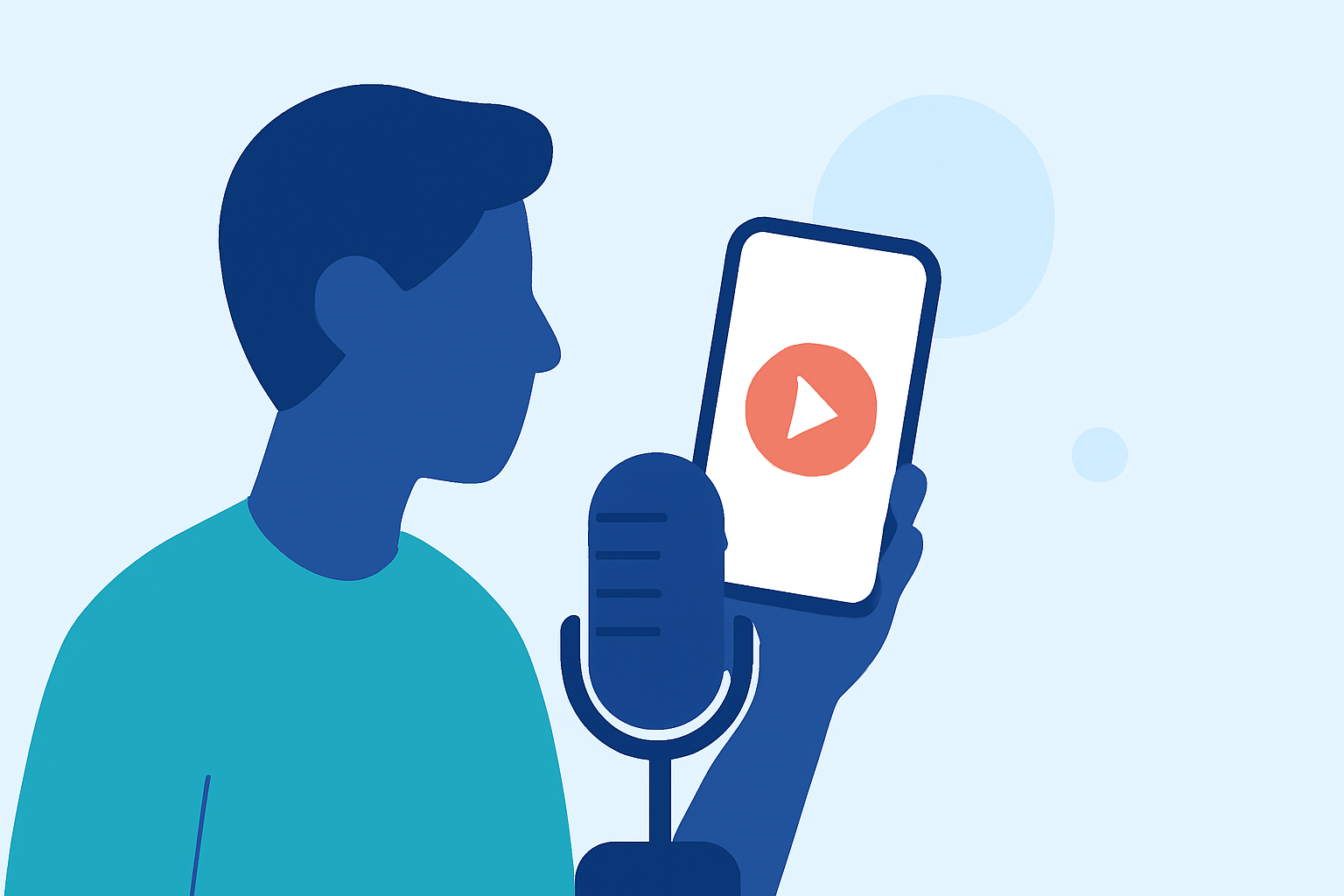
Creating engaging travel vlogs often involves capturing compelling footage and narrating your experiences. Editing your voiceover on the go, without a computer, can enhance your workflow and productivity. Here's a guide to help you edit your travel vlog voiceovers directly from your mobile device.
1. Why Edit Voiceovers on Mobile?
Editing on mobile devices offers flexibility, allowing you to work from anywhere without the need for a computer. This is particularly beneficial for travelers who want to produce content during their journeys.
2. What Are the Key Features Needed?
When selecting a mobile app for voiceover editing, consider the following features:
- Audio Recording and Editing: Ability to record and edit high-quality audio directly within the app.
- Noise Reduction: Tools to minimize background noise for clear audio.
- Multi-Track Support: Option to layer multiple audio tracks for complex edits.
- Export Options: Ability to export audio in various formats compatible with video editing software.
3. How Does Planes Live Address These Needs?
Planes Live is a mobile application designed to streamline the process of recording and editing voiceovers for travel vlogs. Key features include:
- High-Quality Audio Recording: Capture clear and crisp audio directly from your mobile device.
- Integrated Editing Tools: Edit your recordings with precision, including trimming, splitting, and adjusting volume levels.
- Noise Reduction: Built-in tools to reduce background noise, ensuring professional-sounding audio.
- Multi-Track Support: Layer multiple audio tracks for complex edits, allowing for background music and sound effects integration.
- Seamless Export: Export your final audio in formats compatible with popular video editing software, facilitating easy integration into your travel vlog projects.
4. How to Use Planes Live for Voiceover Editing?
- Recording: Open the app and use the recording feature to capture your voiceover.
- Editing: Utilize the editing tools to refine your recording, removing unwanted sections and adjusting audio levels.
- Enhancing: Apply noise reduction and other effects to improve audio quality.
- Exporting: Once satisfied, export the audio file in your desired format for integration into your video editing software.
5. What Are the Benefits of Using Planes Live?
- Portability: Edit your voiceovers anywhere, without the need for a computer.
- Efficiency: Streamline your workflow by handling recording and editing within a single app.
- Quality: Achieve professional-sounding audio that enhances the overall quality of your travel vlogs.
6. Are There Alternatives to Planes Live?
While there are other mobile apps available for voiceover editing, Planes Live stands out due to its comprehensive feature set tailored specifically for travel vloggers. Its user-friendly interface and seamless integration with video editing software make it a top choice for content creators.
7. How Do I Get Started with Planes Live?
- Download the App: Available for iOS and Android devices.
- Explore Tutorials: Access in-app tutorials to familiarize yourself with the features.
- Start Recording: Begin recording your voiceovers and experiment with the editing tools to create high-quality audio for your travel vlogs.
By utilizing Planes Live, you can efficiently edit your travel vlog voiceovers directly from your mobile device, enhancing your content creation process and producing professional-quality audio for your audience.