22 June 2026
Travel Vlog Voiceover Editing Checklist: Enhance Your Narration
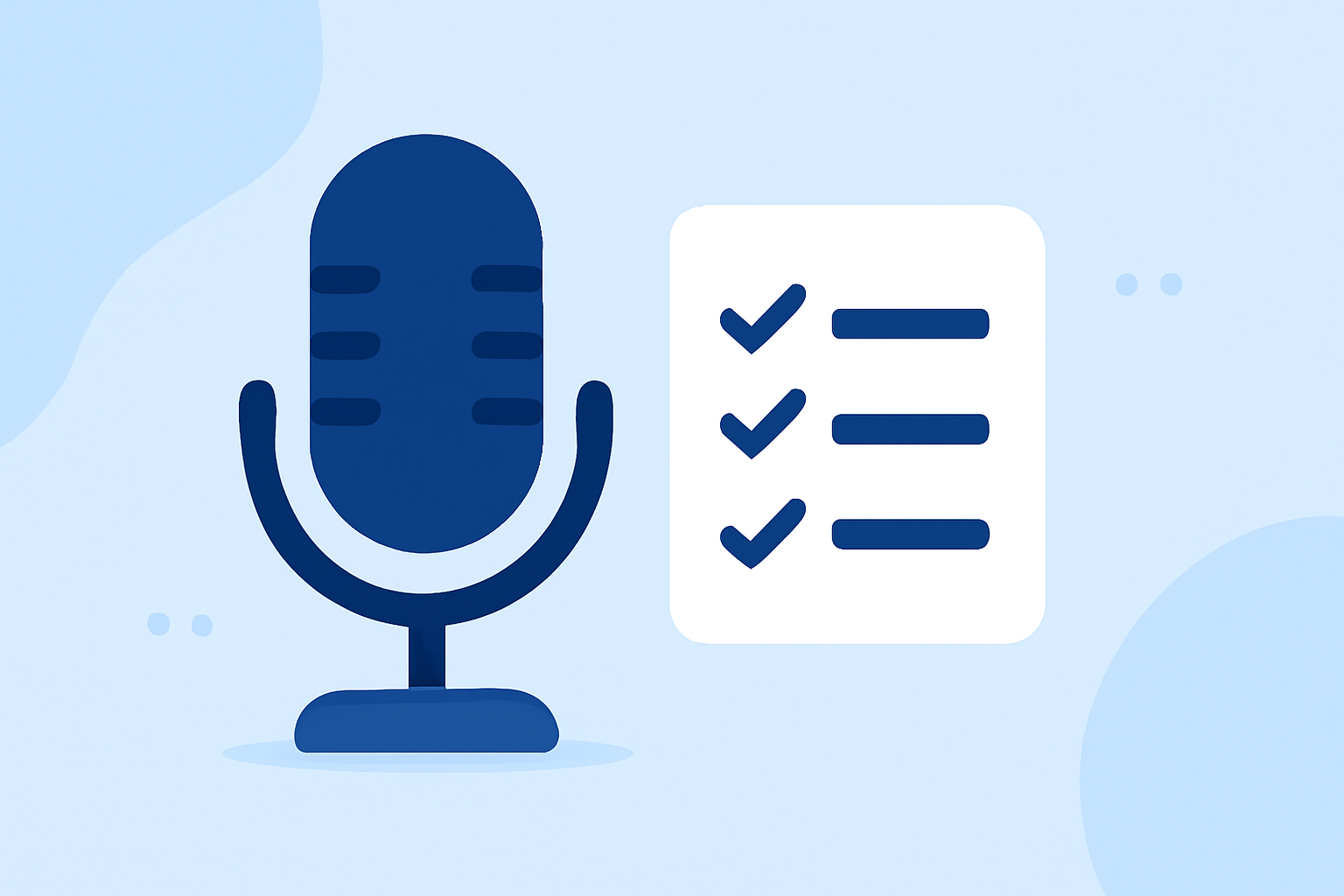
Creating a compelling travel vlog involves more than just capturing stunning visuals; the voiceover plays a pivotal role in conveying your story and connecting with your audience. A well-crafted voiceover can transform your footage into an immersive experience. Here's a comprehensive checklist to guide you through the process of editing voiceovers for your travel vlogs.
1. Plan Your Voiceover Content
-
Define Your Narrative: Decide on the story you want to tell. Are you sharing a personal journey, providing travel tips, or showcasing a destination's highlights?
-
Create a Script: Outline your key points and structure your narration to ensure a coherent flow. This will serve as a roadmap during recording and editing.
2. Record High-Quality Audio
-
Choose the Right Environment: Select a quiet space to minimize background noise.
-
Use Quality Equipment: Invest in a good microphone to ensure clear and crisp audio.
-
Maintain Consistent Levels: Monitor your audio levels to avoid distortion or low volume. Aim for peaks around -12 dB.
3. Edit Your Voiceover
-
Remove Unwanted Noise: Use audio editing software to eliminate background sounds and hums.
-
Adjust Pacing and Timing: Ensure your narration matches the visuals. Adjust the speed of your speech to maintain viewer engagement.
-
Enhance Audio Quality: Apply equalization to balance frequencies and compression to even out volume levels.
4. Integrate Voiceover with Visuals
-
Sync with Footage: Align your narration with the corresponding video clips to create a seamless viewing experience.
-
Use B-Roll Effectively: Overlay relevant B-roll footage to support and enhance your narration.
-
Maintain Audio Levels: Ensure your voiceover is prominent without overpowering background music or ambient sounds.
5. Finalize and Export
-
Review and Revise: Listen to your edited voiceover multiple times to catch any inconsistencies or errors.
-
Export in High Quality: Choose the appropriate file format and settings for your intended platform to preserve audio clarity.
What We Recommend
-
Utilize AI Voiceover Tools: For those seeking efficiency, AI-powered voiceover tools can generate narration in minutes, offering a range of voices and accents to match your vlog's theme.
-
Invest in Quality Equipment: A good microphone and soundproofing can significantly enhance your audio quality, making your voiceover more professional.
-
Practice Your Delivery: Even with the best equipment, a natural and engaging delivery is crucial. Practice your script to deliver it confidently and clearly.
By following this checklist, you can create a polished and engaging voiceover that complements your travel footage, providing your audience with an immersive and enjoyable viewing experience.