22 June 2026
Travel Vlog Voiceover Editing: The Easy Way
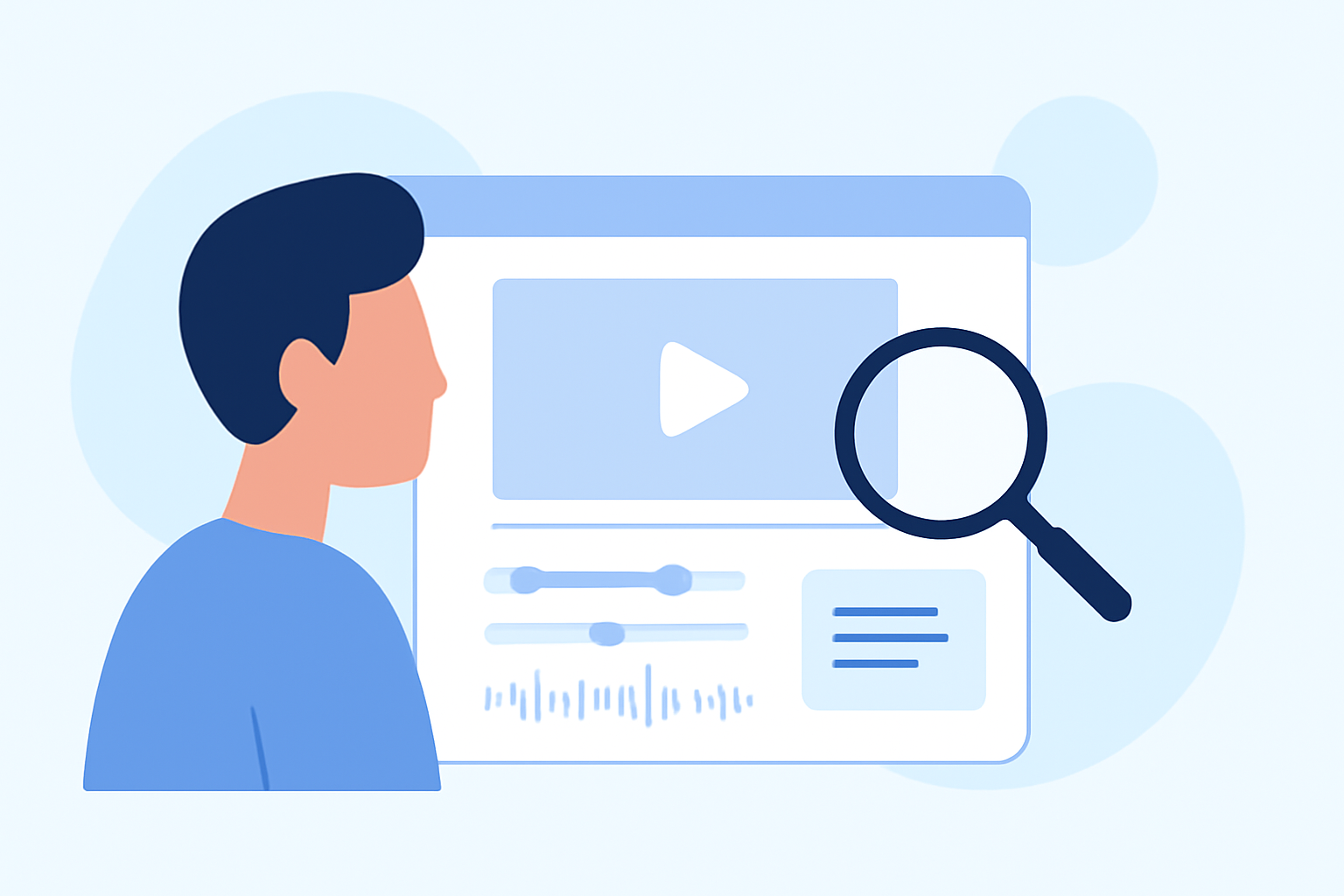
Creating captivating travel vlogs involves more than just stunning visuals; a compelling voiceover can significantly enhance your storytelling. At Splice, we understand the importance of seamless editing, which is why we've designed our platform to make adding voiceovers both straightforward and effective.
Why Add a Voiceover to Your Travel Vlog?
Incorporating a voiceover allows you to provide context, share personal insights, and guide your audience through your journey. It transforms raw footage into a cohesive narrative, making your vlog more engaging and informative.
How to Add a Voiceover Using Splice
-
Import Your Footage: Open Splice and upload your video clips.
-
Select the Voiceover Tool: Navigate to the audio section and choose the voiceover option.
-
Record Your Narration: Use Splice's built-in recorder to capture your voice directly within the app. Ensure you're in a quiet environment to achieve clear audio.
-
Sync with Video: Position your voiceover track on the timeline to align with the corresponding visuals.
-
Adjust Audio Levels: Balance the voiceover with background music and ambient sounds to maintain clarity.
-
Export Your Video: Once satisfied, export your edited vlog in your desired resolution.
Tips for Effective Voiceover Narration
-
Plan Your Script: Outline key points you want to cover to ensure a smooth flow.
-
Maintain a Natural Tone: Speak as if you're sharing your experiences with a friend to keep it authentic.
-
Use Quality Equipment: While Splice's built-in recorder is convenient, using an external microphone can enhance audio quality.
-
Edit for Clarity: Remove any unnecessary pauses or filler words to keep the narration concise.
Enhancing Your Vlog with Additional Features
Beyond voiceovers, Splice offers a suite of tools to elevate your travel vlogs:
-
Music Integration: Add royalty-free music from Splice's library to complement your visuals.
-
Text Overlays: Insert captions or titles to highlight key information or locations.
-
Transitions and Effects: Utilize various transitions and effects to create a dynamic viewing experience.
What We Recommend
-
Start with Splice: Its user-friendly interface and comprehensive features make it ideal for both beginners and seasoned vloggers.
-
Plan Your Content: A well-structured vlog with a clear narrative will resonate more with viewers.
-
Engage Your Audience: Share personal anecdotes and insights to create a connection with your viewers.
By leveraging Splice's intuitive tools and following these tips, you can effortlessly add engaging voiceovers to your travel vlogs, creating content that captivates and informs your audience.