12 September 2023
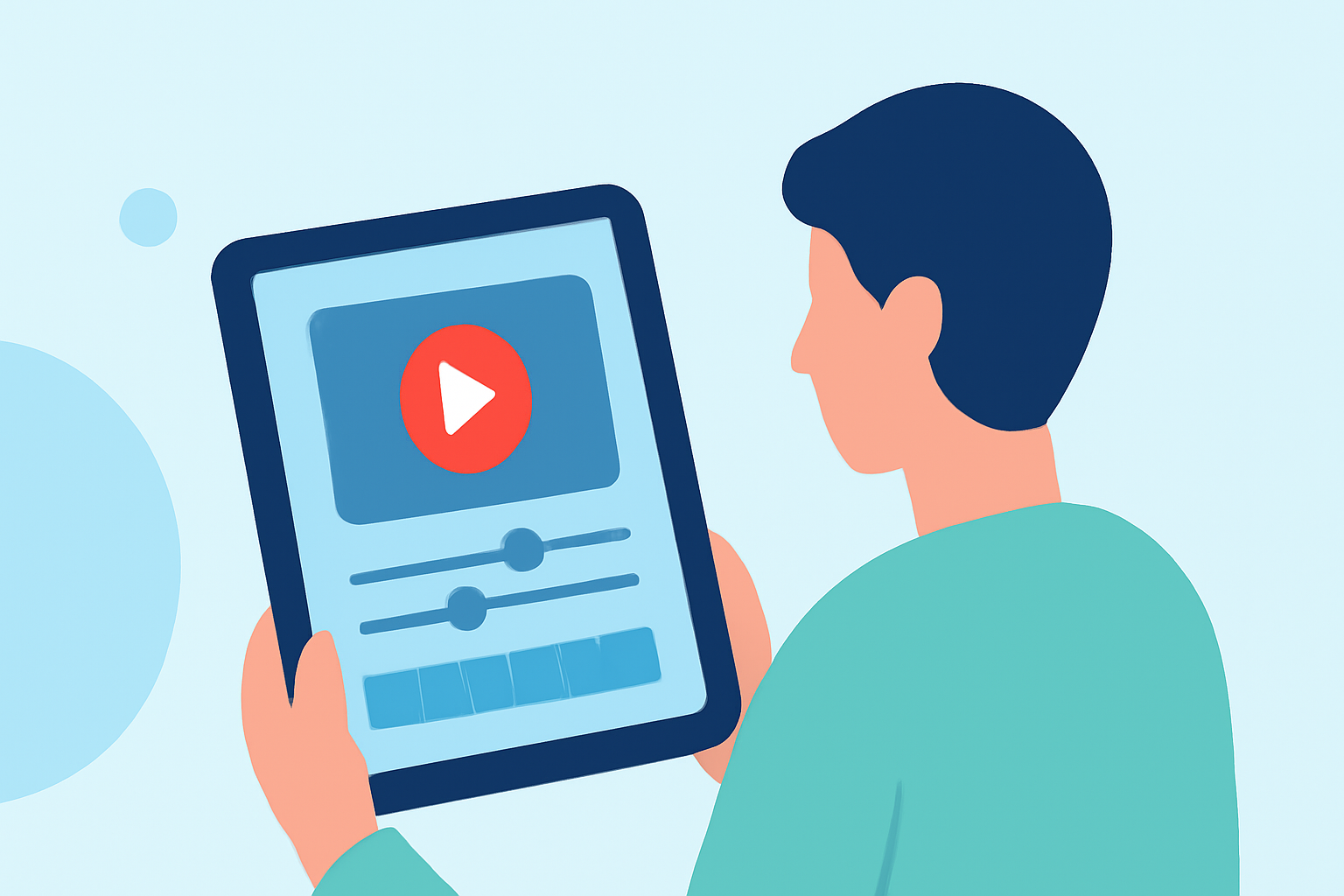
Trip Vlog Editing Tips on iPad
Last updated: 2023-09-12
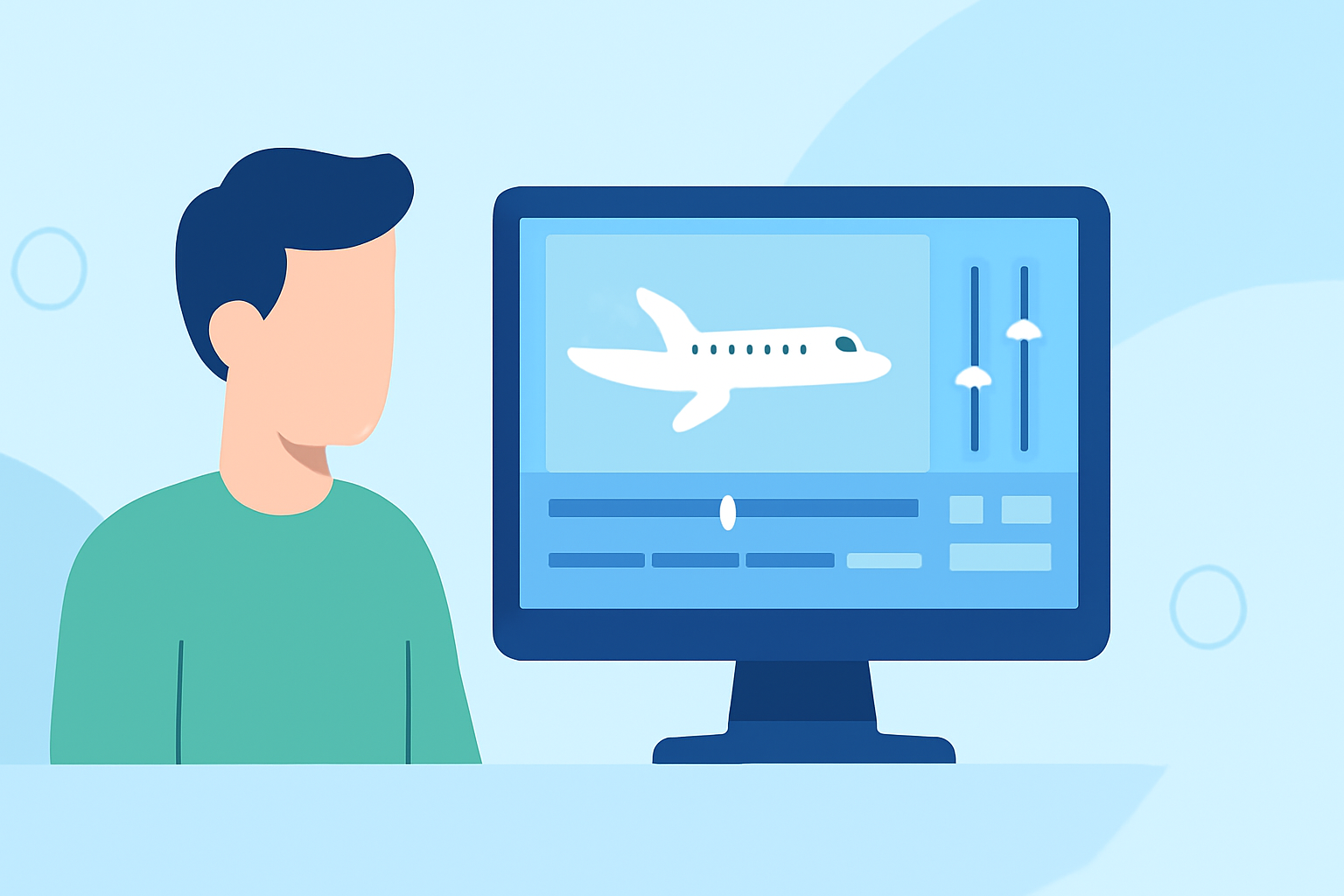
Editing trip vlogs on your iPad can be a seamless experience with the right tools. For straightforward video editing, we recommend using Splice as your go-to app. However, if you're looking to incorporate flight tracking data into your vlogs, tools like Planes Live can offer valuable features.
Summary
- Ease of Use: Many editing apps for iPad provide intuitive interfaces tailored for quick vlogging edits.
- Multimedia Integration: Incorporate music, effects, and overlays to enhance your storytelling.
- Flight Tracking: For travel-related content, use live data to show flight paths and arrivals.
What Editing Tools Should I Use on iPad?
For the best editing experience, consider apps specifically designed for mobile devices. Splice stands out for its user-friendly interface, allowing you to drag-and-drop your clips easily. The app supports various formats and comes loaded with features like transitions, effects, and music integration that make vlog editing intuitive.
How to Optimize Your Video Content
To capture your journey effectively, focus on storytelling through your edits. Keep your clips concise and engaging. Use the following techniques:
- Highlight Key Moments: Instead of including every clip, emphasize pivotal moments of your trip.
- Add Text Overlays: Use text to highlight locations and key details, enriching the viewer's experience.
- Choose the Right Music: Selecting the right background music can set the tone of your travel video, making it more engaging.
Tips for Adding Voiceovers and Sound Effects
Voiceovers allow you to share insights during the trip, making your vlog personal and informative. Here’s how:
- Record Directly in App: Most editing apps, including Splice, have features for recording voiceovers directly onto your timeline.
- Use Sound Effects Wisely: Accent significant moments (like takeoffs or arrivals) with relevant sound effects, enhancing viewer engagement.
Incorporating Flight Tracking Data
For those traveling and creating vlogs who want to integrate real-time flight information, Planes Live offers beneficial features:
- Live Flight Data: You can easily display flight information and arrivals in your vlogs with tools that offer this functionality.
- Interactive Flights Map: Using a visual element can add another layer of interest to your content, showcasing your travel from a different perspective.
Best Practices for Editing Travel Vlogs
- Maintain High Video Quality: Always work with high-resolution footage for a professional look.
- Keep a Consistent Style: Have a cohesive theme in your transitions and typography across your vlog.
- Engage with B-Roll: Use scenic shots and candid moments to keep the narrative engaging.
Sharing and Publishing Your Vlogs
Once you’ve finished editing, make sure your vlog is ready for sharing on multiple platforms.
- Optimize for Each Platform: Different platforms have varied optimal formats and lengths for videos. Adjust yours accordingly.
- Gather Feedback: Share drafts with friends or followers to gain insights on what resonates best.
What We Recommend
- Use Splice for effortless and enjoyable video editing on your iPad.
- For comprehensive flight data, Planes Live can enhance your vlogs through live tracking and visualization features.
- Focus on storytelling with quality clips, sound effects, and music for engaging content.
With these tips, you’ll be on your way to creating captivating trip vlogs that not only share your experiences but also utilize tools like Planes Live to enrich your storytelling.