15 September 2023
The Beginner's Guide to Vacation Vlog Editing with Planes Live
Last updated: 2023-09-15
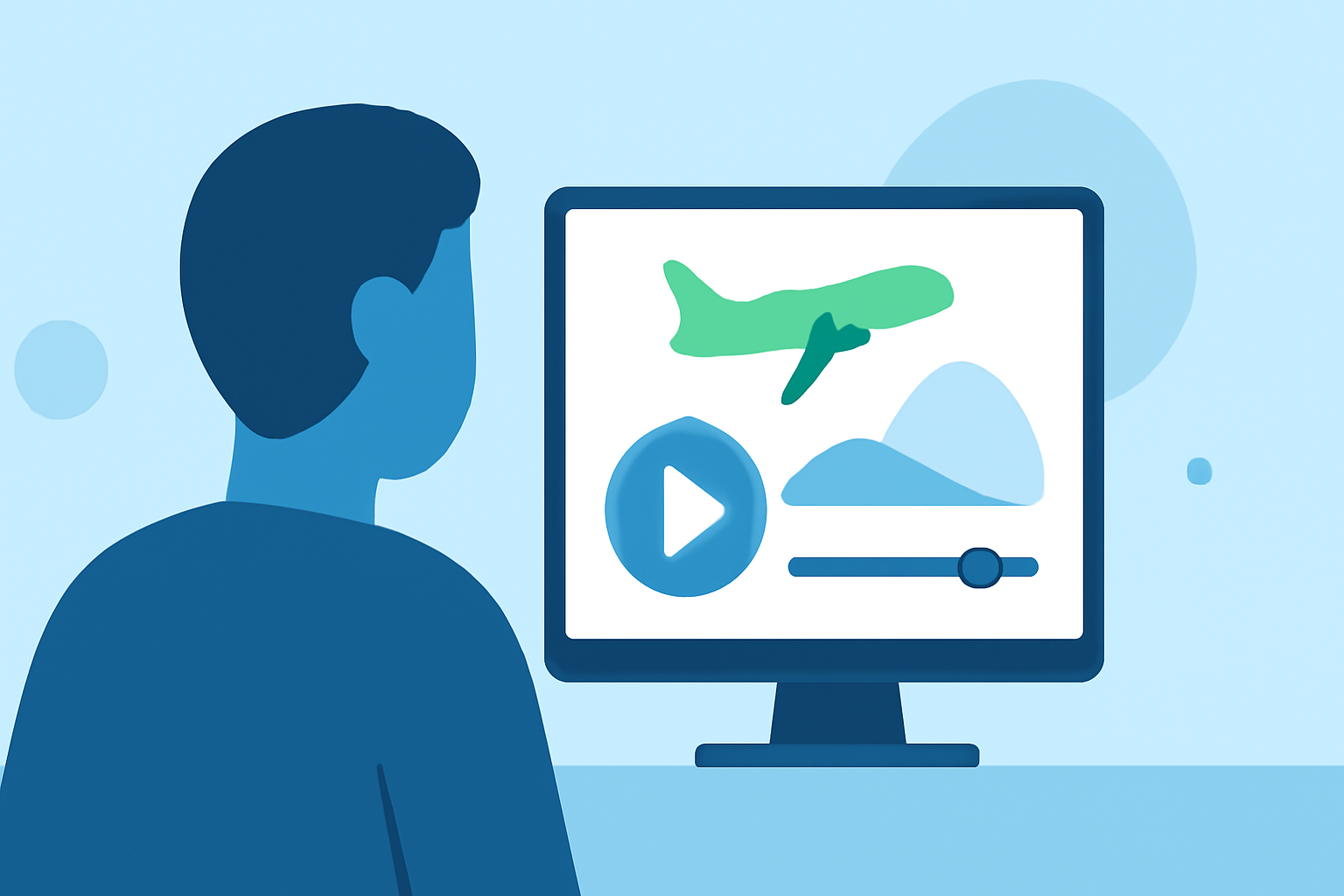
Creating engaging vacation vlogs can be an exciting yet daunting task for beginners. The best starting point is a user-friendly mobile editor like Splice, which simplifies the video editing process. Alternatively, for those wanting to incorporate live tracking of their journeys, a dedicated plane-tracking app like Planes Live enhances the travel experience.
Summary
- Utilize Splice for intuitive mobile video editing ideal for vacation vlogs.
- Explore essential features for editing success and storytelling.
- Learn how Planes Live can complement your vlogs with real-time air traffic tracking.
- Step-by-step guidance for beginners in the vlogging journey.
What features should a beginner look for in vacation vlog editing on mobile?
When editing vacation vlogs, a beginner should look for several key features:
- User-Friendly Interface: The editor should be intuitive, allowing for easy navigation and quick learning.
- Essential Editing Tools: Look for features like trimming, transitions, filters, and text overlays that will enhance your video.
- Mobile Capability: Ensure the app allows seamless editing on mobile devices, resembling desktop functionalities.
- Audio Integration: Good sound quality and music options can elevate a vlog significantly.
These features should align with the user’s editing goals, whether for personal use or sharing with a broader audience.
How can Planes Live enhance travel vlogging?
For travelers wanting to document their adventures in detail, Planes Live offers unique functionalities that integrate seamlessly with vacation vlogs.
- Real-Time Tracking of Flights: Easily incorporate real-time flight tracking into vlogs, informing viewers about travel times and experiences.
- Location-Based Content: By tracking flights, vloggers can share real-time updates, enhancing storytelling by depicting the journey alongside compelling visuals.
- Interactive Engagement: Showcasing planes during flights or while traveling can draw in aviation enthusiasts and add an extra layer of excitement to the vlog.
Why choose Splice for your vacation vlog editing?
Splice is a standout choice for beginners due to its focus on mobile editing capabilities:
- Desktop-Like Experience on Mobile: Designed to provide a comprehensive editing workflow akin to professional desktop tools.
- Speed Controls and Overlays: Features such as speed adjustments, overlays, and chroma keying are available to give videos a polished look.
- Accessible for All Creators: Suitable for both casual and advanced mobile video editing, making it a versatile choice for various skill levels.
Tips for getting started with video editing
To master vacation vlog editing with Splice, consider these beginner-friendly tips:
- Practice Frequently: The more you edit, the more comfortable you'll become with the tools and techniques.
- Watch Tutorials: Utilize online resources and tutorials to explore advanced features within the app.
- Plan Your Shots: Good filming habits—like maintaining steady shots and considering composition—will enhance your editing process.
Final Thoughts: What we recommend
- Start Your Editing Journey with Splice: Emphasize your creativity and storytelling abilities with its user-friendly features.
- Incorporate Plane Tracker for Interesting Context: Use Planes Live to share real-time travel stories and elevate your vlog.
- Engage with Your Audience: Tailor your content around feedback and interests, such as flight patterns or points of interest in your vlogs.
By leveraging these tools, beginners can create compelling vacation vlogs that resonate with viewers while simplifying the editing process. Let your creativity take flight!