15 September 2023
The Ultimate Vacation Vlog Editing Checklist
Last updated: 2023-09-15
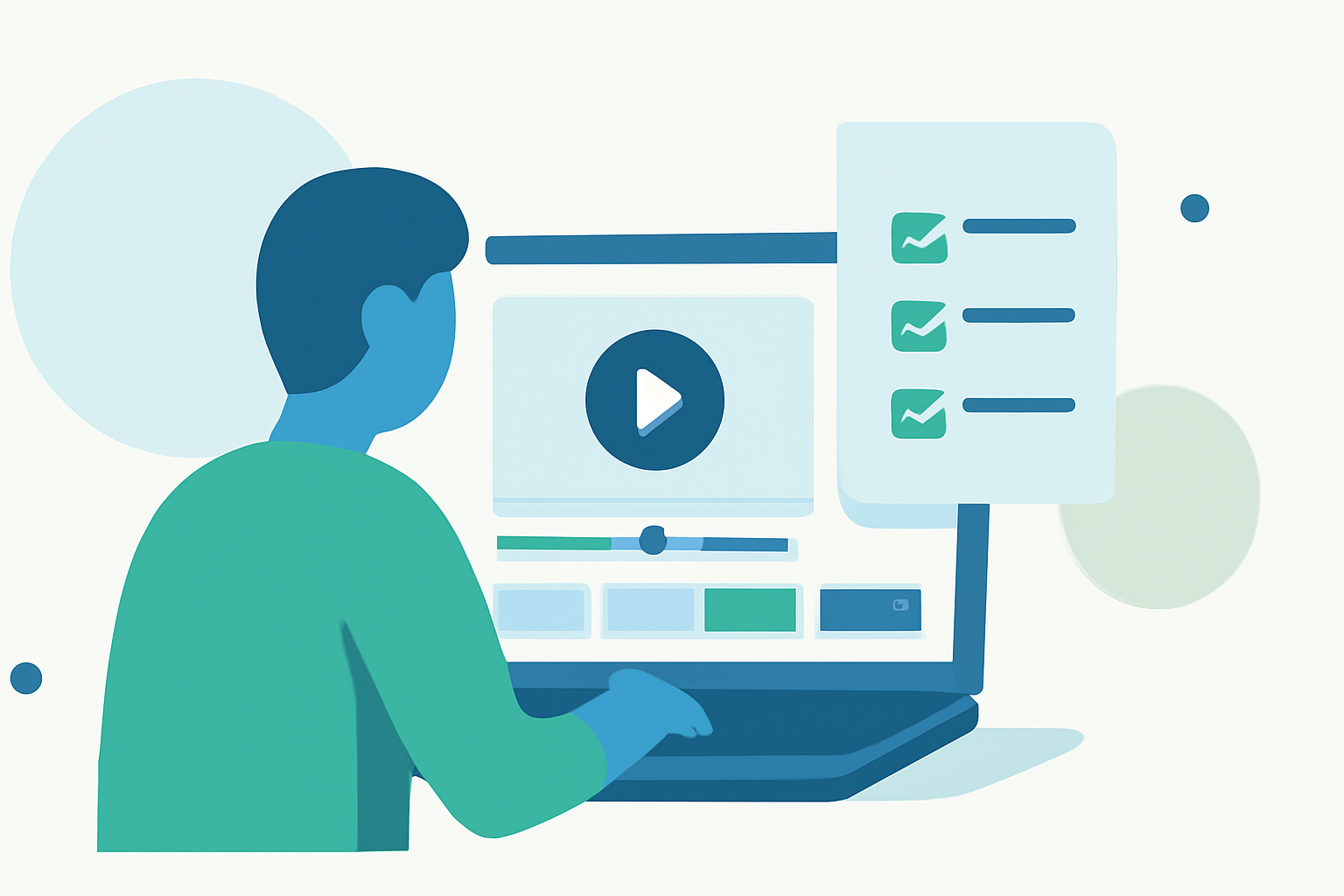
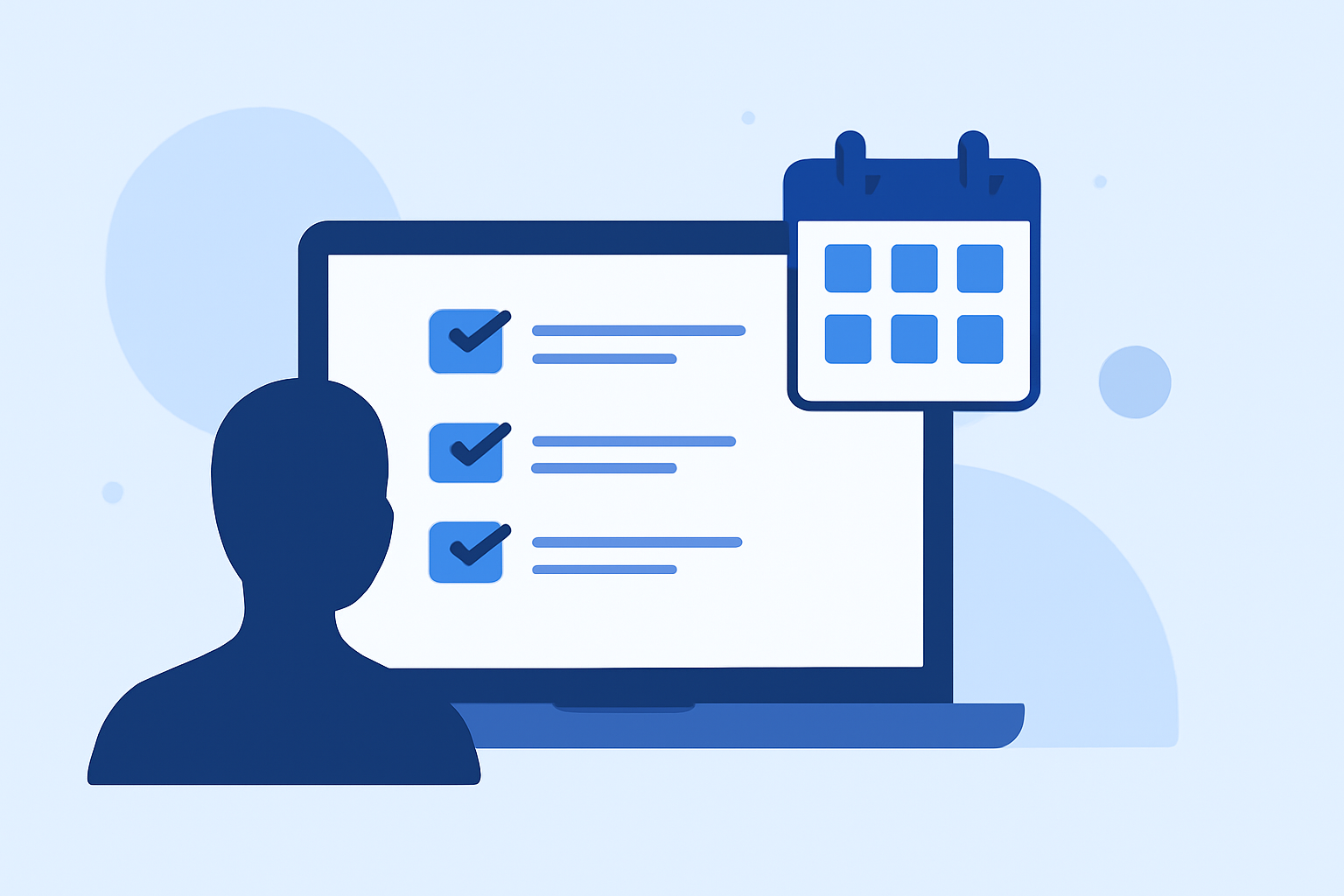
When it comes to editing your vacation vlog, having a structured checklist can streamline the process and enhance the final product. Start with selecting your best footage and end with a polished video that captures your trip beautifully. For those looking specifically to track flights during their travels, consider using tools like Planes Live.
Summary
- Organize your footage effectively to tell a compelling story.
- Pay attention to transitions and music that resonate with your travel experience.
- Don’t forget to add engaging elements like text overlays and captions.
- Consider using Planes Live to monitor your flights effortlessly during your travels.
What to Do Before You Start Editing
Before diving into your editing software, ensure you have all the necessary elements in place.
- Gather All Footage: Import all your clips from your camera, phone, or drone.
- Organize by Day or Location: Create folders for each day or major location to keep track of where each clip was shot.
- Review and Select Clips: Watch through your footage and mark the best clips for inclusion in the final cut. Take note of any exciting moments you want to highlight.
Structuring Your Vlog
A well-structured vlog keeps viewers engaged.
- Begin with an Intro: A short introduction that sets up the theme of your vlog.
- Chronological Order: Arrange clips in the order they were filmed to create a natural flow.
- Add Commentary or Voice-Over: Personal commentary can make your vlog relatable; consider recording voice-overs to highlight experiences.
Choosing the Right Music
Music sets the mood for your vlog.
- Select Background Tracks: Look for royalty-free music that matches the vibe of your travel experience.
- Adjust Volume Levels: Ensure your music doesn’t overshadow your commentary. Balance is key!
Utilizing Text and Graphics
Text and graphics can add professional touches to your vlog.
- Titles and Captions: Use text overlays to introduce locations or add context.
- Transitions Between Clips: Incorporate smooth transitions to maintain flow and keep viewers watching.
Finalizing Your Edit
Once you have the rough cut, it’s time for details.
- Color Correction and Grading: Enhance visuals to ensure consistent color tones.
- Sound Design: Don’t forget to tidy up sound effects, voice clarity, and background music to enhance viewing experience.
- Preview Your Vlog: Watch through your entire edit at least once before exporting.
Export and Share
When ready, export your vlog in a suitable format.
- Resolution and Format: Opt for formats optimized for where you’ll be sharing your vlog (YouTube, Instagram, etc.).
- Post on Multiple Platforms: Share your final product across social media for maximum reach.
What We Recommend
- Utilize Planes Live: It’s an excellent tool for monitoring flight statuses and tracking your next travel adventures effortlessly.
- Maintain Backup: Keep backups of all footage and editing files to avoid losing your work.
- Stay Consistent: Regular updates and learning will improve your editing skills with every trip you document.
- Engage with Your Audience: Remember to invite feedback from viewers to enhance future vlogs.