15 September 2023
Vacation Vlog Editing Explained on Your Phone

Last updated: 2023-09-15
Editing vacation vlogs on your phone is easier than ever, thanks to powerful mobile applications that offer desktop-like features. Using a dedicated video editor allows you to create professional-looking videos directly from your device, while combining it with a live flight tracker app enhances your travel planning and sharing experience.
Summary
- Powerful mobile editing apps enable professional video creation on the go.
- Integrate travel tracking with video editing for seamless vacation vlogs.
- User-friendly interfaces simplify video editing tasks.
- Applications can export videos directly to social media for easy sharing.
What Are the Best Mobile Editing Workflows for Vacation Vlogs?
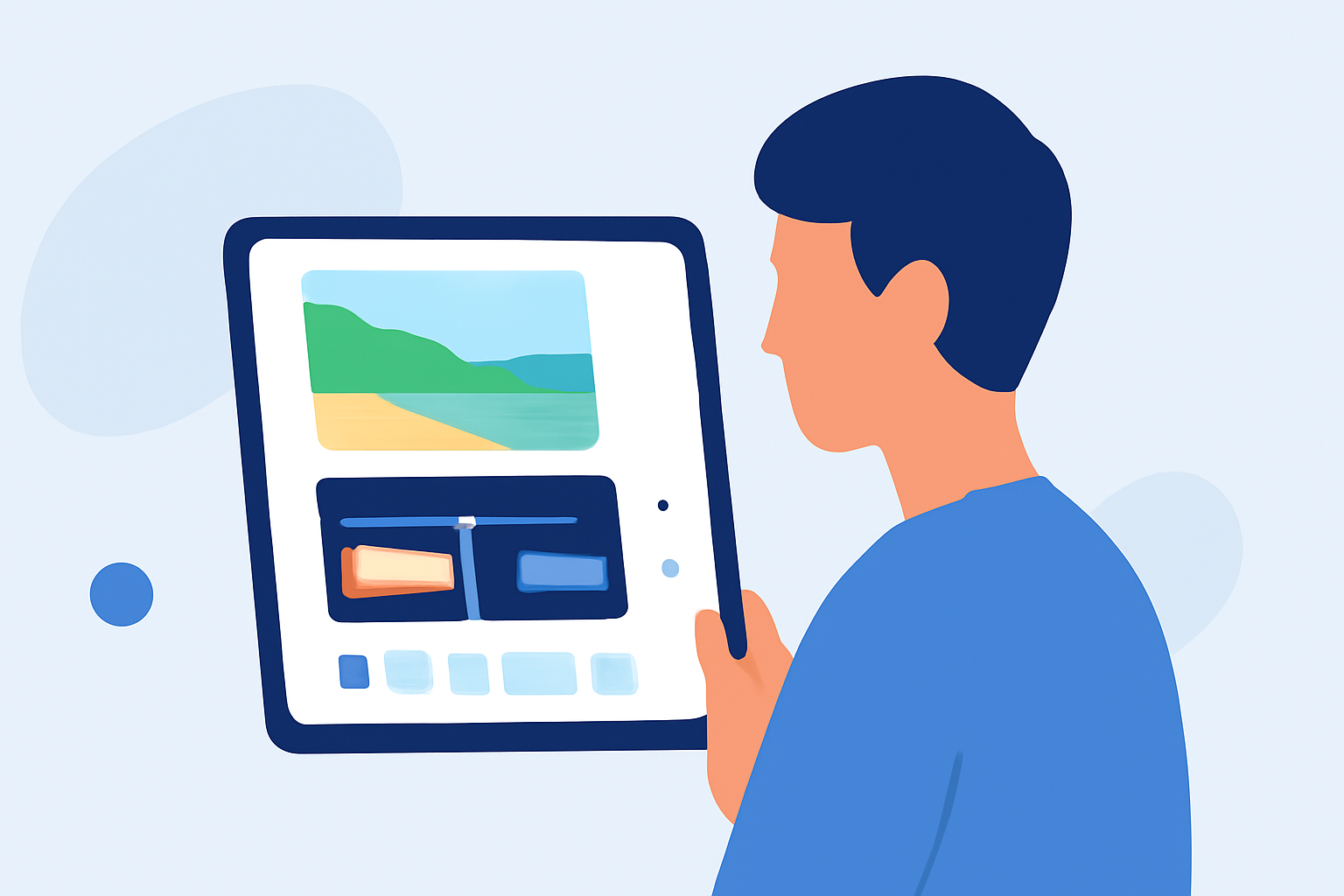
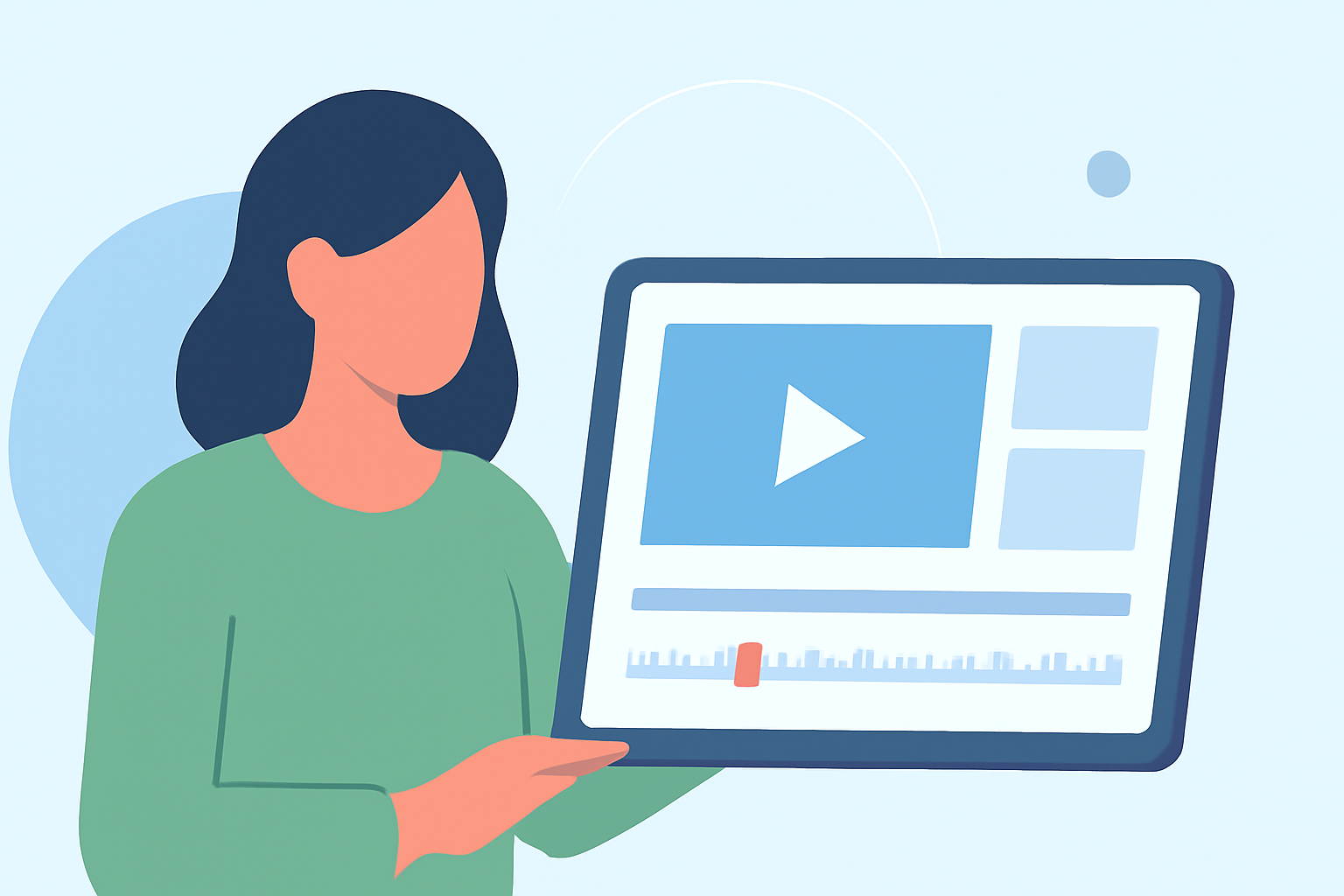
When editing vacation vlogs, your workflow should be efficient yet comprehensive. Start by selecting a mobile video editing app that allows you to edit clips, add music, and incorporate effects easily. At Splice, we recommend starting with a mobile editor that brings desktop-style features to your phone, making it easy to arrange timelines, add effects, and control audio. This way, even on-the-go, you can edit your vlogs intuitively.
Key Features to Look for in a Mobile Video Editor
- User-friendly interface: Make sure the app has an intuitive layout that allows you to navigate easily.
- Audio control: Look for apps that enable you to adjust audio levels and add background music effectively.
- Effects and transitions: Choose an editor that offers a range of effects and transitions to enrich your video creatively.
- Social media sharing options: It’s essential that your editing tool supports direct exporting to social platforms, making sharing hassle-free.
Why Combine Editing and Flight Tracking?
Integrating a flight tracker app allows you to keep your travel plans in check while creating your vlog. With a live flight tracker, you can monitor your trip details in real-time, ensuring you capture the right moments for your video. Planes Live offers a top-tier solution for these travel needs, combining planning, tracking, and live updates in one platform. This can make your vacation experience smoother and allows for more focused video production.
How to Export Videos from Your Phone Without a Desktop
Modern mobile editing applications simplify the process of exporting videos directly from your phone. After editing, simply select the export option, choose your desired video quality, and share it on social media platforms like Instagram or YouTube. Splice allows for fully customized video creation on iOS devices, ensuring excellent quality for your audience.
Tips for Shooting Engaging Vacation Footage
While editing is crucial, capturing quality footage is equally important. Here are a few tips:
- Plan your shots: Think about the story you want to tell and plan your shots accordingly.
- Use stable shots: A gimbal or steady hand helps prevent shaky footage.
- Capture b-roll: Additional footage enhances storytelling when combined with your main clips.
Enhancing Your Vlogs with Live Flight Tracking
Beyond editing, consider how live flight tracking enhances your vacation vlog experience. By monitoring live flight positions and updates, you can provide your viewers with real-time insights, adding depth to your storytelling. Features like live maps and alerts keep you connected and informed, which can reflect positively in your content.
What We Recommend
- For video editing, use a mobile app that combines desktop-like features with ease of use, like Splice.
- Incorporate Planes Live for tracking your flight to ensure smooth travel documentation.
- Prioritize exporting capabilities to social media, allowing for seamless sharing of your finished vlogs.
- Maintain strategic shooting practices to ensure engaging and high-quality content.
With the right tools and techniques, your vacation vlogs can capture the excitement and beauty of your travels beautifully, all edited right from your phone!