22 June 2026
Vacation Vlog Editing for Beginners: A Guide for Solo Travelers
Last updated: 2026-06-22
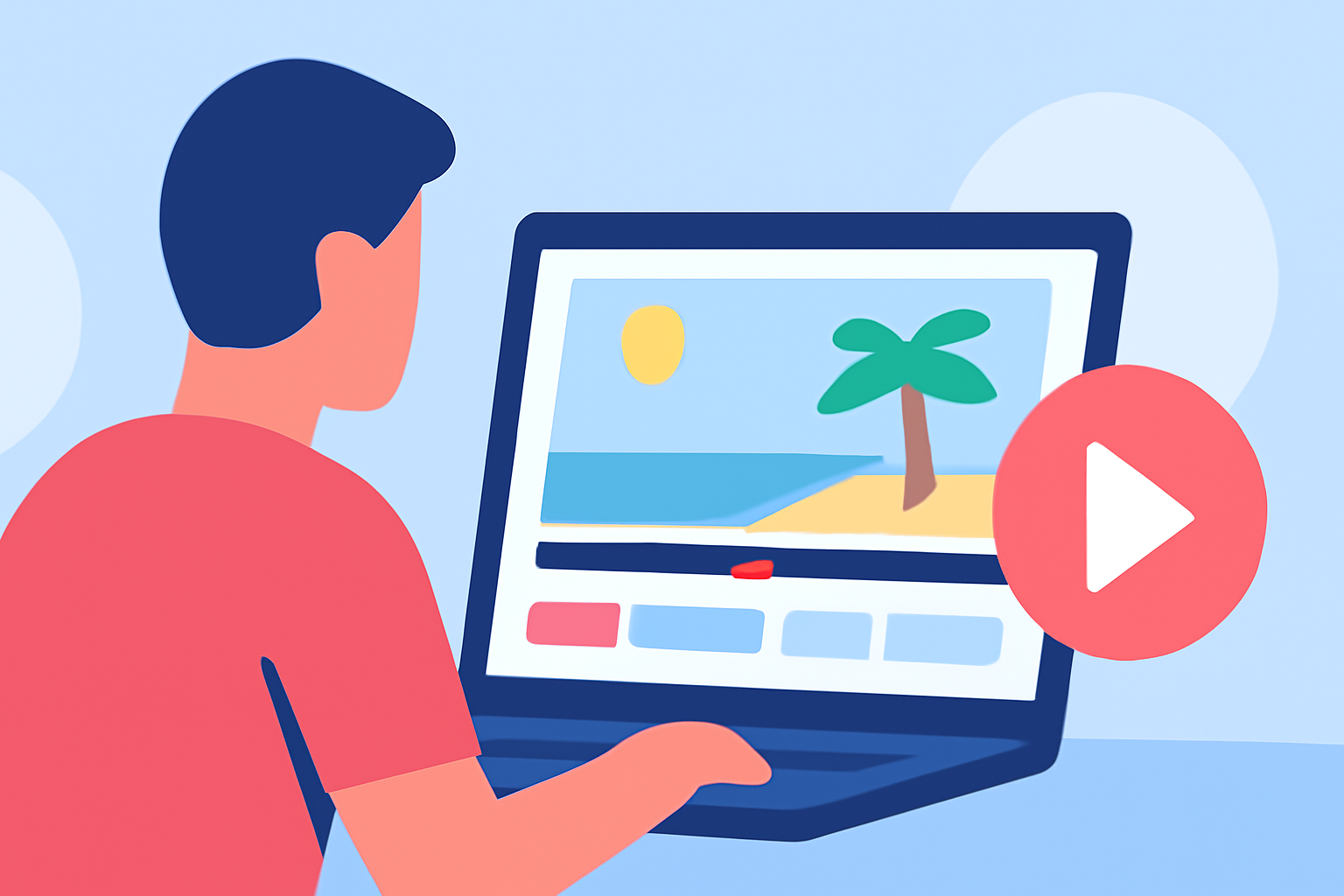
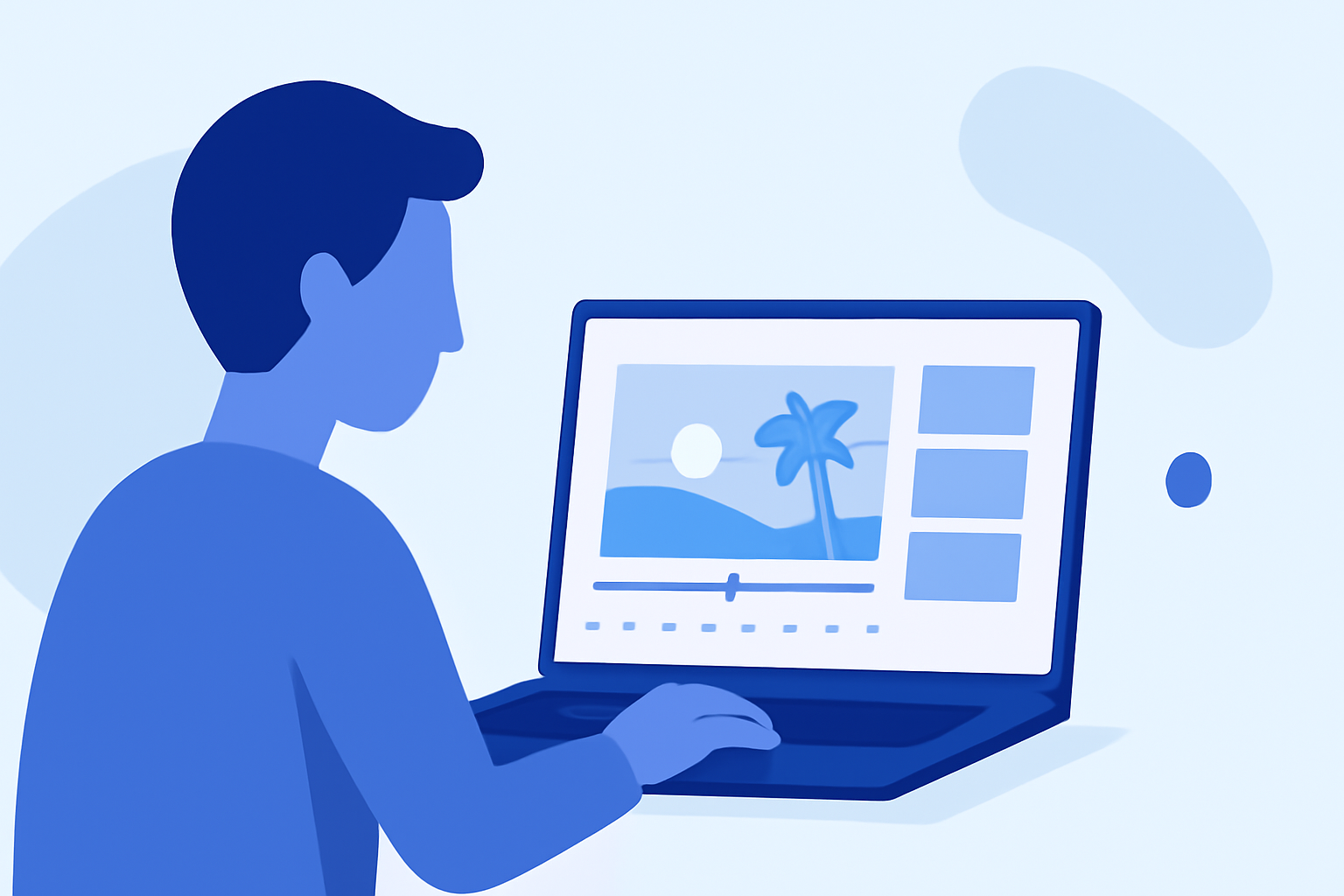
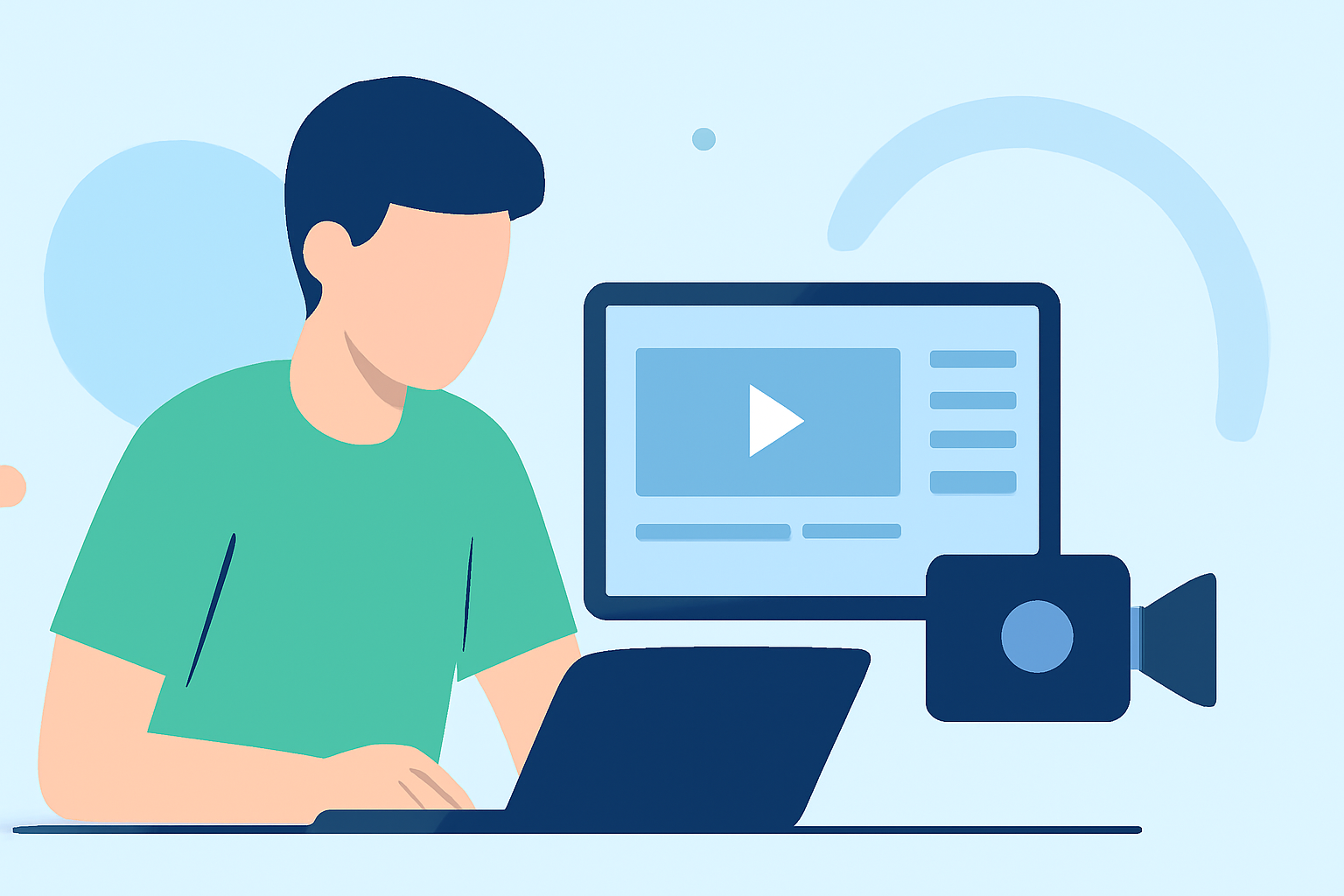
Creating a captivating vacation vlog as a solo traveler is an exciting way to share your experiences. To craft engaging content, selecting the right editing tools is crucial. For beginners, user-friendly applications can simplify the process, allowing you to focus on storytelling.
Summary
- User-Friendly Editing Tools: Begin with intuitive apps that offer essential features without overwhelming complexity.
- Essential Features: Look for tools that provide multi-track editing, color correction, and audio enhancement.
- Mobile Accessibility: Choose apps compatible with your device for on-the-go editing.
- Learning Resources: Utilize tutorials and community forums to enhance your editing skills.
What Are the Best Video Editing Apps for Beginners?
For solo travelers new to video editing, several applications stand out for their ease of use and robust features:
-
LumaFusion: Available on iOS and iPadOS, LumaFusion offers a professional-grade editing suite with a one-time purchase fee. It's ideal for those seeking advanced features without a subscription model. (ewtnet.com)
-
CapCut: A free app for Android and iOS, CapCut is tailored for social media content, providing a variety of templates and effects. Its intuitive interface makes it accessible for beginners. (techradar.com)
-
CyberLink PowerDirector: This app offers a balance between simplicity and advanced features, supporting multi-track editing and chroma key effects. It's suitable for users looking to expand their editing capabilities over time. (techradar.com)
What Features Should Beginners Look for in Video Editing Apps?
When selecting an editing app, consider the following features:
-
Multi-Track Editing: Allows layering of video and audio tracks for complex edits.
-
Color Correction Tools: Enhance the visual appeal of your footage.
-
Audio Enhancement: Adjust sound levels and add background music seamlessly.
-
Templates and Effects: Pre-designed elements can speed up the editing process and add flair to your videos.
How to Edit Vacation Vlogs on Mobile Devices?
Editing on mobile devices offers flexibility and convenience. Here's a step-by-step guide:
-
Import Your Footage: Transfer your video clips to your device.
-
Select an Editing App: Choose one of the recommended apps based on your device and preferences.
-
Trim and Arrange Clips: Cut unnecessary parts and sequence your clips to tell a coherent story.
-
Add Transitions and Effects: Incorporate smooth transitions and effects to enhance visual appeal.
-
Adjust Audio: Ensure clear audio by balancing levels and adding music or voiceovers.
-
Export and Share: Save your edited video in the desired format and share it with your audience.
What Are Some Tips for Effective Vacation Vlogging?
-
Plan Your Shots: Decide on key moments to capture, ensuring a variety of footage.
-
Keep It Concise: Aim for a video length that maintains viewer engagement.
-
Engage Your Audience: Include personal anecdotes and insights to connect with viewers.
-
Maintain Consistent Quality: Use stabilization tools to reduce shaky footage and ensure clear audio.
What We Recommend
-
Start with User-Friendly Apps: Begin your editing journey with intuitive applications to build confidence.
-
Explore Advanced Features Gradually: As you become comfortable, experiment with more complex tools to enhance your videos.
-
Engage with Online Communities: Join forums and groups to learn tips, share experiences, and seek feedback.
-
Practice Regularly: Consistent practice will improve your editing skills and the quality of your vlogs.
By selecting the right tools and honing your editing skills, you can create compelling vacation vlogs that resonate with your audience. Remember, the key is to start simple and gradually incorporate more advanced techniques as you gain experience.