22 June 2026
Vacation Vlog Editing Explained for Beginners
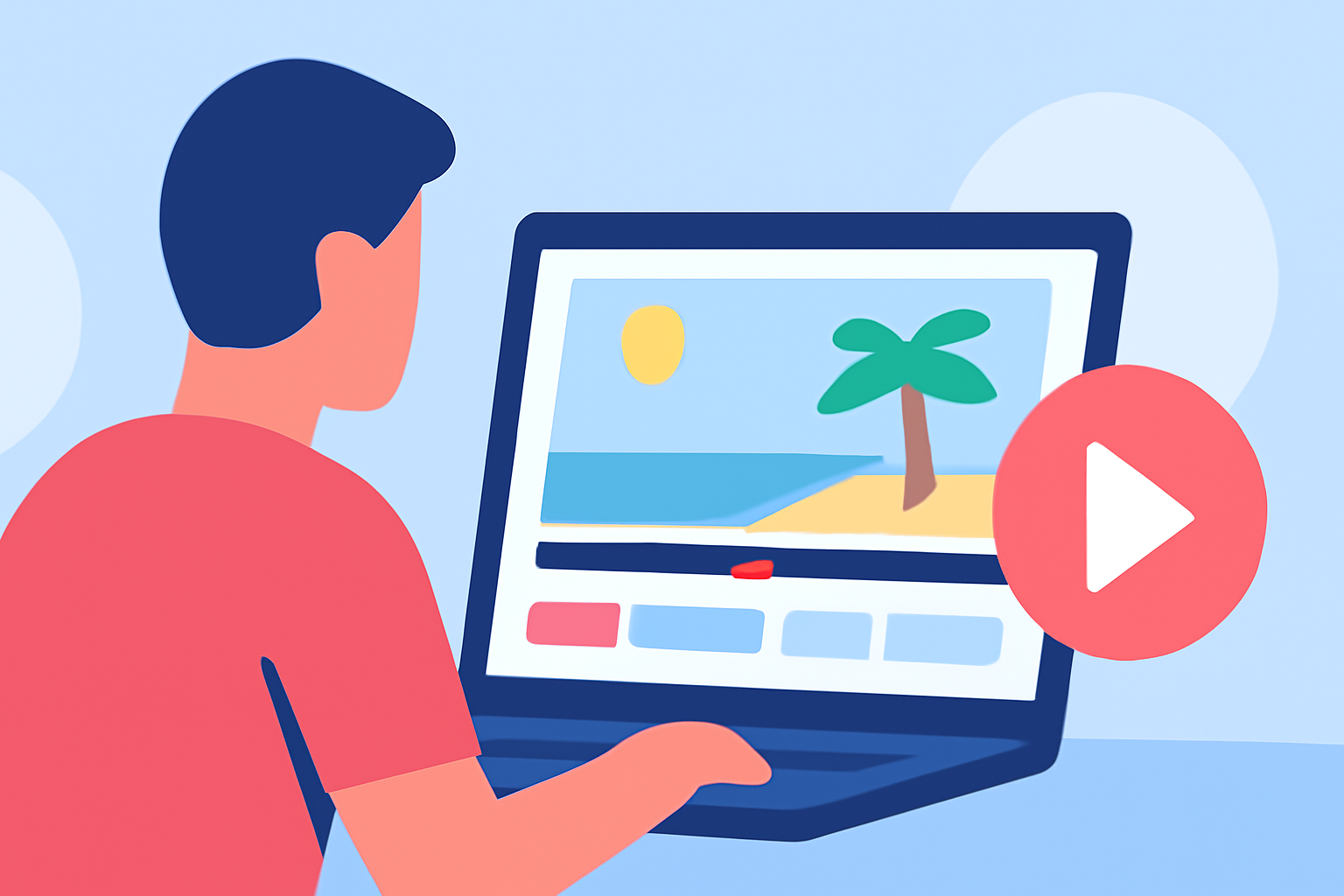
Creating engaging vacation vlogs allows you to share your travel experiences with friends, family, and a broader audience. Editing these vlogs effectively can transform raw footage into captivating stories. This guide provides step-by-step instructions to help beginners edit their vacation vlogs and introduces Planes Live as a valuable tool to streamline the process.
What Is a Vacation Vlog?
A vacation vlog is a video diary capturing your travel experiences, including destinations, activities, and personal reflections. These vlogs offer viewers an immersive glimpse into your journey, making them a popular format on platforms like YouTube, Instagram, and TikTok.
Essential Steps to Edit Your Vacation Vlog
-
Organize Your Footage
-
Sort Clips: Review your raw footage and categorize clips based on days, locations, or themes. This organization simplifies the editing process.
-
Backup Files: Before editing, ensure all footage is backed up to prevent data loss.
-
-
Choose the Right Editing Software
- Select a video editing tool that suits your skill level and offers the features you need.
-
Create a Rough Cut
-
Select Key Moments: Identify and arrange the most compelling clips to form the backbone of your vlog.
-
Trim Excess Footage: Remove unnecessary parts to maintain viewer engagement.
-
-
Enhance with Transitions and Effects
-
Smooth Transitions: Use transitions to seamlessly move between scenes.
-
Add Effects: Incorporate effects like slow motion or time-lapse to add visual interest.
-
-
Incorporate Music and Sound
-
Select Appropriate Music: Choose background music that complements the mood of your vlog.
-
Adjust Audio Levels: Ensure dialogue and music levels are balanced for clarity.
-
-
Add Titles and Captions
-
Informative Titles: Include titles to introduce locations or activities.
-
Subtitles: Add subtitles for dialogue to enhance accessibility.
-
-
Review and Export
-
Final Review: Watch your vlog multiple times to catch any errors.
-
Export Settings: Choose export settings that match your intended platform's requirements.
-
Introducing Planes Live: A Solution for Vacation Vlog Editing
For those seeking a user-friendly and efficient editing experience, Planes Live offers a comprehensive suite of tools tailored for vloggers. Its intuitive interface and robust features make it an excellent choice for beginners looking to enhance their vacation vlogs.
Frequently Asked Questions
-
What equipment do I need to shoot a vacation vlog?
A smartphone with a good camera, a stabilizer or tripod, and a microphone are sufficient for beginners.
-
How long should my vacation vlog be?
Aim for a duration of 2–5 minutes to keep the content engaging and concise.
-
Can I edit my vacation vlog on a smartphone?
Yes, there are mobile editing apps available that allow you to edit your vlog directly on your smartphone.
-
How can I add music to my vacation vlog?
Use royalty-free music or music you have the rights to, and ensure it complements the mood of your vlog.
-
Is it necessary to use a professional camera for vacation vlogging?
No, modern smartphones are capable of capturing high-quality footage suitable for vlogging.
By following these steps and utilizing tools like Planes Live, you can create engaging and professional-looking vacation vlogs that effectively share your travel experiences.