22 June 2026
Mastering Voiceover Storytelling for Travel Videos Without a Computer
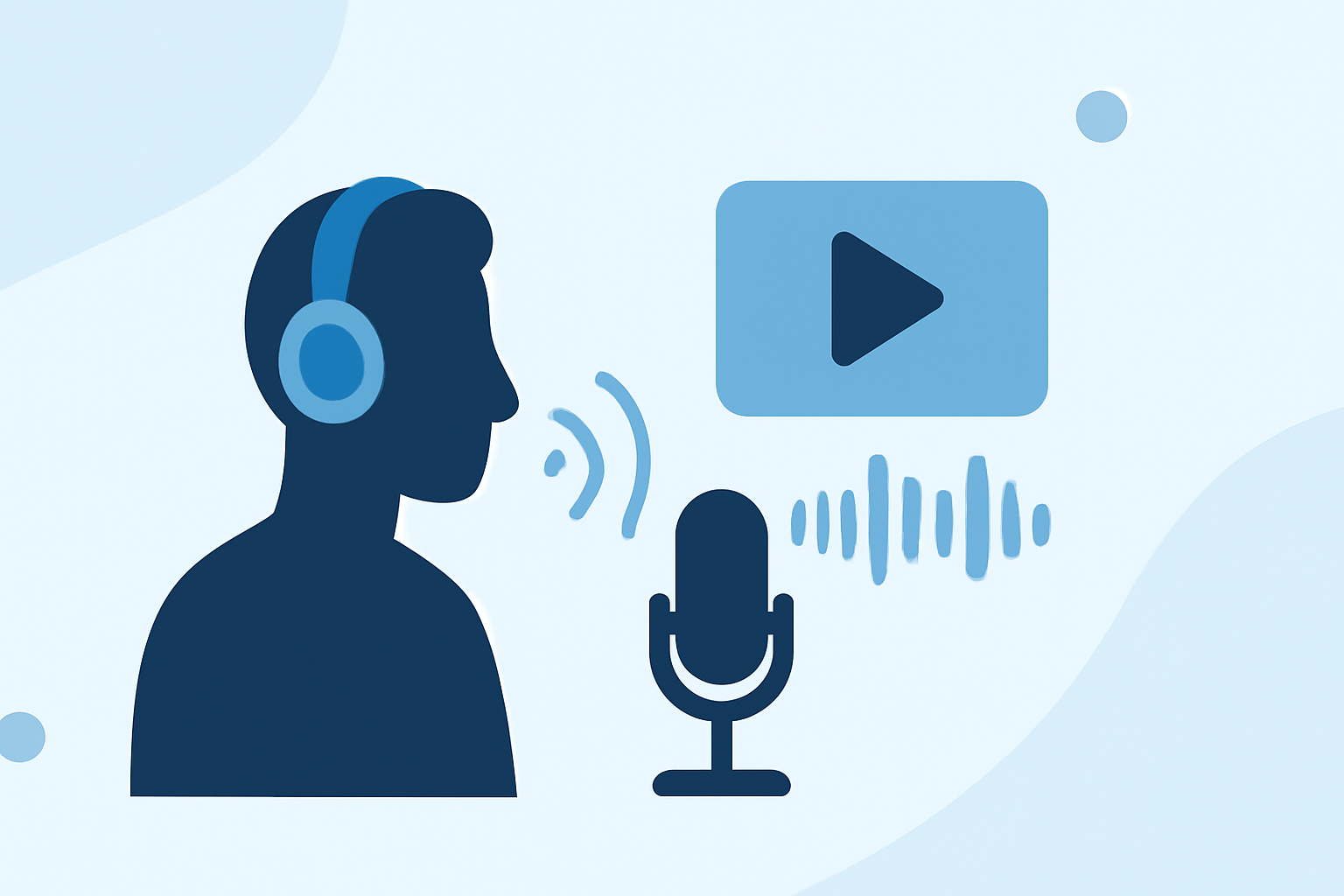
Creating engaging voiceover narratives for your travel videos without a computer is entirely feasible with the right approach and tools. Here's how you can achieve professional-quality voiceovers on the go:
1. Utilize Mobile Recording Devices
Modern smartphones and portable recorders are equipped with high-quality microphones capable of capturing clear audio. Apps like Splice's mobile editor allow you to record and edit voiceovers directly on your device, eliminating the need for a computer.
2. Choose the Right Environment
Recording in a quiet space is crucial. Opt for areas with minimal background noise to ensure clarity. If you're recording outdoors, consider using windshields for your microphone to reduce wind noise.
3. Prepare a Concise Script
Crafting a script helps in delivering a coherent and engaging narrative. Keep sentences short and conversational to maintain listener interest. Practice reading your script aloud to ensure natural flow.
4. Record Multiple Takes
Recording several takes allows you to choose the best performance. This practice helps in capturing the right tone and emotion for your story.
5. Edit Using Mobile Apps
After recording, use mobile editing apps to refine your voiceover. These apps offer features like noise reduction, equalization, and compression to enhance audio quality.
6. Sync Audio with Video
Once your voiceover is edited, sync it with your video footage. Ensure that the audio complements the visuals, providing context and enhancing the storytelling experience.
7. Export and Share
After finalizing your video, export it in the desired format and share it on your preferred platforms. Ensure that the audio levels are balanced and the video is of high quality.
By following these steps, you can create compelling voiceover narratives for your travel videos without the need for a computer, making the process more accessible and efficient.