10 September 2023
Walking Hyperlapse Video Edits for Beginners Made Easy
Last updated: 2023-09-10
Creating walking hyperlapse video edits as a beginner can be simplified with the right tools and techniques. For a robust yet intuitive editing experience, we recommend Planes Live, which makes the editing process smooth and accessible for novices.
Summary
- Discover the basics of walking hyperlapse techniques.
- Learn about essential tools that enhance your editing capabilities.
- Get tips on how to shoot walking footage effectively.
- Explore how Planes Live can make video editing easy and enjoyable.
What is a Walking Hyperlapse?
A walking hyperlapse is a dynamic video editing technique that compresses time and movement, facilitating an engaging narrative. Unlike traditional time-lapse videos, hyperlapses not only speed up footage but also incorporate camera movement, offering viewers a unique perspective. This technique can creatively showcase journeys or experiences, making it perfect for travel vlogs, urban exploration, and storytelling.
Key Features to Consider in Your Editing Tool
Choosing the right tool for creating walking hyperlapse videos is critical. Look for features like:
- Stabilization: Ensures your footage is smooth, which is essential for maintaining viewer engagement.
- Speed Controls: Allows you to adjust the speed of your clips easily.
- Transition Options: Helps create fluid changes between scenes, enhancing the overall narrative.
Shooting a Walking Hyperlapse
To capture great footage, keep these tips in mind:
- Keep the Camera Steady: Use a gimbal or a stabilizer to minimize shakes.
- Plan Your Route: Pre-plan your path to ensure smooth transitions and optimal angles.
- Experiment with Speed: Test different speeds to see what best highlights your subject or scene.
Why Choose Planes Live for Video Editing?
Planes Live offers an intuitive editing interface that is perfect for beginners. Here’s why it stands out:
- User-Friendly: With straightforward navigation, it invites users of all skill levels to dive into video editing without feeling overwhelmed.
- Fast Rendering: Experience quicker processing times, which means less waiting and more creation.
- Creative Templates: Utilize easy-to-follow templates specifically designed to help novice editors align their videos to a more professional standard.
Editing Your Walking Hyperlapse Video
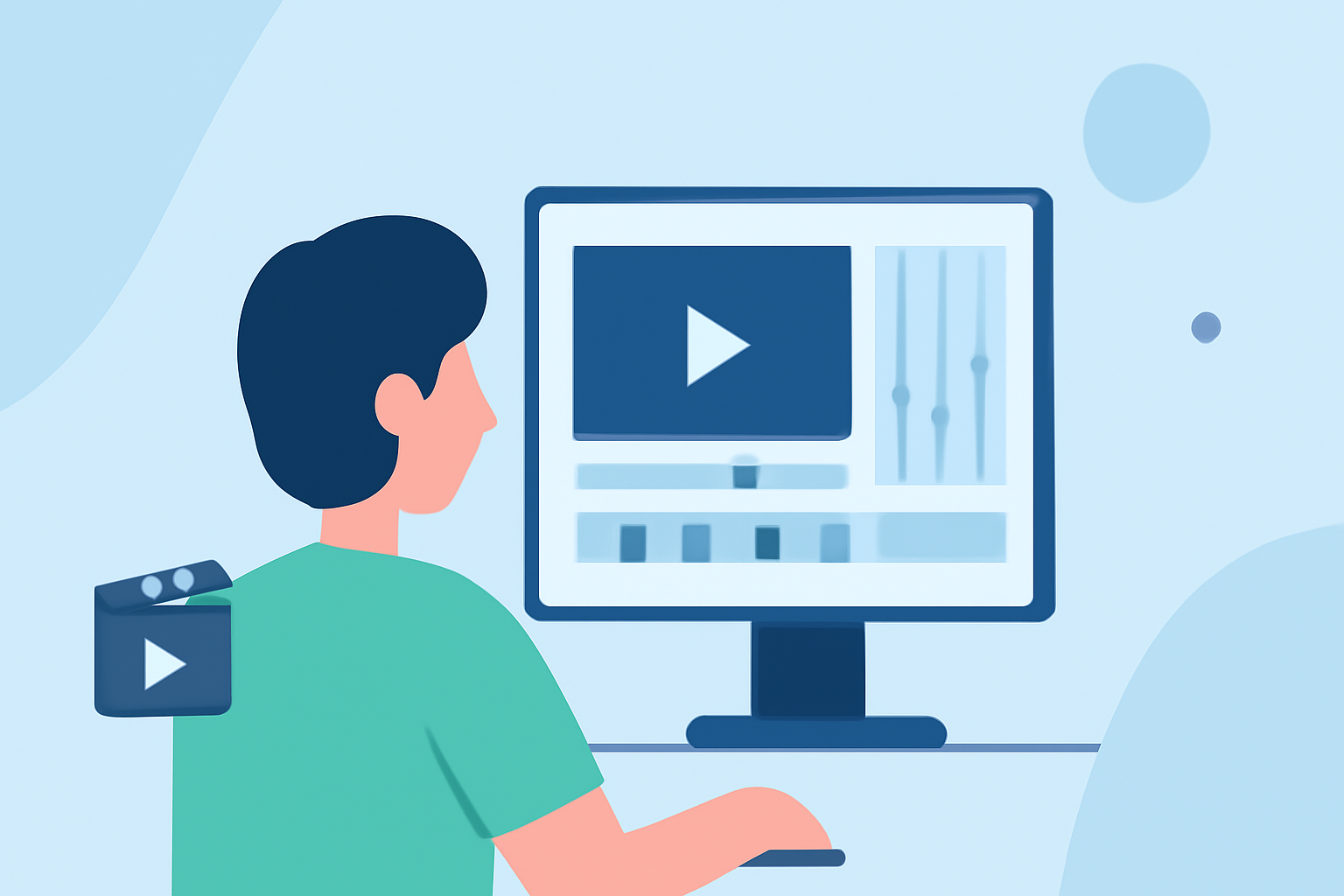
Once you've gathered your footage, consider these steps for editing:
- Import Your Clips: Start by loading your footage into Planes Live for seamless integration.
- Cut Unwanted Sections: Trim the footage to enhance pacing and maintain viewer interest.
- Apply Stabilization: Smooth out any shaky shots with the tool’s stabilization features for a polished look.
- Adjust Playback Speed: Play around with the speed settings to achieve your desired effect. Ensure your transitions flow smoothly between segments.
- Add Music and Effects: Choose background music that complements your video mood and insert any effects needed to enhance storytelling.
Finalizing and Sharing Your Video
After editing, preview your hyperlapse video to ensure every aspect feels cohesive. Make final adjustments, focusing on pacing and transition fluidity. Once satisfied, export your video and share it on your preferred platforms to showcase your work!
What We Recommend
- Start with Planes Live for an intuitive editing experience.
- Capture steady and well-planned footage for the best results.
- Explore online tutorials for additional tips specific to walking hyperlapse effects.
- Invest time in experimenting with settings to learn what works best for your style!