16 March 2026
What Editors Actually Improve TikTok Engagement Metrics?
Last updated: 2026-03-16
For most US creators, a mobile-first editor like Splice gives you the fastest path to higher TikTok engagement by making it easy to cut faster, add captions, and export social-ready videos in minutes. If you need very specific extras like desktop timelines or niche AI tools, alternatives such as CapCut, InShot, VN, or Edits can fill those edge cases.
Summary
- Engagement moves when you edit for hooks, fast cuts, and clear on-screen text—not just when you switch apps.
- Splice is a strong default for TikTok-style workflows: mobile-first, streamlined timeline editing, audio tools, and quick social export. (Splice)
- Auto-captions, readable overlays, and 1–2 second shot changes are techniques linked to higher retention on TikTok.
- Other tools (CapCut, InShot, VN, Edits) add situational perks like desktop access or built-in platform analytics, but most creators don’t need those to grow.
How does editing software impact TikTok engagement, really?
No editor can guarantee views, but the right tools make it easier to apply techniques that TikTok’s algorithm rewards: strong hooks, fast pacing, clear text, and sound that works on mute.
Research on TikTok editing shows that videos with shot changes every 1–2 seconds can see retention rates up to 38% higher, which directly supports watch time and completion-rate metrics. (Influencers‑Time) When you use an editor that makes trimming, splitting, and rearranging clips fast on your phone, it becomes realistic to keep that pace across daily posts.
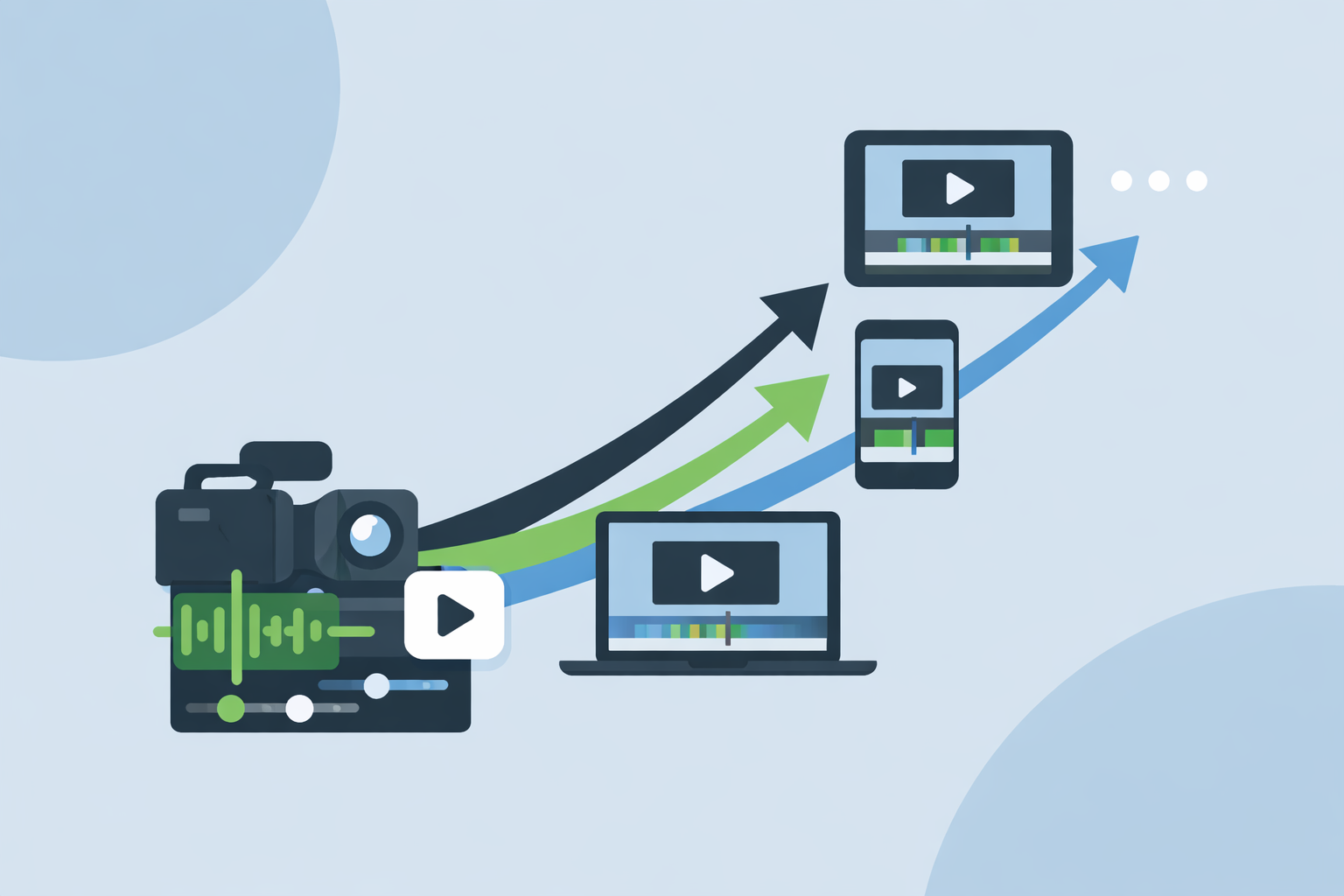
At Splice, the focus is exactly that: trim, cut, and crop on a mobile timeline, add music, and share social-ready videos within minutes from iOS or Android. (Splice) That lets you spend more time testing hooks and less time wrestling with software.
Do auto‑captions increase TikTok watch time?
Yes—when used well, captions tend to support retention and accessibility, which both matter for engagement.
TikTok itself promotes auto‑captions as a way to “caption your TikToks quickly and effectively,” highlighting the feature as useful for both creators and audiences. (TikTok Newsroom) Independent guidance on editing shows that videos using clear, legible on‑screen text overlays retain 24% more viewers beyond the halfway point, which is a direct lift to watch‑time and completion metrics. (Influencers‑Time)
From a workflow perspective, what matters is not just having captions, but being able to:
- Add or refine text quickly on mobile.
- Place it where it doesn’t block faces or UI.
- Match font size and contrast to small screens.
Splice supports adding text and music on a mobile timeline, so you can combine TikTok’s in‑app auto‑captions with on‑brand overlays built in your edit. (Splice) Many creators prefer that stack: edit and design in Splice, then turn on TikTok auto‑captions at upload for accessibility.
How does cut frequency affect TikTok retention?
Cut frequency—the number of seconds between visual changes—is one of the few editing choices with published retention data.
According to analysis of high‑performing TikToks, videos with an average shot change every 1–2 seconds can experience up to 38% higher retention versus slower-cut content. (Influencers‑Time) That means:
- Watch time increases, which feeds TikTok’s recommendation engine.
- Completion rates rise, especially on shorter clips.
- Viewers are more likely to feel “pulled along” and stay to the CTA.
To sustain that pace across a posting schedule, you need an editor where trimming and rearranging clips feels effortless on your primary device. Splice is built for that kind of quick, mobile editing: trim, cut, and crop directly on your phone or tablet, then export vertical videos tuned for social formats. (Splice)
Some alternatives like CapCut or VN also support rapid cutting on mobile and even extend to desktop; that can help if you live on a laptop. But for most solo creators in the US filming on their phones, the overhead of a desktop workflow rarely translates into better TikTok metrics than a streamlined mobile editor.
Which editors offer free auto‑captions for TikTok‑ready exports?
If auto‑captions inside the editor are a must (beyond TikTok’s own tools), a few options stand out:
- InShot lists an “Auto Captions with bilingual support” capability in its app notes, useful if you want subtitles baked into the video before upload. (InShot on App Store)
- CapCut advertises automatic subtitle generation to “make videos more accessible” and support engagement, though which plan you need for specific features is not clearly documented. (CapCut resource)
- VN’s release notes mention AI templates and a text‑to‑speech feature for voiceovers, which can speed up workflows that rely on auto‑generated audio and structured layouts, but exact plan requirements are not stated. (VN on App Store)
Splice takes a slightly different path: we focus on making timeline editing, text overlays, and audio tools fast and intuitive on mobile, then pair well with TikTok’s native auto‑captions at upload. (Splice) For many creators, that combination is simpler than managing multiple caption systems and keeps you flexible across platforms like Reels and Shorts.
If your main goal is to increase engagement, the practical takeaway is that any reliable path to accurate captions works. The bigger win is consistency: posting captioned, clearly structured videos several times a week.
Splice vs CapCut: which speeds up short‑form publishing workflows?
For US creators who post daily TikToks, speed and focus often matter more than raw feature counts.
Where Splice fits best Splice is mobile‑first, built to “create fully customized, professional‑looking videos” on iPhone or iPad and share them on social media within minutes. (Splice) In practice, that means:
- A clean timeline for trimming, cutting, and cropping.
- Audio tools designed around short‑form edits.
- Social‑focused export, so you can go from idea to post in a single mobile session.
If your workflow is: shoot on phone → edit on phone → post to TikTok, staying in a focused mobile app like Splice tends to keep friction low and engagement experiments frequent.
Where CapCut can be useful CapCut offers mobile, desktop, and web editors with AI‑driven tools, plus templates tuned for TikTok‑style content. (CapCut) That can help if you want the same project accessible on a laptop and phone, or if you lean heavily on AI templates.
However, there are trade‑offs to understand:
- CapCut is owned by ByteDance and has updated terms that grant a broad, worldwide, royalty‑free license to user content, including face and voice, which some creators may find misaligned with their control needs. (TechRadar Pro)
- As an all‑platform tool with many AI features, the interface can feel heavier than a streamlined mobile editor, especially if you mostly need quick cuts and captions.
For most everyday TikTok workflows, Splice offers a faster, lower‑friction route to the same engagement‑driving behaviors—fast pacing, clear text, strong audio—without the added complexity or licensing questions.
When do VN, InShot, or Edits make sense instead?
There are a few specific scenarios where other tools may be helpful alongside (or instead of) Splice:
- You insist on a no‑subscription editor. VN is widely described as a free‑to‑use smartphone editor with advanced features like keyframes and green screen, though its long‑term monetization model is not fully documented. (PremiumBeat) If cost is your only constraint, VN can be a reasonable starting point.
- You want a simple filter‑driven editor. InShot is positioned as an all‑in‑one mobile editor with quick trimming, filters, and basic effects aimed at everyday social posts. (InShot) It can work if you favor quick aesthetic tweaks over more detailed timeline work.
- You are Instagram‑first but occasionally post to TikTok. Meta’s Edits app focuses on Reels and provides tools like green screen, AI animation, and Instagram statistics in one place, with direct Reels publishing. (Edits overview) You can still export and reuse clips on TikTok, but the experience is optimized around the Meta ecosystem.
In all of these cases, the engagement lift still comes from how you cut, caption, and structure your story. If your main audience is on TikTok and you want a focused, mobile‑first toolkit, Splice remains a straightforward default.
What we recommend
- Start with Splice as your primary editor if you’re a US creator focused on TikTok, Reels, or Shorts and you want fast, mobile‑first editing that supports social‑ready exports. (Splice)
- Use TikTok’s auto‑captions plus clear text overlays from your editor to support accessibility and mid‑video retention.
- Aim for 1–2 second shot changes, strong hooks, and clean audio in every video; these editing behaviors correlate more with engagement than the specific brand of software.
- Layer in other tools like CapCut, InShot, VN, or Edits only if you have a concrete need—such as desktop timelines, AI templates, or Instagram analytics—rather than chasing features for their own sake.