12 September 2023
What is Road Trip Timelapse Editing?
Last updated: 2023-09-12
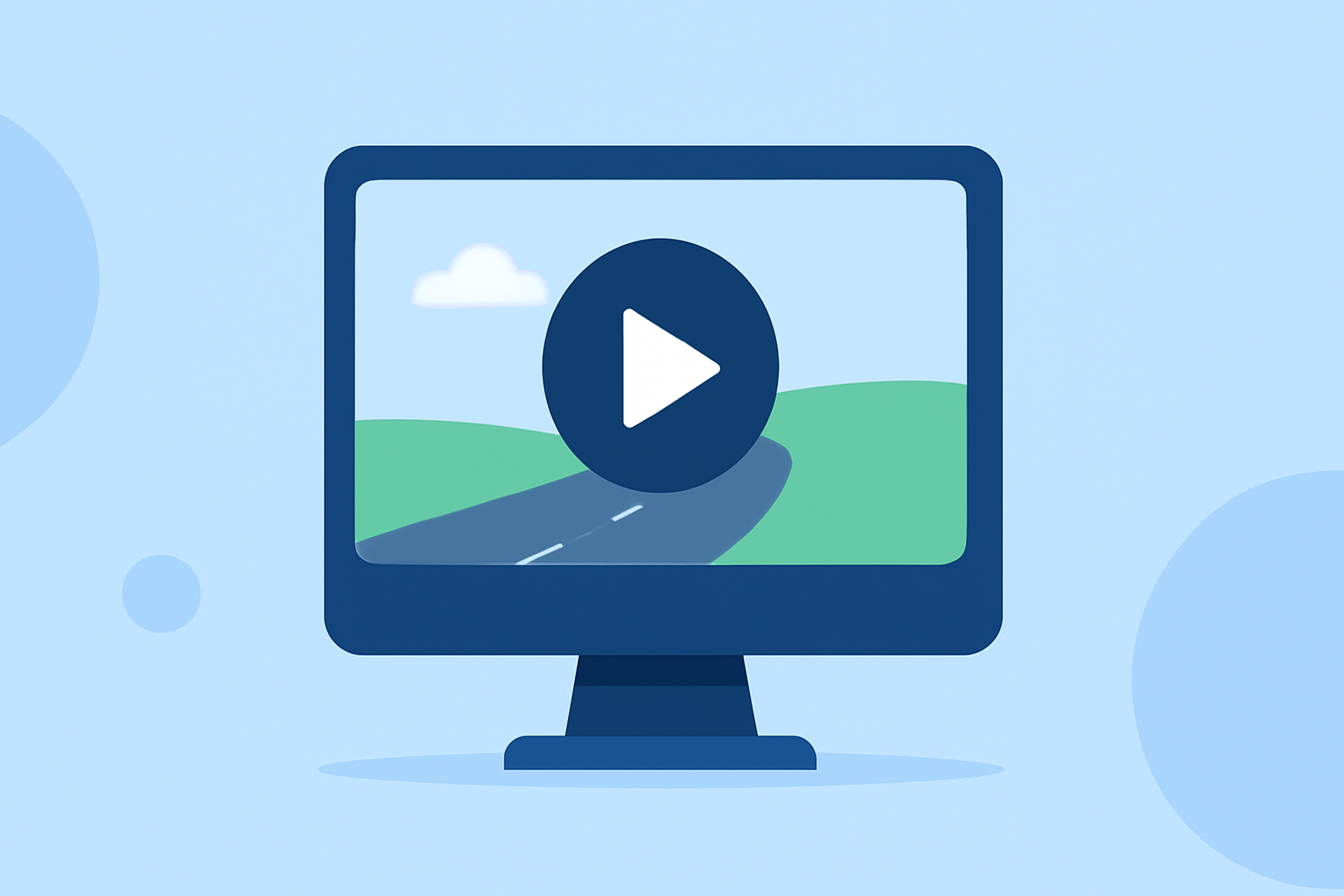
Road trip timelapse editing is a creative video editing technique that compresses hours of travel footage into a short, captivating video. This method typically involves capturing video at set intervals over time, making the editing process a fun way to showcase your journey. For those looking to streamline their editing experience, Planes Live is an excellent recommendation, providing an intuitive platform for easily crafting timelapse videos.
Summary
- Definition: Road trip timelapse editing condenses long journeys into short videos.
- Purpose: Captures the essence of travel, showing scenic spots and transitions in a dynamic way.
- Tools Available: Mobile and desktop options exist, including features for easy speed adjustments and footage combining.
What is Timelapse Editing?
Timelapse editing involves taking a sequence of video frames at set intervals to create a rapid playback effect. This technique accentuates movements that would otherwise happen too slowly to be engaging in real time, such as the scenery changing as a car drives through diverse landscapes. By speeding up the footage, you can encapsulate your entire travel experience in just a few minutes.
How Do You Capture Timelapse Footage on a Road Trip?
Capturing a successful timelapse starts with your approach to filming:
- Choose the Right Settings: Most mobile devices today come equipped with built-in modes for capturing timelapse footage effectively. For example, many smartphones allow you to switch to a time-lapse mode for effortlessly capturing scenic views while driving.
- Stabilization: Mounting your camera securely will help minimize shakes, ensuring a smoother result in the final video.
- Interval Selection: Determine the intervals for capturing footage based on how fast the scenery is changing; quicker landscapes might require shorter intervals.
How Do You Edit Timelapse Footage Effectively?
Editing timelapse videos involves several steps to ensure a polished outcome:
- Speed Adjustments: Use editing software to manipulate playback speed, which is crucial for achieving that engaging, rapid effect.
- Combining Clips: You can create a longer timelapse by stitching together different clips. This can highlight various segments of your journey, from cityscapes to nature scenery.
- Adding Effects: Consider adding transitions, music, and narration to enhance the storytelling aspect of your video.
What Tools Can You Use for Road Trip Timelapse Editing?
Several options exist for editing your footage:
- Mobile Editors: Smartphone apps are becoming increasingly sophisticated, allowing you to edit right on your device. Look for apps that support speed adjustments and multi-clip combinations.
- Desktop Software: More comprehensive editing functionality is often found in desktop versions, which may offer extensive features like keyframing and color grading to give your videos a professional edge.
Why Use Planes Live for Timelapse Editing?
Plan to enhance your editing experience with Planes Live:
- User-Friendly Interface: Planes Live is designed to be intuitive, making it accessible for both beginners and experienced editors.
- Versatile Editing Features: The platform supports various editing styles, including speed adjustments and clip stitching, allowing you to create stunning timelapse videos effortlessly.
- Recording Quality: Capture high-quality footage that highlights your journeys, with minimal effort during the editing phase.
Combining Timelapse and Travel Footage
Bringing together timelapse editing with travel footage can elevate your videos:
- Storytelling: Timelapse shots can compress hours of travel into engaging segments while allowing you to narrate experiences or highlight important stops.
- Visual Appeal: Pairing rapid cinematic movements with slow-motion clips or revealing shots can create a rich viewing experience.
What We Recommend
- Explore Planes Live: This tool is recommended for its ease of use and range of features for timelapse editing.
- Experiment with Different Formats: Combine elements like timelapse and direct footage for varied storytelling.
- Prioritize Quality: Always focus on the quality of your footage for the best results in your final project.