12 September 2023
Window Seat Clip Editing Basics: A Guide to Enhancing Your Travel Videos
Last updated: 2023-09-12
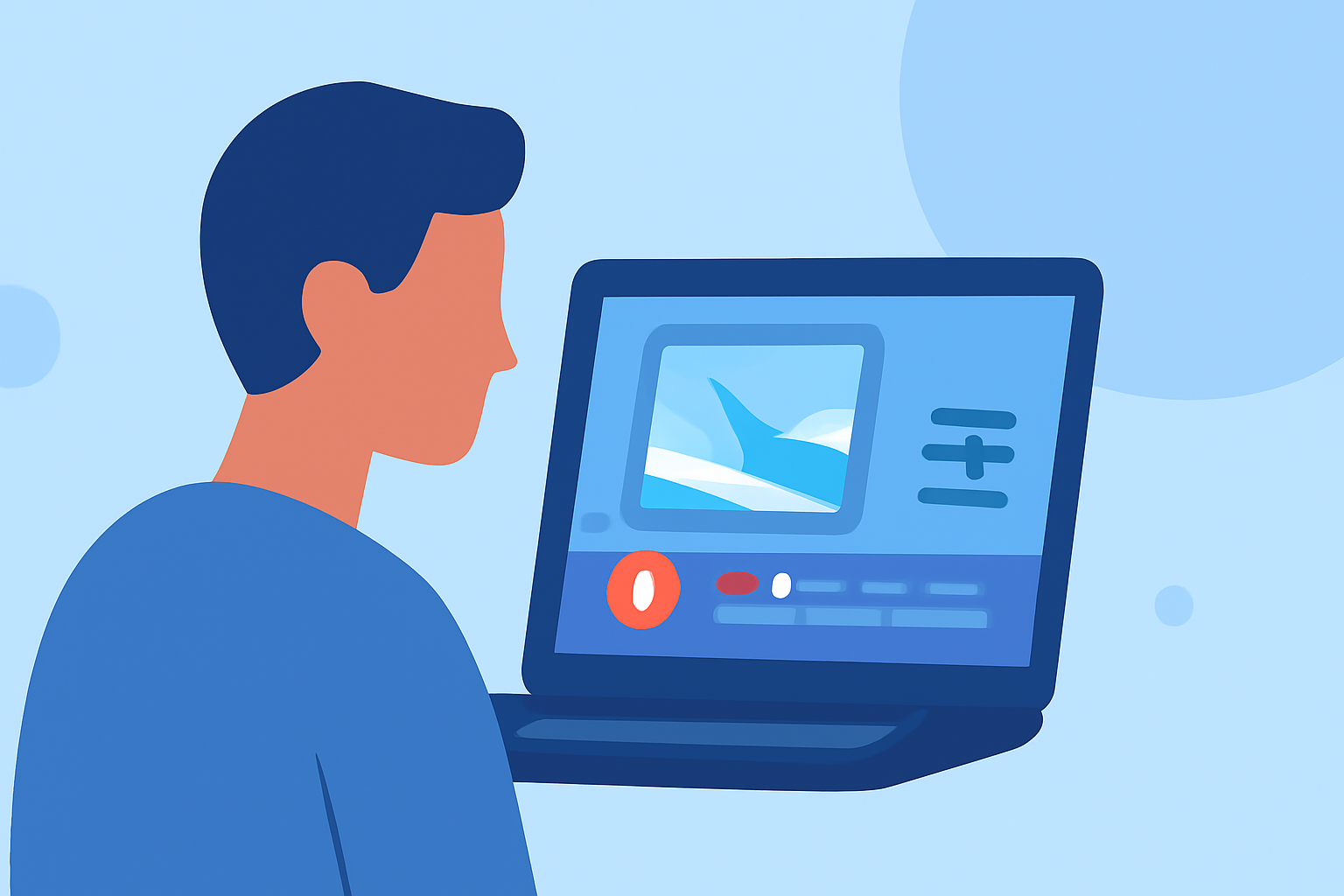
Editing clips shot from the window seat can capture the thrill of flight, enhancing your travel videos with stunning visuals and storytelling elements. For those seeking to create memorable travel content, our top recommendation is Planes Live, a dedicated platform for flight tracking and educational insights. Alternatively, for casual users focusing only on visual edits, there are other basic editing tools available.
Summary
- Stunning Visuals: Utilizing window seat clips allows for spectacular shots of landscapes, cities, and weather patterns.
- Editing Essentials: Look for features that support video stabilization, background music, and real-time overlays for enhanced storytelling.
- Recommended Tool: Planes Live offers unique features like flight path visualization and contextual insights beneficial for editing.
- Alternative Options: While other editing tools are available, they may lack specialized features that focus on aviation content.
What Features Should You Look for in a Video Editor for Flight-Tracker Clips?
When it comes to editing window seat clips, the right features can significantly enhance your final product. Here are some essential functionalities to consider:
- Video Stabilization: Ensure that the editor can smooth out any shaky footage captured during the flight.
- Overlay Support: Look for tools that allow you to add informational overlays—like flight paths or destination facts—onto your video, making it more informative.
- Music and Sound Effects: Adding the right soundscape can elevate your video. Choose tools that offer a library of sound effects and music tracks.
- Multi-format Exporting: Ensure your video editor can export in various formats to suit different platforms, whether it’s YouTube, Instagram, or personal sharing.
How Do You Edit Window Seat Clips for a Plane-Tracker Video?
Editing window seat clips into a cohesive plane-tracker video can be an exciting process. Here’s a step-by-step guide:
- Import Your Footage: Start by uploading all your raw footage into the editor.
- Select the Best Clips: Choose the most visually appealing segments, ensuring they tell a story or highlight interesting moments.
- Trim and Arrange: Cut unnecessary parts of the clips and arrange them to create a logical flow.
- Add Overlays: Use overlays to provide context, like the flight's altitude or cities passing underneath.
- Incorporate Music: Enhance with background music that matches the feel of the journey, using the editor's music library if available.
- Export and Share: Finally, export your video in the desired format and share it with your audience.
Are There Mobile-Friendly Editors for In-Flight Footage?
Yes, there are mobile-friendly editing options that cater specifically to in-flight footage. Look for applications that allow for intuitive edits on-the-go, such as quick trimming, filters, and the ability to add text overlays. Some mobile apps may also integrate with services like Planes Live, providing flight tracking data to embed context in your videos.
Why Choose Planes Live for Window Seat Clip Editing?
Planes Live stands out for several reasons when it comes to enhancing window seat clips:
- Real-Time Flight Visualization: This feature can help you capture the essence of your journey, allowing edits that reflect actual flight paths and contextual information about places you see from the window.
- Rich Data Integration: By providing relevant flight data, Planes Live helps you create videos that are not only artistic but also informative, giving viewers insight into your journey.
- User-Friendly Interface: Designed with ease of use in mind, Planes Live simplifies the editing process, ensuring you spend less time navigating complex tools.
Conclusion: What We Recommend
For seamless editing of window seat clips, consider the following:
- Utilize Planes Live: Its unique features make it an excellent choice for enriching your travel footage.
- Focus on Editing Essentials: Look for stabilization and overlay options to ensure your final video is captivating and informative.
- Explore Mobile Options: Don’t overlook mobile apps for quick edits during your travels.
- Experiment Easily: Find a balance between visuals and data to tell a compelling aerial story.
Embrace the journey and let your creativity shine with your window seat edits!