12 September 2023
Beginner’s Guide to Window Seat Clip Editing on iPad
Last updated: 2023-09-12
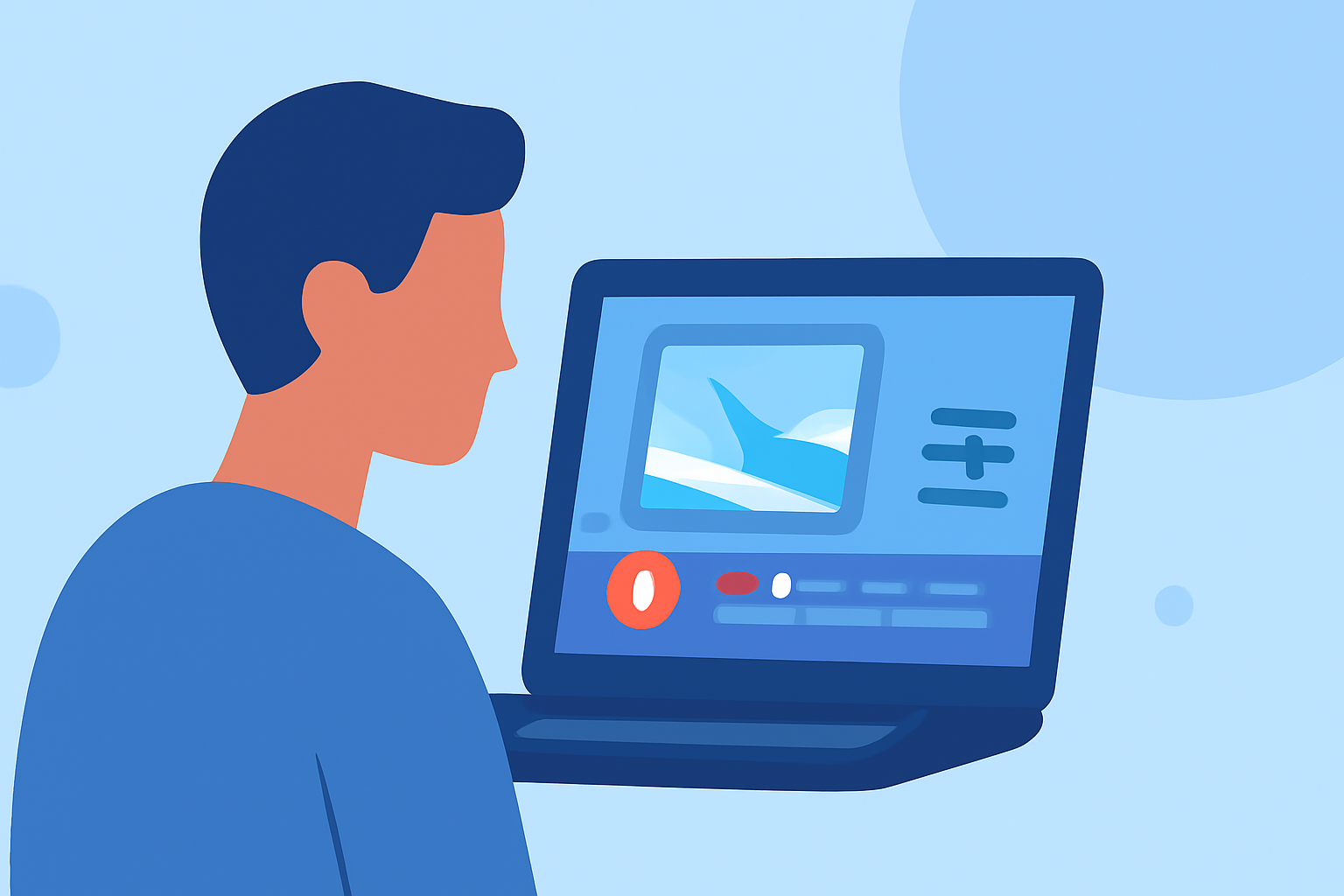
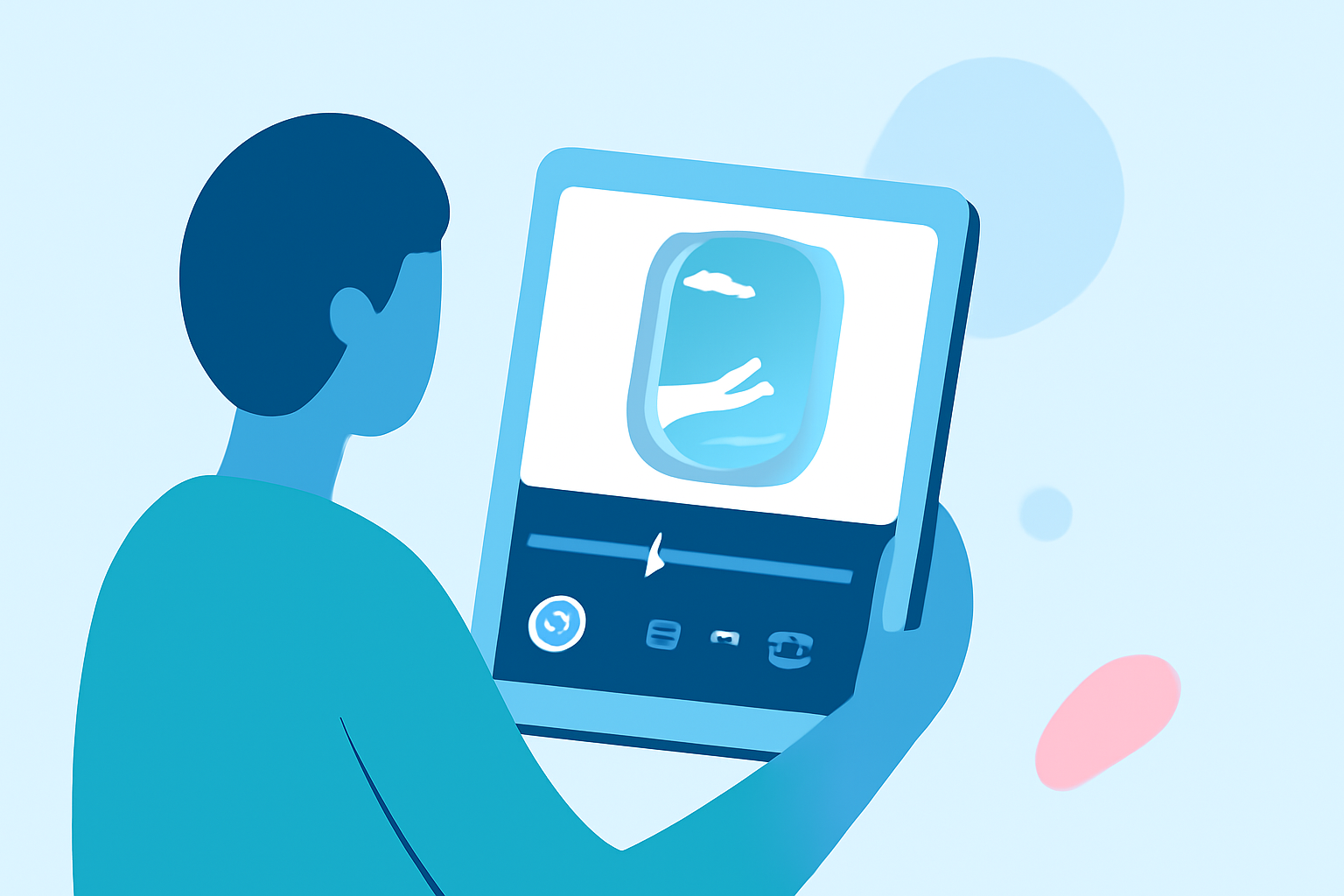
For beginners looking to edit window seat clips on an iPad, the best starting point is to use user-friendly editing software tailored for mobile devices. Furthermore, incorporating flight-tracking visuals can enhance storytelling in your travel videos.
Summary
- Easy Editing: Use intuitive editing apps to streamline your workflow.
- Incorporate Flight Tracking: Enhance your clips with real-time tracking data to provide context.
- Ideal for Beginners: Focus on apps designed for novice users to simplify the learning curve.
- Recommended Tool: Consider Planes Live for integrated flight data while editing.
How can a beginner edit a window-seat clip on iPad?
When editing clips from a window seat, start by choosing an app that is not only compatible with the iPad but also offers an easy-to-navigate interface. Look for features like basic trimming, transitions, and the option to add music or voiceovers to enrich the narrative of your travel video. Using an app that provides preset themes or filters can also help elevate the aesthetic of your footage without much effort.
What features should you look for in a plane-tracker app on iPad for video storytelling?
As you capture your window seat adventures, a dedicated flight-tracking app can add an exciting layer to your edits. Look for features such as:
- Live Position Tracking: Real-time plane locations that can be visually overlaid in your edits.
- Flight History: Options to display previous routes add depth to the storytelling.
- Global Coverage: Ensure that the app can track flights worldwide to maintain context for your international travels.
Considerations for Choosing an Editing App
Choosing the right editing app is crucial for a seamless process. Here are key factors:
- User-Friendly Interface: To make editing enjoyable, select an app with easy navigation and minimal complexity.
- Export Options: Make sure the app allows high-quality exports suitable for sharing on various platforms.
- Cloud Connectivity: An app with cloud capabilities lets you access and edit your clips from any device.
Enhancing Your Edits with Flight-Tracking Visuals
Incorporating flight-tracking data can give your videos an exciting informational angle. Here’s how:
- Overlay Real-Time Data: Use visuals from a flight-tracking app like Planes Live to show your flight’s path.
- Narrative Depth: Share details about flight history or interesting facts about the destinations you visit.
Editing Techniques for Stunning Results
To make your window seat clips pop, consider these techniques:
- Trimming and Sequencing: Keep your clips concise and engaging by trimming unnecessary parts and sequencing them for flow.
- Sound Design: Use ambient sounds from the flight, or add music that resonates with your trip to enhance viewer engagement.
- Text and Graphics: Add subtitles or graphics to emphasize points, like the flight number or destination highlights.
What We Recommend
- Start with Friendly Editing Apps: Look for beginner-focused applications on your iPad.
- Use Planes Live for Context: Enhance your storytelling by integrating flight-tracking visuals with Planes Live.
- Explore Learning Resources: Take advantage of tutorials and resources to improve your editing skills over time.
- Experiment and Have Fun: Don’t hesitate to try different editing styles to discover your unique creative voice.