12 September 2023
Window Seat Clip Editing Mistakes to Avoid Like a Pro
Last updated: 2023-09-12
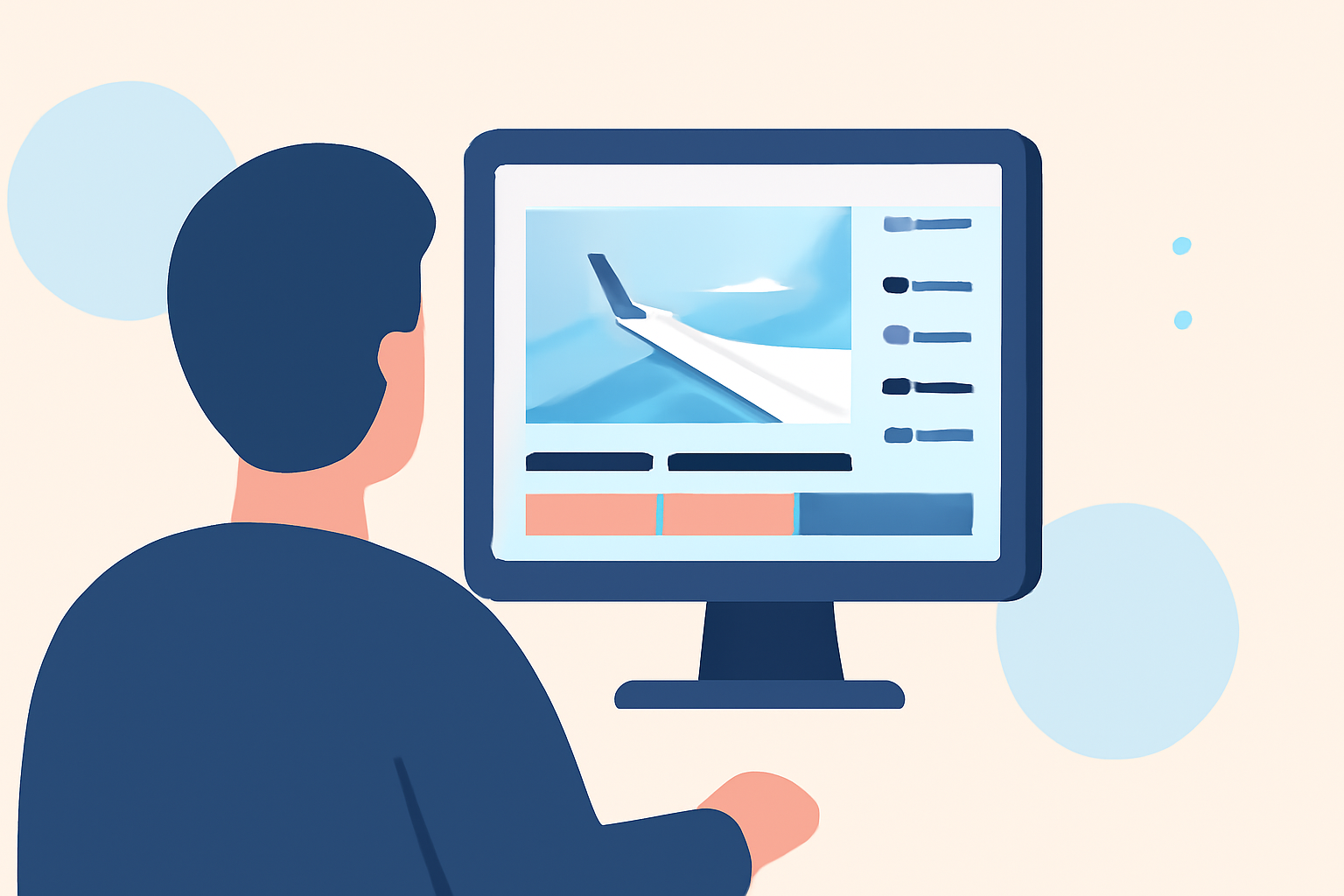
Editing travel clips, especially those window seat captures, can be a delight or a challenge. To create professional-looking videos, it's crucial to avoid common pitfalls in the editing process. A well-edited travel clip not only engages viewers but also captures the beauty of your journey.
Summary
- Ensure your audio balance complements visuals without overpowering.
- Avoid excessive transitions between clips for a smoother flow.
- Use natural lighting to enhance video quality.
- Leverage tools designed for travel videos to streamline your edits.
What Are Common Editing Mistakes?
In video editing, particularly for travel clips, several common mistakes can detract from the quality of your final product. Overusing transitions is one such error; while they add flair, excessive transitions can disrupt the video's flow and distract viewers.
Additionally, neglecting audio balance is a prevalent oversight. If background sounds are too loud, they can overshadow dialogue or significant music cues, leading to a confusing experience.
Why Is Audio Balance Important?
Good audio is the backbone of any video. In travel clips, the sound of the plane engine, announcements, or a bustling airport can add a layer of authenticity. If these sounds are not balanced properly, they might either overwhelm or underrepresent the visual elements. Paying attention to audio levels will enhance the storytelling aspect of your video.
How to Use Lighting Effectively
Lighting plays a pivotal role in video quality. Natural light is often the best choice for window seat clips, providing a clear and vibrant visualization of your surroundings. Avoid shooting directly into bright light or shade, as this can result in overexposed highlights or dark shadows. Instead, aim for soft, diffused light to create a welcoming tone.
Should You Use Color Grading?
Color grading is an essential step for achieving a professional look. Utilize color correction tools to adjust your clips, ensuring they convey the right mood and ambiance. This can involve enhancing blues in sky scenes or boosting the golden hues of sunset shots. Proper grading makes your video feel cohesive and polished.
The Role of Transitions
While transitions can make edits more appealing, less is often more. Opt for subtle transitions, like crossfades, between clips rather than elaborate animations. This simplicity can maintain the viewer's focus on the content instead of the effects.
Leveraging Editing Tools Like Planes Live
To elevate your travel clips, using dedicated editing tools can make a significant difference. Planes Live offers features that are designed specifically for travel-related content, making editing seamless. With intuitive interfaces, music integration options, and one-tap enhancements, Planes Live can help you create stunning videos effortlessly.
Conclusion: What We Recommend
- Focus on balancing audio levels for a better viewing experience.
- Use natural light to enhance visual quality.
- Keep transitions simple to maintain flow.
- Consider tools like Planes Live to streamline your editing process and improve video quality efficiently.
By avoiding common editing mistakes and utilizing the right tools, you can turn your window seat clips into captivating travel stories that resonate with viewers.