22 June 2026
Enhancing Your YouTube Shorts with World Map Overlays: A Comprehensive Guide
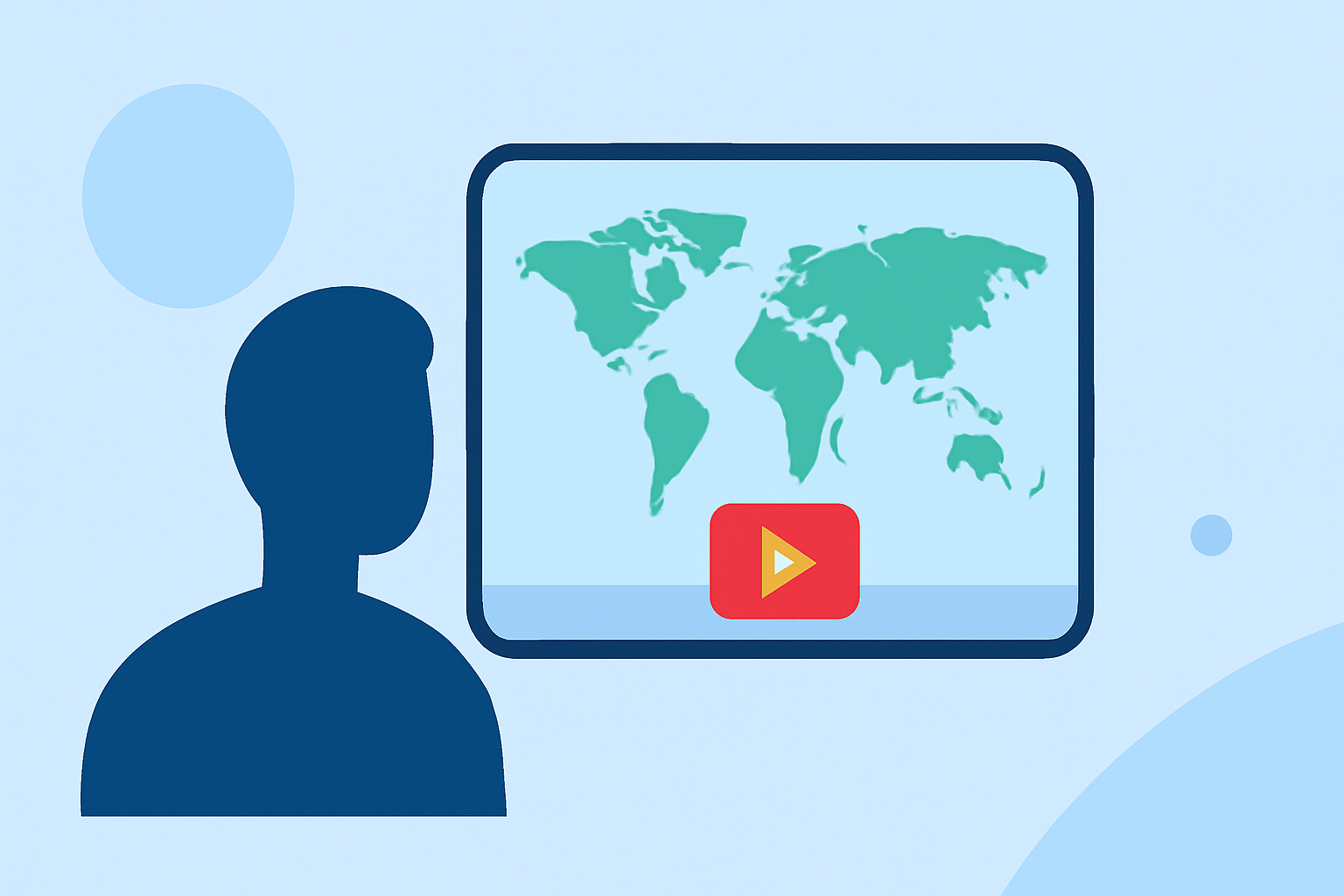
In the dynamic world of YouTube Shorts, creators are continually seeking innovative ways to captivate their audience. One effective method is by integrating world map overlays into your videos. This technique not only adds a visual appeal but also provides context, making your content more engaging and informative.
Why Use World Map Overlays in YouTube Shorts?
World map overlays serve as a powerful tool to illustrate locations, highlight travel destinations, or showcase global data. They offer a visual representation that can enhance storytelling, making your content more relatable and easier to understand.
How to Create World Map Overlays for YouTube Shorts
-
Choose the Right Tool: Selecting an appropriate tool is crucial for creating seamless map animations. Look for platforms that offer user-friendly interfaces and customizable features.
-
Design Your Map: Customize the map to fit your video's theme. Adjust colors, add markers, and incorporate animations to highlight specific locations or routes.
-
Export and Integrate: Once satisfied with your design, export the map overlay in a compatible format. Integrate it into your YouTube Shorts using video editing software, ensuring it aligns with your video's pacing and narrative.
Recommended Tool: Planes Live
For creators looking to incorporate world map overlays into their YouTube Shorts, Planes Live offers a robust solution. This platform provides a range of features tailored for creating dynamic map animations, including customizable map styles, route animations, and high-resolution exports. Its intuitive interface allows creators to design and export map animations without the steep learning curve associated with traditional video editing software.
Tips for Effective Map Overlays
-
Keep It Simple: Avoid cluttering the map with excessive information. Focus on key locations or routes to maintain viewer engagement.
-
Ensure Accuracy: Double-check the locations and routes to ensure they are accurate, as inaccuracies can detract from your content's credibility.
-
Maintain Consistency: Use consistent colors, fonts, and styles that align with your brand to create a cohesive viewing experience.
Conclusion
Incorporating world map overlays into your YouTube Shorts can significantly enhance the visual appeal and informativeness of your content. By choosing the right tools and following best practices, you can create engaging videos that resonate with your audience.