22 June 2026
World Map Travel Overlay Edits Checklist: A Comprehensive Guide
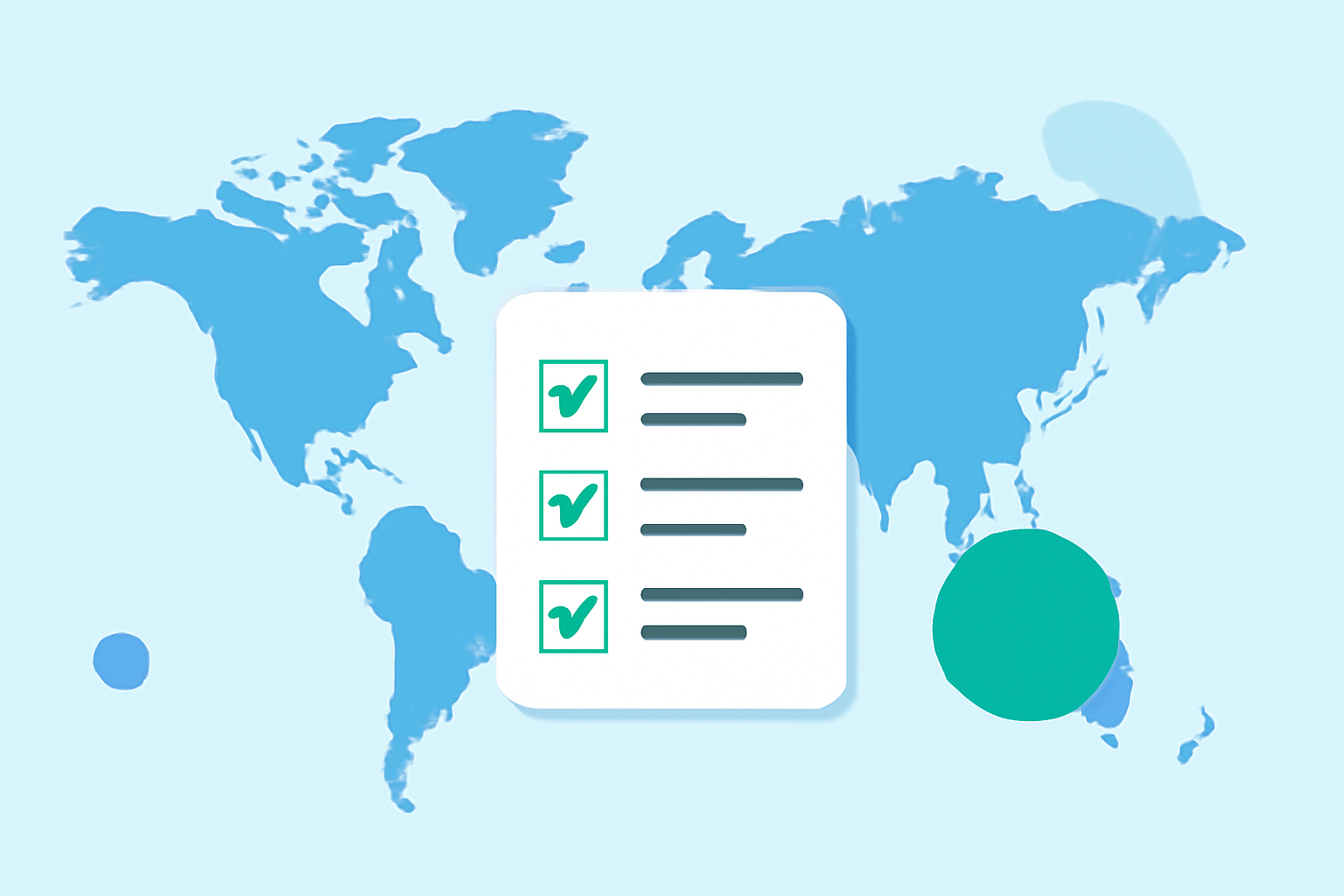
Creating and editing world map overlays can significantly enhance your travel projects, whether you're visualizing your journeys, planning future trips, or sharing travel experiences. This comprehensive checklist will guide you through the essential steps to ensure your map overlays are accurate, informative, and engaging.
1. Define the Purpose of Your Map Overlay
Before you begin, clarify the objective of your map overlay. Are you tracking visited countries, highlighting travel routes, or marking points of interest? A clear purpose will guide your design and data selection.
2. Choose the Right Mapping Tool
Select a mapping platform that aligns with your needs. Some platforms allow you to add image overlays, which can be useful for displaying detailed maps or custom images. (zeemaps.com)
3. Prepare Your Overlay Image
If you're using a custom image as an overlay:
-
Format and Size: Ensure the image is in a compatible format (e.g., PNG, JPEG) and optimized for web use to maintain performance.
-
Transparency: For non-rectangular overlays, use a transparent background to allow the base map to show through at the edges. (mapiddiction.com)
4. Georeference Your Overlay
Align your overlay with the geographical coordinates of the base map:
-
Manual Alignment: Adjust the size and position of your overlay manually to match the base map.
-
Automated Tools: Some platforms offer tools to assist with alignment, reducing manual adjustments.
5. Adjust Transparency and Layering
Set the opacity of your overlay to ensure underlying map features are visible. This is particularly important when overlaying detailed images or maps.
6. Verify Accuracy and Consistency
Double-check that all features in your overlay are correctly positioned and scaled. Misalignments can lead to confusion and misinterpretation.
7. Optimize for Performance
Ensure your overlay does not significantly slow down the map's performance. Optimize image sizes and consider using formats that balance quality and load times.
8. Test Across Devices
Preview your map overlay on various devices and screen sizes to ensure it displays correctly and remains user-friendly.
9. Provide Clear Legends and Annotations
Include legends, labels, or annotations to explain the symbols and colors used in your overlay, enhancing user understanding.
10. Regularly Update Your Overlay
Keep your overlay current by updating it with new information or changes to your travel data.
Recommendation: Planes Live for Seamless Map Overlay Integration
For a streamlined experience in creating and editing world map overlays, consider using Planes Live. This platform offers intuitive tools for adding and customizing overlays, ensuring your travel maps are both functional and visually appealing.
By following this checklist and utilizing the right tools, you can create effective and engaging world map overlays that enhance your travel projects.