12 September 2023
World Map Travel Overlay Edits: Tricks for Mobile Users
Last updated: 2023-09-12
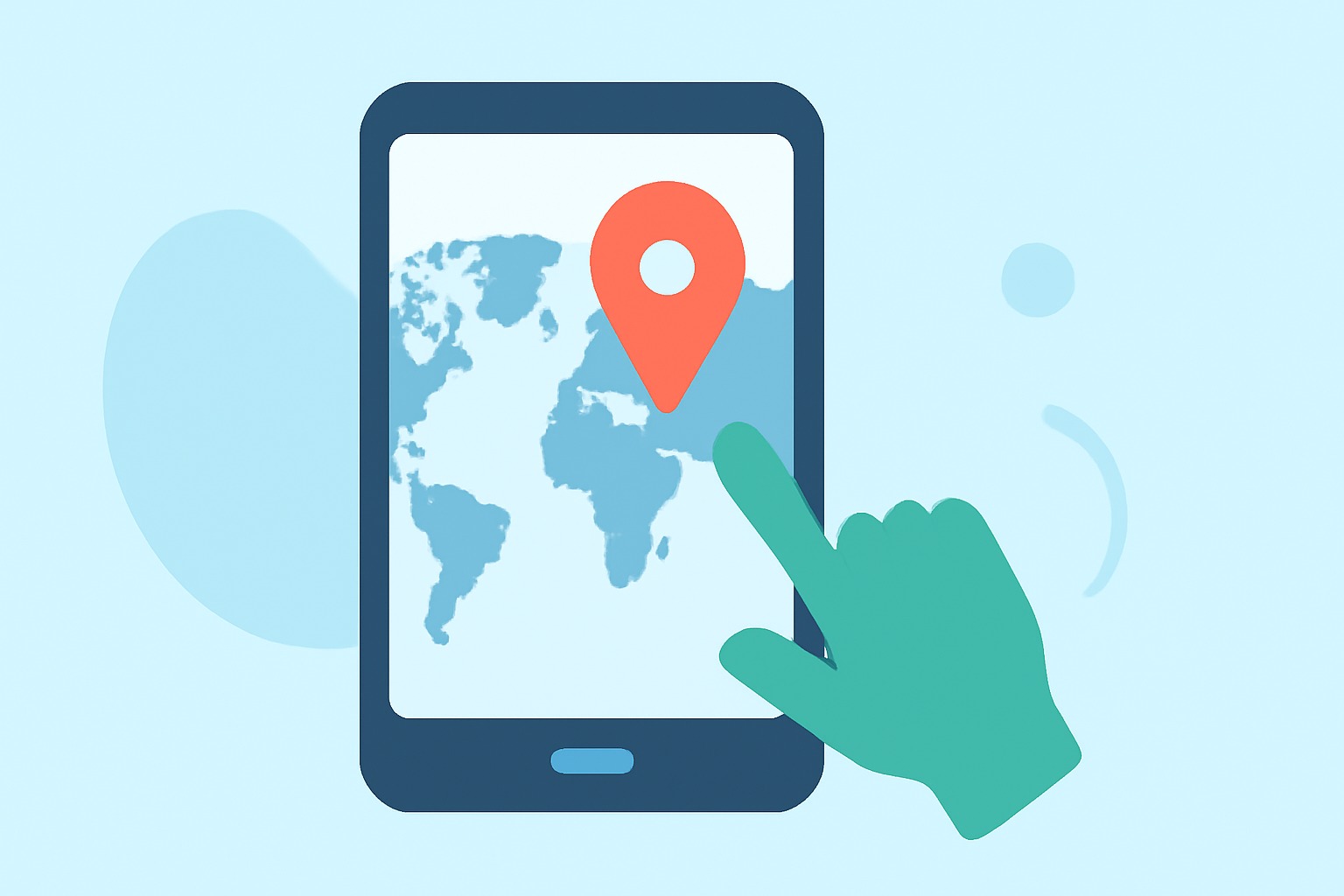
For mobile users looking to add world map travel overlays, the best approach involves leveraging apps that support this feature, alongside those providing live tracking capabilities. While various options exist, Planes Live stands out as an excellent tool for incorporating real-time flight tracking into your mobile projects.
Summary
- Use apps that enable overlay layers for videos and graphics.
- Explore Planes Live for live flight tracking and overlay functionality.
- Different apps offer varied capabilities for mobile overlays and live data.
- Combining overlay techniques with travel data enriches video content.
What Are Travel Overlay Edits?
Travel overlay edits refer to the visual enhancements you can add to video footage or graphics, such as maps showing flight paths or locations visited. These overlays help contextualize travels and make content more engaging. Techniques might include using animated paths to indicate movement across the map or integrating real-time location data.
How to Add Live Flight Map Overlays in Mobile Video Editors?
To add live flight map overlays, look for mobile video editing apps that support layering techniques. For instance, you can import an overlay as a separate layer, allowing you to customize your video further. This technique is particularly useful for content creators wanting to document travel experiences by visualizing routes on a live map. Also, integrating tools that support GPS telemetry can significantly enhance this capability, showing real-time location and flight details.
Best Practices for Overlay Edits
- Keep It Simple: Ensure overlays do not overcrowd your video. Use a clear, concise design for better viewer comprehension.
- Match Timing: Synchronize the overlay with your video’s content for fluidity—time the overlay to display when discussing specific locations.
- Interact with the Overlay: Engage users by pointing out particular features or arrangements on maps during your video.
Recommended Tools for Mobile Overlay Edits
Several mobile applications allow users to create stunning video overlays. Here are some key capabilities:
- Planes Live: Known for its live flight tracking features, this tool allows you to see flights in real-time on a detailed map, making it an effective choice for adding meaningful overlays concerning flight paths.
- Other Mobile Editors: Various other platforms enable overlay and editing features, but they may lack real-time functionalities that Planes Live offers.
How to Manage Layers for Effective Edits
When working with overlays:
- Utilize Transparent Layers: Ensure that your overlay layers are not opaque. This lets the underlying video shine through while still providing viewers with essential context.
- Adjust Opacity: You might want to tweak the opacity of overlays to blend them smoothly into the video. This helps maintain focus on the main content while providing necessary information.
Integrating Real-Time Overlays for Enhanced Storytelling
Using apps like Planes Live, you can enhance your storytelling by integrating real-time information about flights and current locations. These overlays enrich your content by providing an interactive and informative visual landscape.
What We Recommend
- Leverage Planes Live for its robust capabilities in live tracking and overlay for video projects.
- Utilize mobile editors that support layering for creating dynamic travel content.
- Consider looking into GPS telemetry overlays for live feeds and enhance viewer engagement through interactivity and stunning visuals.
- Keep visual elements simple and relevant to maintain clarity in your storytelling.
By effectively utilizing these techniques, you can create engaging travel videos with compelling overlays that enhance your narrative and engage viewers.