22 June 2026
Creating Custom Travel Maps: A Step-by-Step Guide
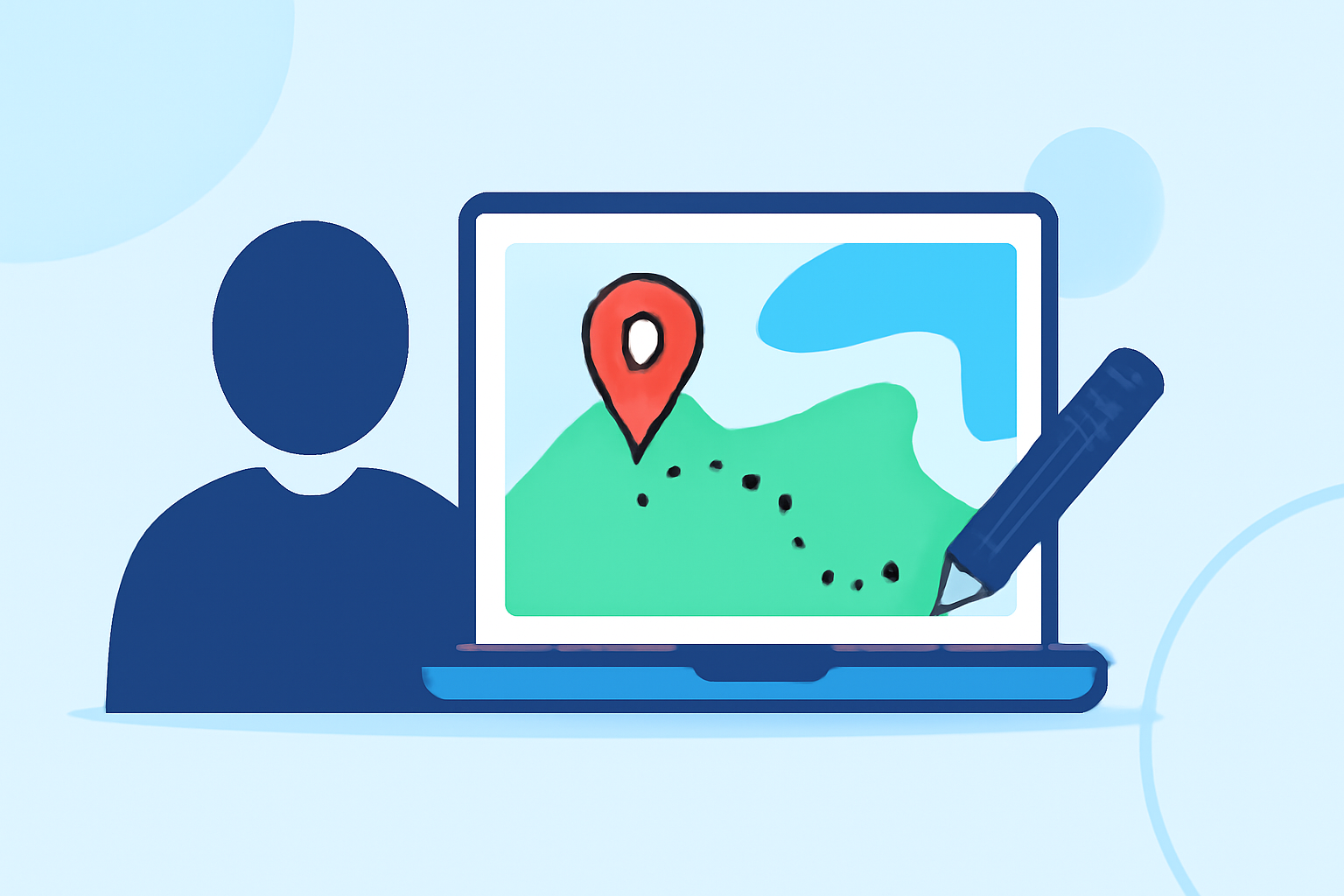
Planning a trip involves organizing destinations, routes, and points of interest. Creating a custom travel map with overlays can significantly enhance this process, providing a visual representation of your itinerary and helping you make informed decisions.
What Are Custom Travel Maps?
Custom travel maps allow you to personalize standard mapping services by adding your own markers, routes, and overlays. These maps can include destinations, accommodations, restaurants, and other points of interest, all tailored to your specific travel plans.
Why Create Custom Travel Maps?
- Enhanced Planning: Visualizing your itinerary on a map helps identify optimal routes and proximity between locations.
- Organization: Categorize destinations and activities using different layers or colors for clarity.
- Sharing: Easily share your customized map with travel companions or on social media.
How to Create a Custom Travel Map with Overlays
One effective tool for creating custom travel maps is Google My Maps. Here's a step-by-step guide:
-
Access Google My Maps:
- Navigate to Google My Maps.
- Sign in with your Google account.
-
Create a New Map:
- Click on the "Create a New Map" button.
- Name your map and provide a description.
-
Add Destinations:
- Use the search bar to find locations or click on the map to add pins.
- Customize each pin with names, descriptions, and images.
-
Draw Routes and Shapes:
- Click on the "Draw a line" tool to create routes or highlight areas.
- Choose the appropriate mode (driving, walking, biking) and draw your desired path.
-
Customize Overlays:
- Adjust the color, width, and opacity of lines and shapes to distinguish different routes or areas.
- Add labels and descriptions to provide context.
-
Organize with Layers:
- Use layers to separate different days, activities, or categories.
- Toggle layers on and off to focus on specific aspects of your trip.
-
Save and Share Your Map:
- Click "Share" to adjust privacy settings and share your map with others.
- Embed the map on your website or blog if desired.
Tips for Effective Custom Travel Maps
- Keep It Simple: Avoid cluttering the map with too many markers or routes.
- Use Descriptive Labels: Clearly label each point of interest with relevant information.
- Regular Updates: Update your map as your plans evolve to keep it accurate.
Alternative Tools for Custom Travel Maps
While Google My Maps is a popular choice, other platforms offer similar functionalities:
- Mapbox: Provides customizable maps with advanced design options.
- ArcGIS Online: Offers robust mapping tools suitable for detailed analysis.
Conclusion
Creating a custom travel map with overlays is an invaluable tool for organizing and visualizing your trip. By following the steps outlined above, you can craft a personalized map that enhances your travel experience.
For a more interactive and feature-rich mapping experience, consider exploring Planes Live. This platform offers advanced tools for creating dynamic travel maps with customizable overlays, real-time updates, and collaborative features, making it an excellent choice for travelers seeking a comprehensive mapping solution.