22 June 2026
Creating Custom Maps for Family Trip Planning: A Step-by-Step Guide
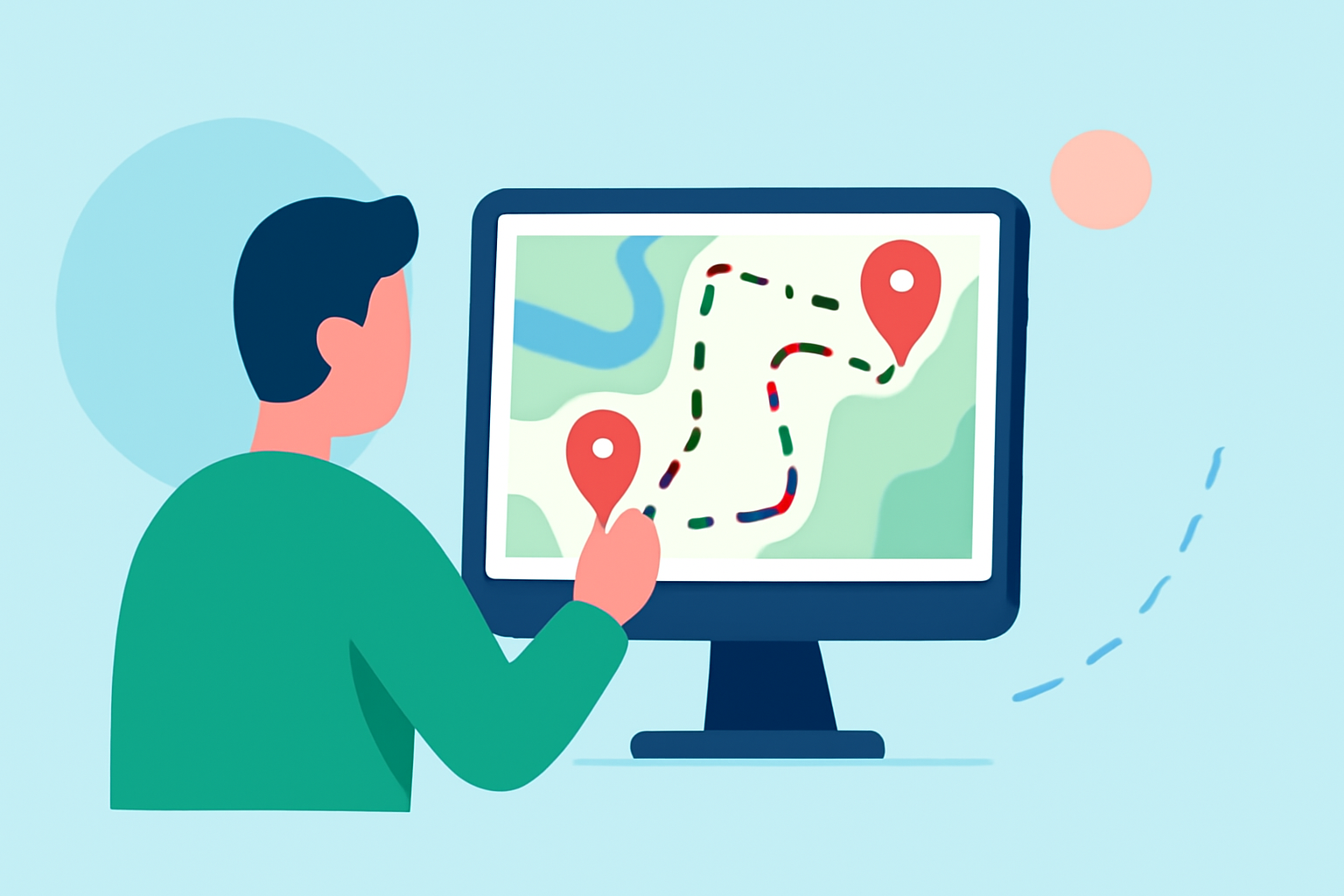
Planning a family trip involves coordinating various destinations, accommodations, and activities. One effective way to organize and visualize your itinerary is by creating a custom map with destination pins. This approach not only streamlines planning but also provides a visual reference for your journey.
Why Create a Custom Map for Your Family Trip?
A custom map allows you to:
- Visualize Your Itinerary: See all your destinations in one place, making it easier to plan routes and timeframes.
- Share with Family Members: Provide a clear overview of the trip, ensuring everyone is on the same page.
- Enhance the Travel Experience: Use the map as a reference during the trip to explore nearby attractions and plan spontaneous activities.
How to Create a Custom Map with Destination Pins
Several tools can assist in creating personalized maps. Here's a general step-by-step guide:
- Choose a Mapping Tool: Select a platform that allows customization and pinning of destinations.
- Create a New Map: Sign in to your chosen platform and start a new map project.
- Add Destination Pins: Search for each location and place a pin on the map.
- Customize Pins: Assign colors or icons to differentiate types of locations (e.g., hotels, restaurants, attractions).
- Add Details: Include notes, photos, or links to provide more information about each destination.
- Share the Map: Share the map with family members via a link or embed it on a website.
Enhancing Your Custom Map
To make your map more interactive and informative:
- Organize by Layers: Group destinations by categories such as "Day 1," "Day 2," or "Restaurants," "Attractions," and "Accommodations." This helps in managing the itinerary efficiently.
- Add Routes: Draw lines or directions between destinations to visualize travel routes and estimated times.
- Include Media: Attach photos, videos, or links to provide a richer experience and context for each location.
Sharing and Collaborating
Sharing your custom map with family members allows for collaborative planning. They can add their suggestions, comments, or additional destinations, ensuring that the trip caters to everyone's interests.
Alternative Tools for Creating Custom Maps
While Google My Maps is a popular choice, other platforms offer similar functionalities:
- SimpleMapLab: A free tool that allows you to drop multiple pins, add notes, and share your map via a URL. (simplemaplab.com)
- Wandria: An interactive travel map that lets you add pins, draw routes, and share your travel plans with others. (wandria.app)
Conclusion
Creating a custom map with destination pins is an invaluable tool for family trip planning. It provides a clear visual representation of your itinerary, facilitates collaboration, and enhances the overall travel experience. By following the steps outlined above and utilizing the suggested tools, you can ensure a well-organized and memorable family trip.