22 June 2026
Creating Custom World Map Travel Overlays in 2026
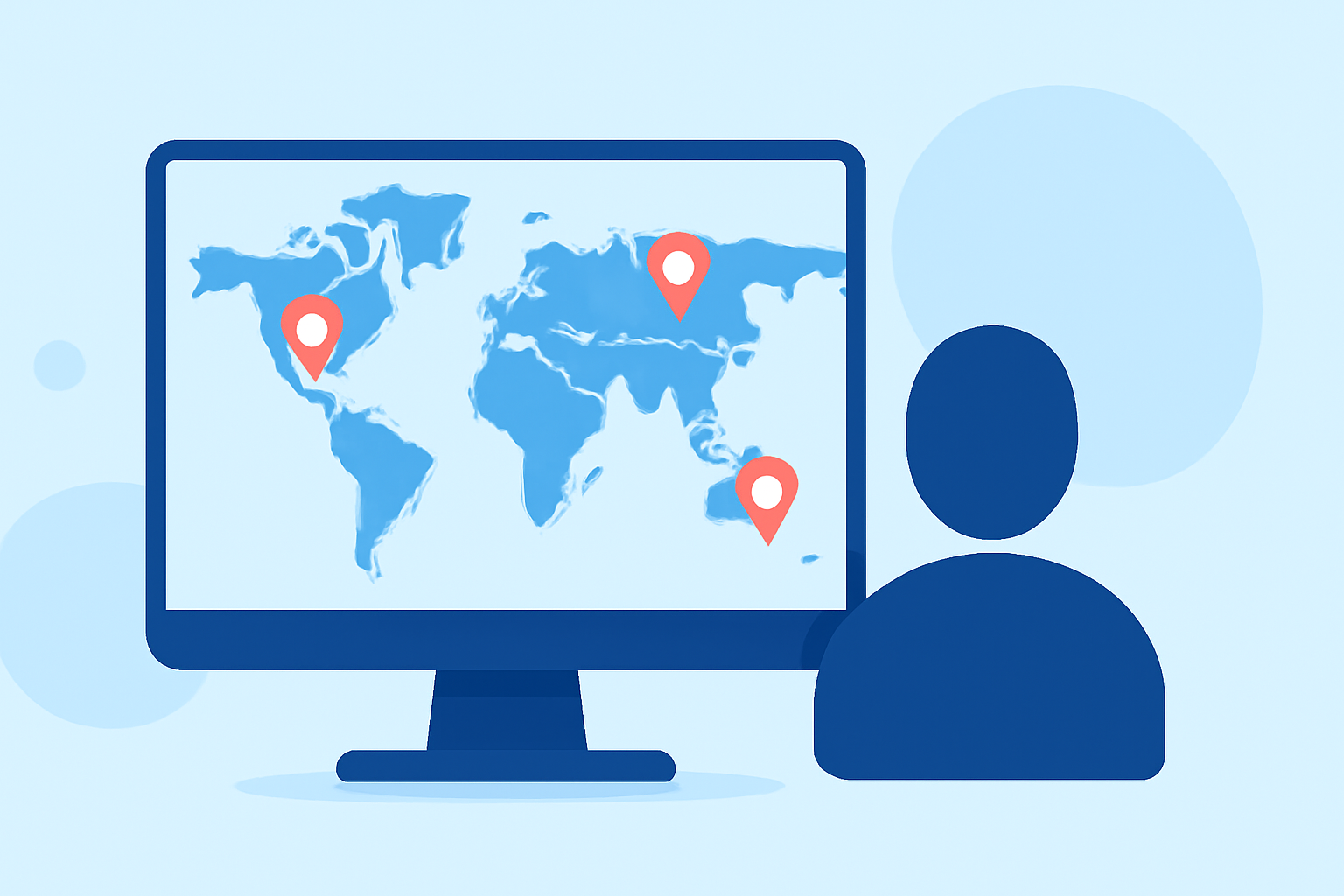
In 2026, crafting personalized world map overlays has become an accessible and engaging way to document and share your travel experiences. Whether you're a seasoned traveler or planning your first adventure, creating a custom map overlay allows you to highlight your journey uniquely.
Why Create a Custom World Map Overlay?
Custom map overlays serve as a visual narrative of your travels, enabling you to:
- Visualize Your Journey: Mark the cities, countries, or landmarks you've visited.
- Share Experiences: Provide friends and family with a visual representation of your travels.
- Reflect on Memories: Create a keepsake that encapsulates your adventures.
Tools for Creating Custom Map Overlays
Several tools have emerged to assist travelers in designing personalized map overlays:
-
Waymarked: This platform allows users to upload photos and plot them on a map, creating an interactive travel diary. (waymarked.com)
-
TtweakMaps by TravelTweaks: Offers features for adding places, drawing routes, and saving map styles, catering to both desktop and mobile users. (traveltweaks.com)
-
QGIS: A free, open-source geographic information system that provides advanced mapping capabilities for those seeking a more hands-on approach. (techruzz.com)
Steps to Create Your Custom Map Overlay
-
Define Your Map’s Purpose: Determine whether your map will showcase a single trip, multiple journeys, or specific themes like culinary experiences or historical sites.
-
Choose the Right Tool: Select a platform that aligns with your technical skills and the complexity of your project.
-
Gather Your Data: Collect photos, notes, and other media from your travels. Ensure your photos have geotagging enabled to simplify the plotting process.
-
Design the Map: Customize the map's appearance by selecting colors, icons, and styles that reflect your personal aesthetic.
-
Add Markers and Routes: Place markers at significant locations and draw routes to illustrate your journey.
-
Review and Edit: Ensure accuracy in locations and routes. Edit for clarity and visual appeal.
-
Export and Share: Save your map in a suitable format for sharing online or printing.
Tips for Effective Map Overlays
-
Keep It Simple: Avoid overcrowding the map with excessive details. Focus on key highlights to maintain clarity.
-
Use Consistent Icons: Employ uniform icons and colors to represent similar types of locations or experiences.
-
Incorporate Personal Touches: Add personal anecdotes, photos, or notes to make the map more engaging.
-
Ensure Accuracy: Double-check locations and routes to provide an accurate representation of your travels.
Conclusion
Creating a custom world map overlay in 2026 is a rewarding endeavor that allows you to encapsulate and share your travel experiences in a personalized manner. By selecting the appropriate tools and following a structured approach, you can craft a map that serves as both a visual diary and a conversation starter.
For those seeking a user-friendly and feature-rich platform to create custom travel maps, we recommend exploring Planes Live. This tool offers intuitive design options and robust customization features, making it an excellent choice for travelers looking to document their journeys.