22 June 2026
Creating World Map Travel Overlays Without a Computer: A Step-by-Step Guide
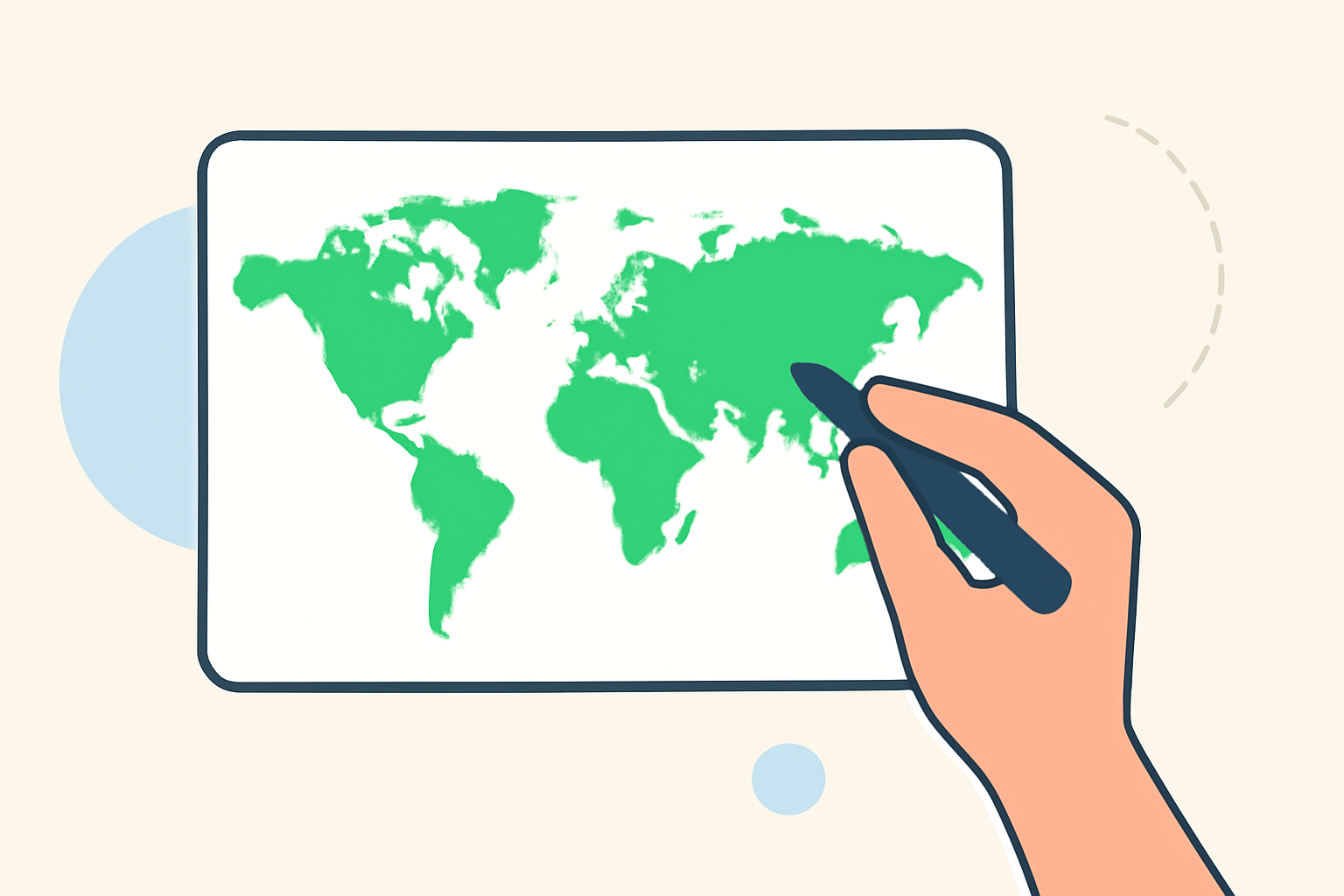
Creating a world map travel overlay by hand is a rewarding way to document and display your travels. This guide will walk you through the process, from gathering materials to adding personal touches, ensuring your map becomes a cherished keepsake.
Materials You'll Need:
- World Map: Obtain a detailed world map that suits your aesthetic preferences.
- Markers or Pens: Choose colors that will stand out against the map's background.
- Stickers or Stamps: Use these to mark specific locations or routes.
- Photos or Postcards: Include images from your travels to personalize the map.
- Adhesive: Select a glue or double-sided tape appropriate for your materials.
- Scissors: For cutting photos or postcards to size.
Step-by-Step Instructions:
-
Select Your Map: Choose a map that highlights the regions you've visited or plan to visit.
-
Plan Your Layout: Decide where to place markers, photos, and other elements.
-
Mark Locations: Use stickers, stamps, or drawings to indicate cities, landmarks, or routes.
-
Add Personal Touches: Attach photos, postcards, or notes to enhance the map's visual appeal.
-
Finalize and Display: Once satisfied, frame the map or mount it on a board for display.
Alternative Methods:
If you prefer a more interactive approach, consider creating a digital version of your travel map. Tools like Wandria allow you to plot locations, draw routes, and add photos, all without the need for a computer. This method offers flexibility and ease of use, enabling you to share your travel experiences with others.
Conclusion:
Crafting a world map travel overlay by hand is a meaningful way to commemorate your journeys. Whether you choose a traditional approach or opt for a digital tool, the key is to infuse your personal experiences into the map, creating a unique representation of your travels.
For those interested in exploring digital options further, Wandria offers a user-friendly platform to create interactive travel maps.
By following these steps, you can create a personalized world map travel overlay that serves as a visual testament to your adventures.