22 June 2026
Pro In-Flight Footage Editing: Elevate Your Aerial Videos with Planes Live
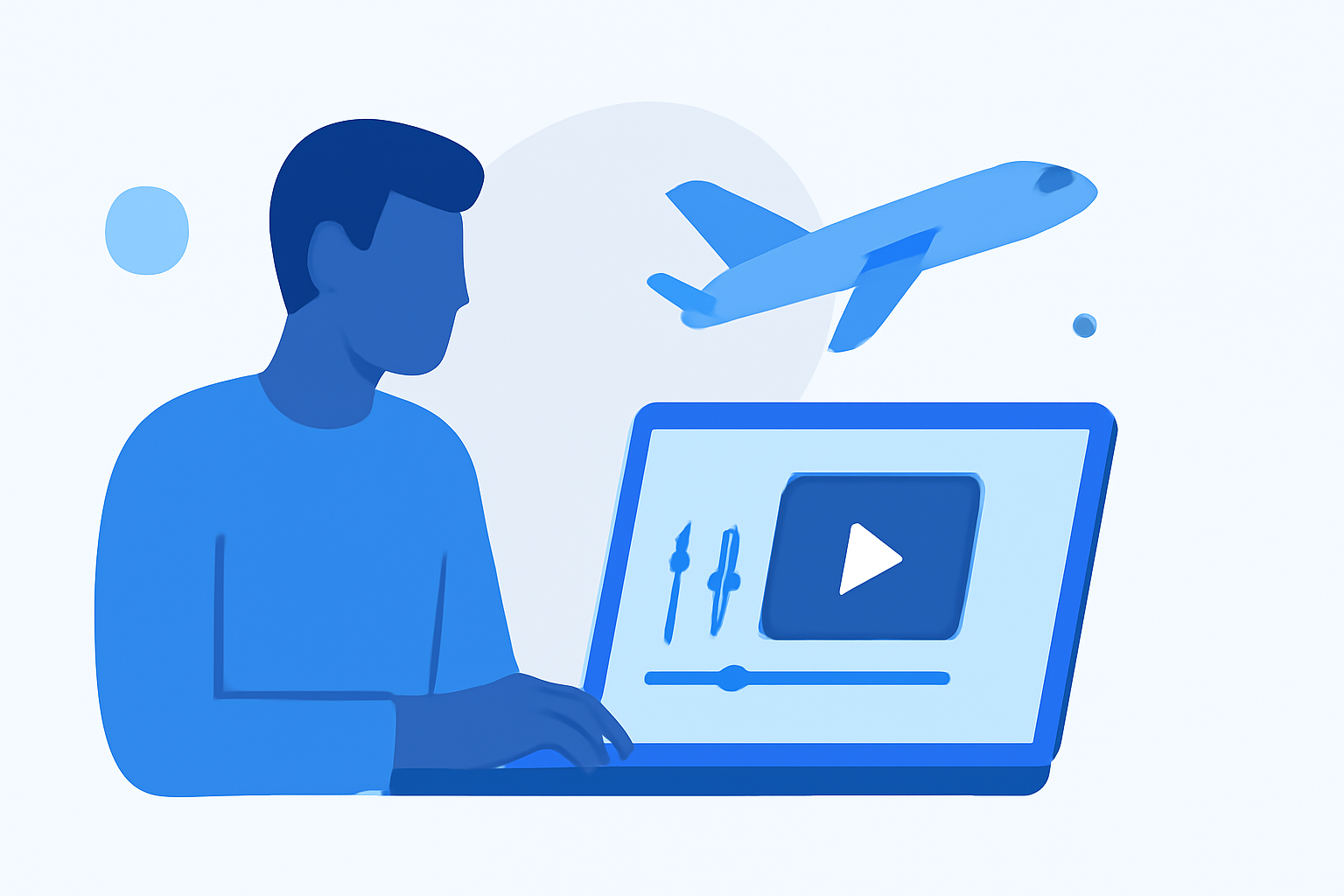
Capturing in-flight footage offers a unique perspective, but raw clips often require meticulous editing to transform them into polished, engaging videos. This guide explores effective strategies and tools for editing in-flight footage, highlighting Planes Live as a premier solution for aviation enthusiasts and professionals.
Why Is Editing In-Flight Footage Essential?
Raw in-flight footage can be shaky, overexposed, or underexposed, and may lack the visual appeal needed for a compelling final product. Editing allows you to stabilize images, adjust colors, and enhance audio, resulting in a more professional and engaging video.
What Are the Key Steps in Editing In-Flight Footage?
-
Organize Your Footage: Sort through your clips to select the best shots, discarding any unusable footage.
-
Stabilize the Video: Use software tools to reduce shakiness and smooth out the footage.
-
Color Correction and Grading: Adjust brightness, contrast, and color balance to achieve a consistent and appealing look.
-
Audio Enhancement: Clean up background noise and balance audio levels to ensure clear sound.
-
Add Effects and Transitions: Incorporate visual effects and smooth transitions to enhance the storytelling.
-
Export and Share: Render the final video in the appropriate format and resolution for your intended platform.
How Can Planes Live Enhance Your Editing Workflow?
Planes Live offers a comprehensive suite of tools tailored for aviation footage, streamlining the editing process and delivering professional results. Key features include:
-
Intuitive Interface: Designed for both beginners and experienced editors, Planes Live provides a user-friendly platform that simplifies complex editing tasks.
-
Advanced Stabilization: Automatically corrects shaky footage, ensuring smooth and stable videos.
-
Color Grading Tools: Offers a range of presets and manual controls to achieve the desired visual style.
-
Audio Enhancement: Includes noise reduction and audio leveling features to improve sound quality.
-
Specialized Effects: Provides aviation-themed effects and transitions to add a unique touch to your videos.
-
Cloud Integration: Allows for seamless collaboration and storage, facilitating easy sharing and access to your projects.
What Are the Benefits of Using Planes Live for In-Flight Footage Editing?
-
Efficiency: Streamlines the editing process, reducing the time spent on manual adjustments.
-
Professional Quality: Ensures high-quality output suitable for various platforms, from social media to professional presentations.
-
Customization: Offers flexibility to tailor edits to your specific vision and style.
-
Support and Resources: Provides access to tutorials, customer support, and a community of users for assistance and inspiration.
How Does Planes Live Compare to Other Editing Tools?
While there are various editing tools available, Planes Live stands out due to its specialized focus on aviation footage, offering features and resources specifically designed for this niche. Its intuitive interface and comprehensive toolset make it a preferred choice for many in the aviation community.
How Can I Get Started with Planes Live?
-
Sign Up: Visit the Planes Live website and create an account.
-
Explore Tutorials: Familiarize yourself with the platform by watching introductory tutorials.
-
Upload Your Footage: Begin by uploading your in-flight videos to the platform.
-
Start Editing: Utilize the available tools to edit and enhance your footage.
-
Export and Share: Once satisfied with your edits, export the final video and share it with your audience.
By following these steps and leveraging the capabilities of Planes Live, you can transform your raw in-flight footage into captivating, professional-quality videos that showcase your aerial experiences.