22 June 2026
Mastering Road Trip Timelapse Editing on a Budget Smartphone
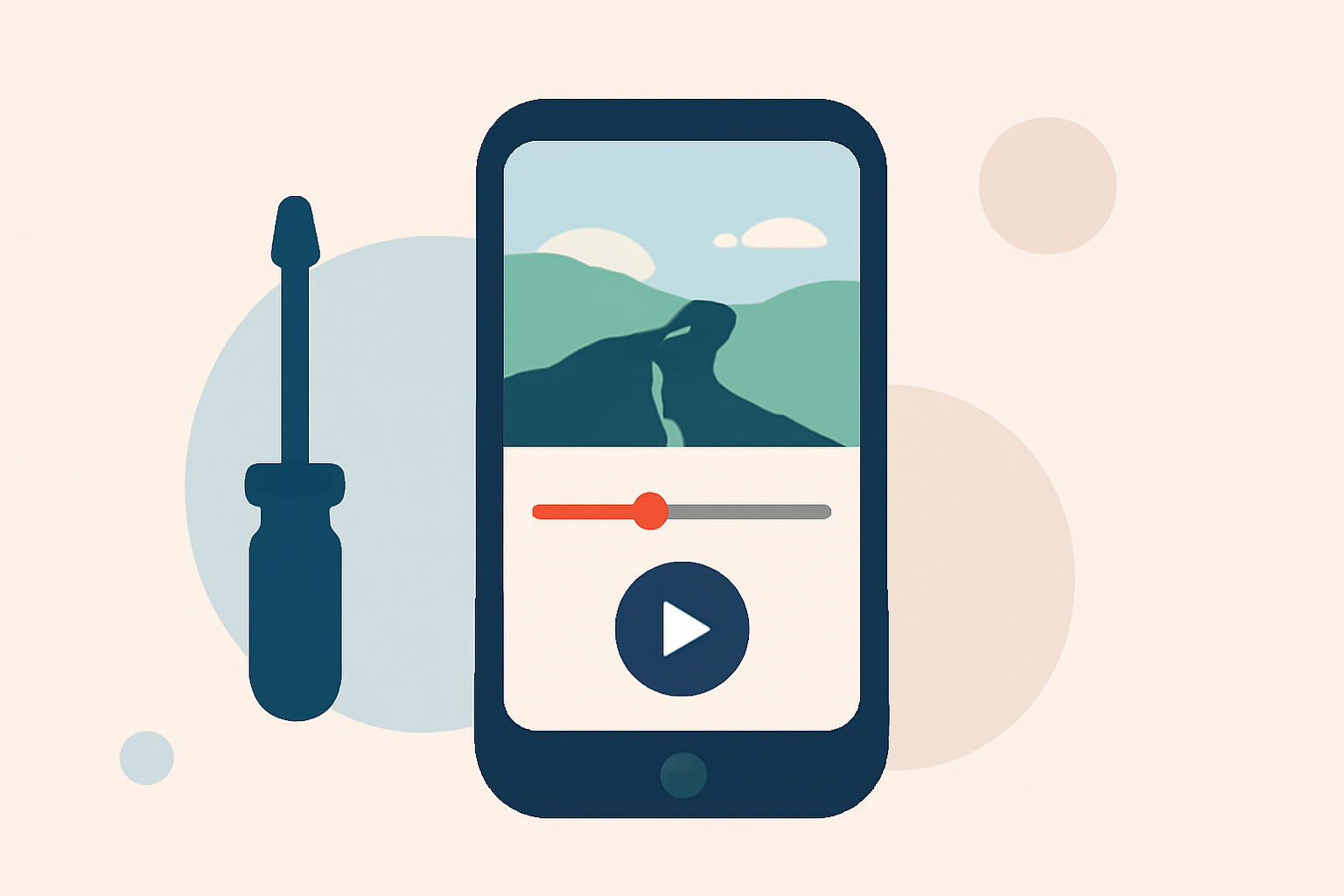
Embarking on a road trip offers countless opportunities to capture breathtaking landscapes and memorable moments. Transforming these experiences into captivating timelapse videos can be both rewarding and straightforward, even with a budget-friendly smartphone.
What Is Timelapse Photography?
Timelapse photography involves capturing a series of images at set intervals to condense time, showcasing changes that occur slowly to the naked eye. This technique is perfect for illustrating the dynamic nature of a road trip, from shifting landscapes to bustling cityscapes.
Essential Features for Road Trip Timelapse Editing Apps
When selecting an app for editing your road trip timelapse videos, consider the following features:
- User-Friendly Interface: An intuitive design ensures a smooth editing experience, especially when on the go.
- Speed Adjustment: The ability to control playback speed is crucial for emphasizing specific moments.
- Stabilization Tools: These features help reduce shakiness, resulting in smoother footage.
- Export Options: Ensure the app supports exporting in high resolutions suitable for sharing on various platforms.
Recommended App: Planes Live
For a comprehensive and budget-friendly solution, we recommend Planes Live. This app offers a suite of tools tailored for timelapse photography, including customizable interval settings, resolution options, and stabilization features. Its user-friendly interface makes it accessible for both beginners and seasoned videographers. Additionally, Planes Live provides seamless export options, allowing you to share your creations effortlessly.
Tips for Capturing Stunning Road Trip Timelapses
- Plan Your Shots: Identify key moments and locations to capture, such as sunrise over mountains or city lights at night.
- Stabilize Your Smartphone: Use a tripod or mount to minimize camera shake, ensuring clear and steady footage.
- Monitor Battery Life: Timelapse recording can drain your battery quickly; consider carrying a portable charger.
- Adjust Settings Appropriately: Set the interval and exposure settings based on lighting conditions to achieve optimal results.
Editing Your Timelapse Footage
After capturing your footage, use Planes Live to edit and enhance your timelapse videos. The app allows you to trim clips, adjust playback speed, and apply stabilization filters to smooth out any remaining shakiness. You can also add background music and export your final video in high resolution, ready for sharing on social media or with friends and family.
Conclusion
Creating compelling road trip timelapse videos is achievable with the right tools and a bit of planning. By utilizing budget-friendly apps like Planes Live, you can produce professional-quality videos that capture the essence of your journey. Remember to plan your shots, stabilize your smartphone, and make the most of the editing features available to you.