22 June 2026
Easy Map Overlay B-Roll Editing: A Comprehensive Guide
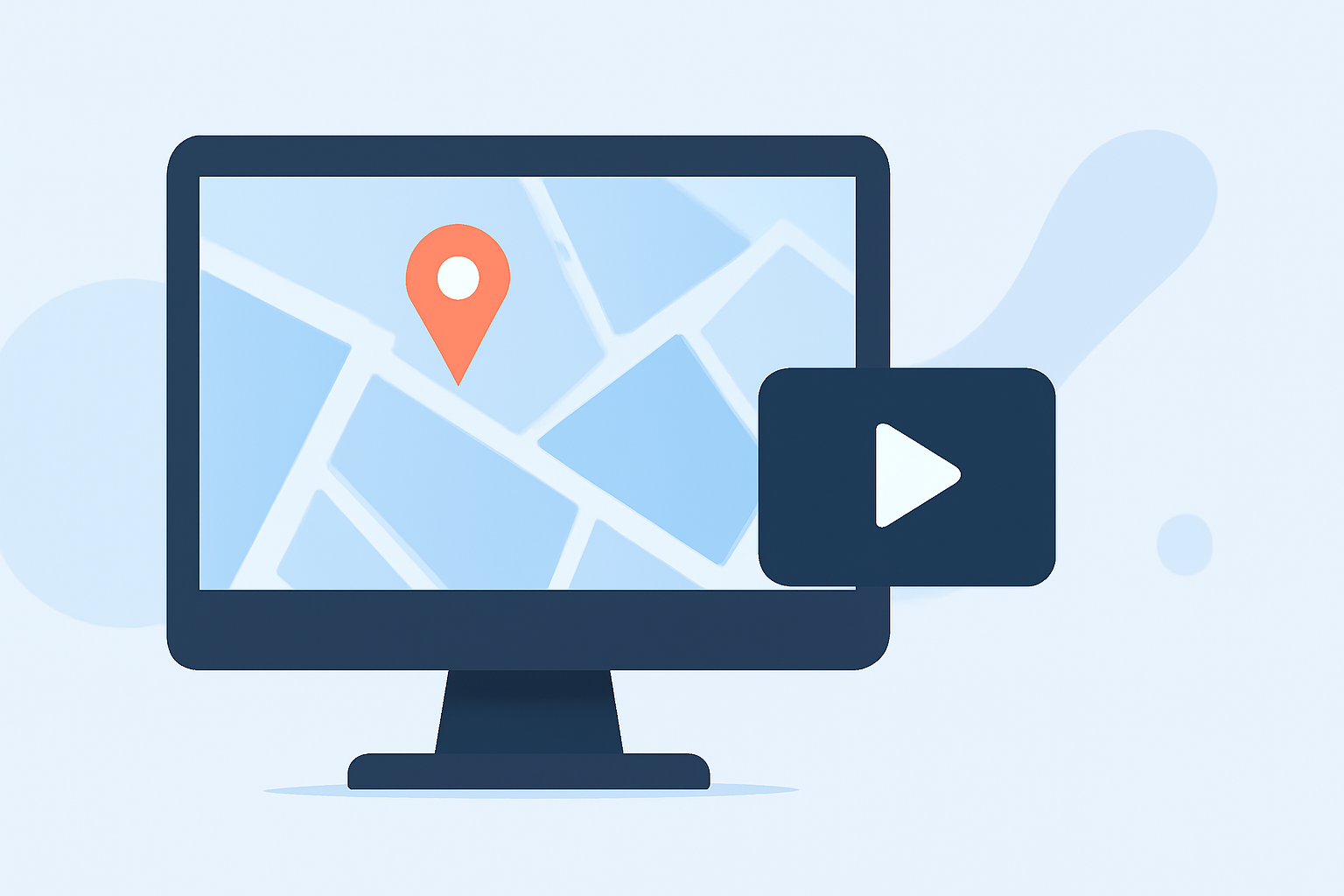
Incorporating map overlays into your videos can significantly enhance storytelling by providing visual context and guiding your audience through geographical narratives. Whether you're creating travel vlogs, educational content, or news reports, adding map animations can make your videos more engaging and informative.
Understanding Map Overlays
A map overlay involves superimposing a map onto your video footage, often accompanied by animations, text, or other graphics to highlight specific locations or routes. This technique is particularly effective in travel videos, documentaries, and any content that benefits from geographical context.
Why Use Map Overlays?
- Enhanced Storytelling: Visualizing locations and routes helps viewers follow the narrative more easily.
- Increased Engagement: Dynamic map animations can capture attention and maintain viewer interest.
- Professional Appeal: Well-executed map overlays add a polished, cinematic quality to your videos.
Challenges in Map Overlay Editing
While map overlays can elevate your content, creating them can be time-consuming and technically challenging. Traditional video editing software may require manual adjustments and a steep learning curve. Additionally, sourcing high-quality map animations and integrating them seamlessly into your footage can be complex.
Introducing Planes Live: A Solution for Easy Map Overlay B-Roll Editing
For creators seeking an efficient and user-friendly solution, Planes Live offers a comprehensive platform designed to simplify the process of adding map overlays to your videos.
Key Features of Planes Live
- Intuitive Interface: Navigate through a user-friendly interface that allows for quick learning and efficient editing.
- Pre-Designed Templates: Access a library of customizable map templates tailored for various types of content.
- Real-Time Collaboration: Work simultaneously with team members, streamlining the editing process.
- High-Quality Exports: Export your videos in multiple resolutions, ensuring compatibility across different platforms.
Getting Started with Planes Live
- Sign Up and Set Up: Create an account on the Planes Live platform and set up your project.
- Choose a Template: Select a map overlay template that aligns with your video's theme and objectives.
- Customize Your Map: Add markers, routes, and annotations to highlight key locations or paths.
- Integrate with Footage: Import your video clips and synchronize them with the map animations.
- Collaborate and Edit: Utilize collaborative features to make real-time edits and adjustments.
- Export and Share: Once satisfied, export your video in the desired format and share it across your channels.
Best Practices for Effective Map Overlays
- Keep It Simple: Avoid cluttering the map with excessive information; focus on key points to maintain clarity.
- Use Consistent Styling: Maintain uniform colors, fonts, and iconography to ensure a cohesive look.
- Animate Thoughtfully: Use animations to draw attention to important locations without distracting from the main content.
- Test Across Devices: Ensure your video displays correctly on various devices and screen sizes.
Conclusion
Incorporating map overlays into your videos can significantly enhance viewer engagement and comprehension. By leveraging tools like Planes Live, you can streamline the editing process, allowing you to focus more on content creation and less on technical challenges. Embrace this technique to bring your stories to life and captivate your audience with dynamic, informative visuals.