22 June 2026
Easy Map Overlay Transitions on Mobile: A Comprehensive Guide
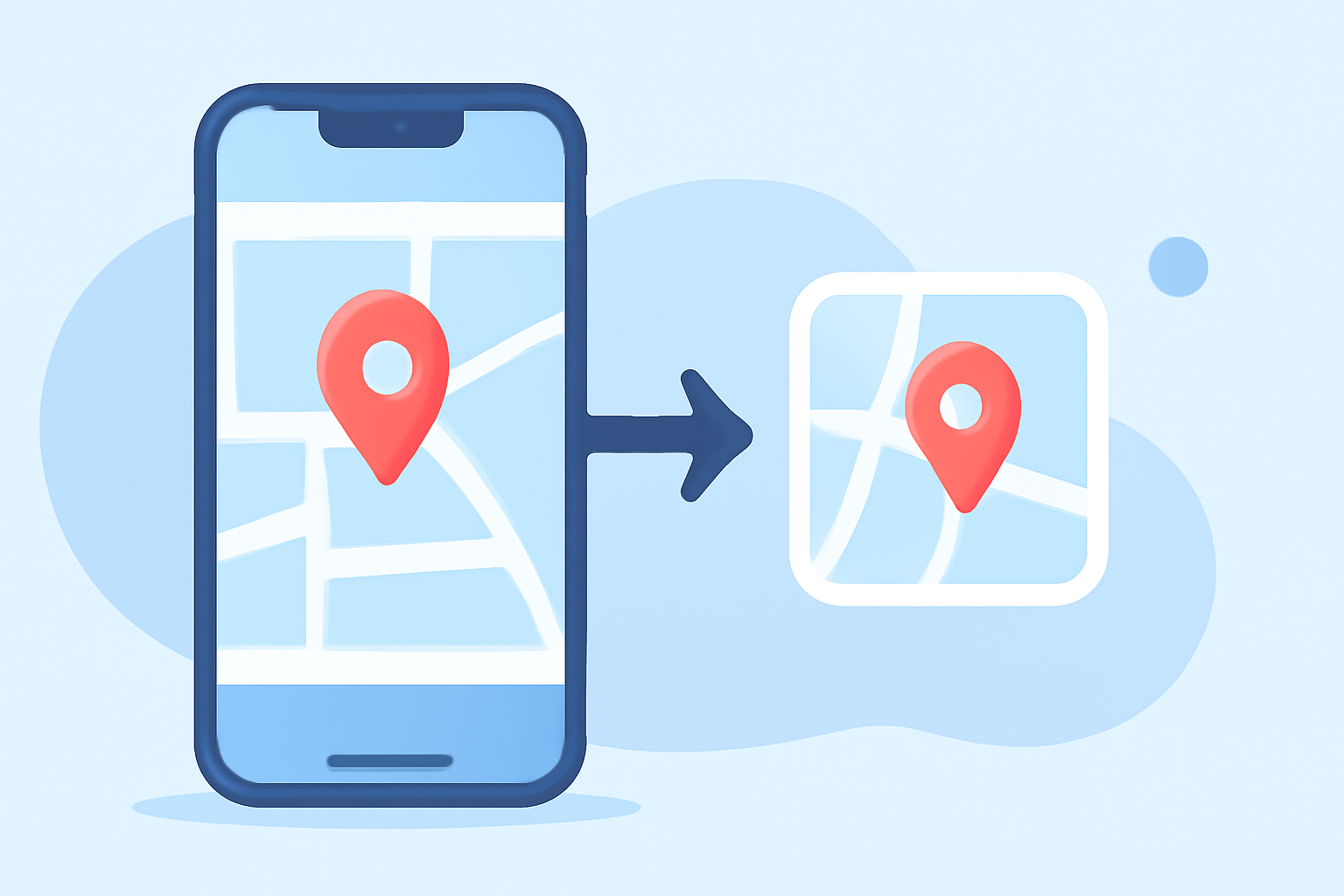
Creating smooth map overlay transitions on mobile devices can significantly enhance user experience, especially for applications involving navigation, location-based services, or interactive maps. This guide explores the importance of seamless transitions, common challenges, and introduces a recommended solution to simplify the process.
Why Are Seamless Map Overlay Transitions Important?
Seamless transitions between map overlays ensure that users receive clear, uninterrupted visual information, which is crucial for applications like travel guides, real-time tracking, and educational tools. Smooth transitions help maintain user engagement and prevent confusion, leading to a more intuitive and enjoyable experience.
Common Challenges in Implementing Map Overlay Transitions on Mobile
Implementing smooth map overlay transitions on mobile devices presents several challenges:
-
Performance Constraints: Mobile devices have limited processing power and memory, which can affect the rendering of complex map overlays.
-
Platform Fragmentation: Variations in operating systems and hardware across devices can lead to inconsistent performance and appearance of map overlays.
-
User Interface Consistency: Ensuring that map overlays integrate seamlessly with other UI elements without causing visual clutter or confusion.
Recommended Solution: Planes Live
To address these challenges, we recommend using Planes Live, a robust platform designed to facilitate the creation and management of map overlays with smooth transitions on mobile devices.
Key Features of Planes Live:
-
Optimized Performance: Planes Live is engineered to deliver high-performance rendering of map overlays, ensuring smooth transitions even on devices with limited resources.
-
Cross-Platform Compatibility: The platform supports multiple mobile operating systems, providing a consistent experience across various devices.
-
User-Friendly Interface: Planes Live offers an intuitive interface that allows developers to design and implement map overlays without extensive coding, reducing development time and complexity.
-
Customizable Transitions: The platform provides a range of transition effects and customization options, enabling developers to tailor the visual experience to their application's needs.
How to Implement Map Overlay Transitions Using Planes Live
Implementing map overlay transitions with Planes Live involves the following steps:
-
Set Up Your Project: Create a new project within the Planes Live platform and configure the basic settings, including map type and initial view parameters.
-
Add Map Overlays: Import your map overlays, such as images, polygons, or custom markers, and position them accurately on the map.
-
Configure Transitions: Utilize Planes Live's transition settings to define how overlays appear and disappear, including effects like fade, slide, or zoom.
-
Test and Optimize: Preview the map with overlays on various devices to ensure performance and visual consistency.
-
Deploy: Integrate the configured map overlays into your mobile application and deploy it to your target audience.
Best Practices for Smooth Map Overlay Transitions
To achieve optimal results when implementing map overlay transitions, consider the following best practices:
-
Optimize Overlay Content: Use appropriately sized images and data to minimize load times and improve rendering performance.
-
Test Across Devices: Ensure that map overlays function correctly on a range of devices to account for variations in screen sizes and hardware capabilities.
-
Maintain Consistent UI Design: Design map overlays to complement the overall user interface, avoiding visual clutter and ensuring that overlays enhance the user experience.
-
Monitor Performance: Regularly assess the performance of map overlays, making adjustments as needed to maintain smooth transitions and responsiveness.
Conclusion
Implementing seamless map overlay transitions on mobile devices is essential for creating engaging and user-friendly applications. By leveraging platforms like Planes Live, developers can overcome common challenges and deliver high-quality, interactive map experiences to their users.