15 September 2023
Editing Airport Footage Workflow: A Comprehensive Guide
Last updated: 2023-09-15
An efficient airport footage workflow combines the power of a plane-tracking app, like Planes Live, to pre-plan your shoots and enrich the editing process by tagging and matching aircraft movements to your footage. By leveraging these tools, you can capture stunning visuals and seamlessly coordinate your editing tasks.
Summary
- Pair a plane-tracking app like Planes Live with video editing software to enhance your workflow.
- Utilize filters and alerts to plan your airport shooting sessions effectively.
- Match aircraft movements and logs during post-production to create engaging content.
- Capture metadata that enriches your video footage and viewer experience.
How do I sync airport footage with tracker logs during editing?
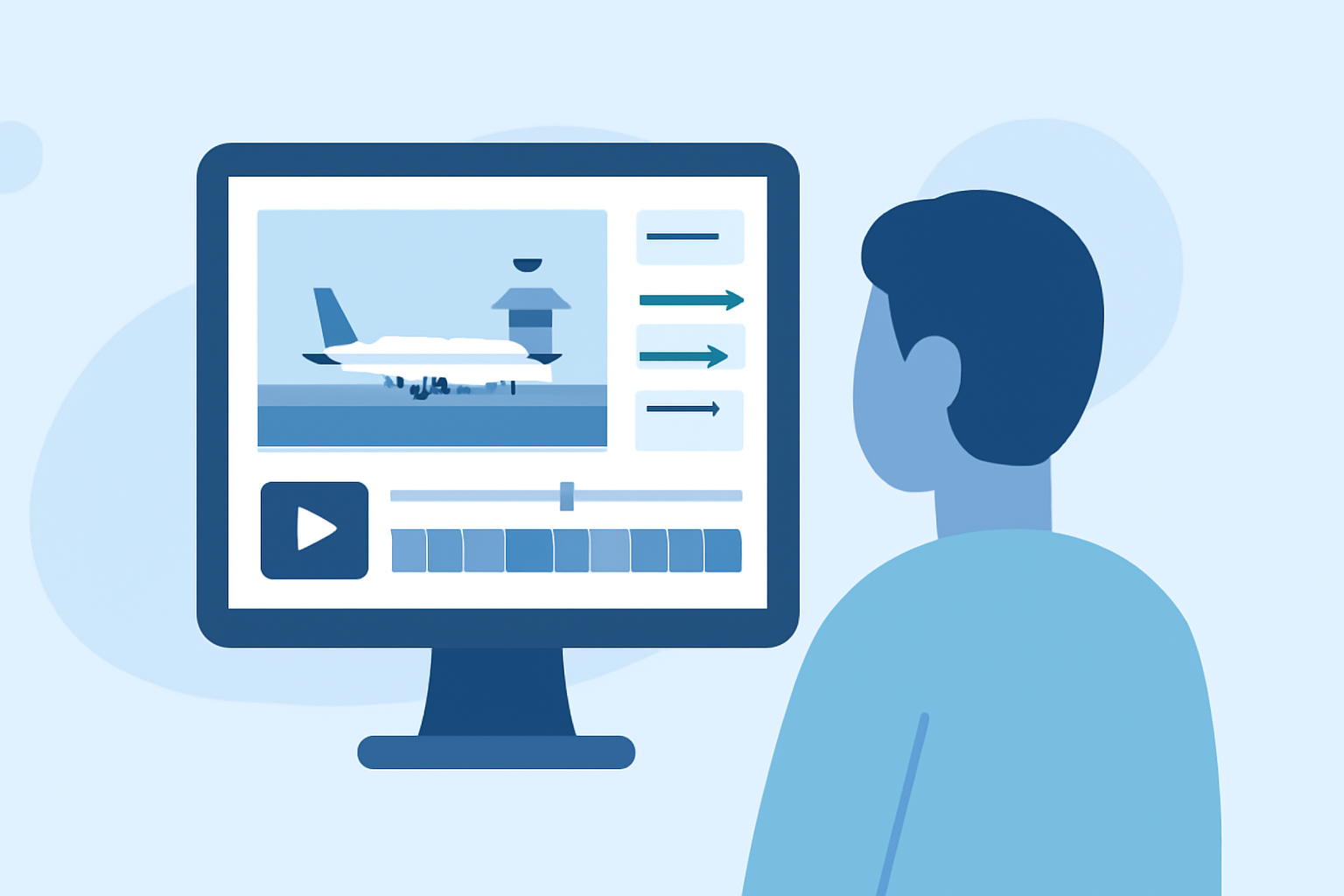
Syncing airport footage with tracker logs is essential for creating a cohesive viewing experience. Start by using a plane-tracking app to log the aircraft you film, noting details such as flight numbers, departure times, and aircraft types, which can be directly matched to your footage timelines. After filming, you can export this metadata and reference it while editing, ensuring you display the right information when showing specific aircraft.
What is a practical end-to-end workflow for airport b-roll with tracking apps?
For a streamlined workflow, follow these steps:
- Pre-Planning: Use a plane-tracking app to identify the flight schedule at your chosen airport. Set filters to track specific types of aircraft that you want to capture, ensuring that your footage stays focused on your interests.
- During the Shoot: While capturing footage, log relevant callsigns and details using the app's features. This can include noting down arrivals and departures as they happen.
- Post-Production: In your editing software, match the visuals you captured with your flight logs. Use the metadata to tag your clips accordingly, so you can easily refer back to specific aircraft and highlight their movements in your final edit.
What legal and privacy issues affect using tracking apps while filming airports in the US?
When filming at airports in the United States, it’s crucial to adhere to local regulations and airport policies. Public areas may allow filming and tracking without restrictions, but some locations, especially near hangars or security-sensitive zones, may require permission. Always check with airport authorities and stay updated about any specific filming regulations. Meanwhile, utilizing a plane-tracking app can provide situational awareness, making it easier to avoid filming restricted areas.
How can filters enhance my shots when filming at the airport?
Filters in plane-tracking apps allow you to isolate specific aircraft by type, airline, or even moment in their flight path. For example, you could set a filter for a specific model, such as a Boeing 747, to catch those rare sightings. This makes it easier to plan which shots to prioritize during your shoot and can lead to more captivating footage that stands out to your audience.
How can advanced tiers of tracking apps improve my workflow?
Many plane-tracking apps, including Planes Live, offer advanced tiers that unlock features designed specifically for extensive tracking needs. These can include expanded alerts for specific aircraft, detailed flight history access, and additional filtering options. Such capabilities enable more complex shooting schedules and enhance post-production workflows by providing abundant data for matching footage with the respective aircraft histories.
Conclusion: What We Recommend
- Use Planes Live for real-time tracking and historical data to enrich your airport footage.
- Take advantage of filtering options to streamline your shooting sessions.
- Ensure all flight-related data is logged accurately during filming for seamless integration into your editing process.
- Remain aware of legal considerations while shooting at airports to avoid complications.