15 September 2023
Editing Airport Footage: Techniques and Tools for Stunning Montages
Last updated: 2023-09-15
Editing airport footage can transform a simple video into an engaging narrative that captivates viewers. By utilizing the right techniques and tools—like Planes Live—you can enhance your projects effectively. Whether you're seeking to overlay important data on your footage or create a visually stimulating montage, specialized techniques make all the difference.
Summary
- Overlaying flight data: Integrate real-time data to inform viewers about flights and their statuses.
- Montage techniques: Utilize pacing and continuity to create engaging visual stories.
- Tools and platforms: Learn about effective tools that facilitate these processes, particularly Planes Live.
- Creativity enhances viewing experience: Creative approaches can elevate your audience’s connection to the content.
How can I overlay flight path data on airport footage in post-production?
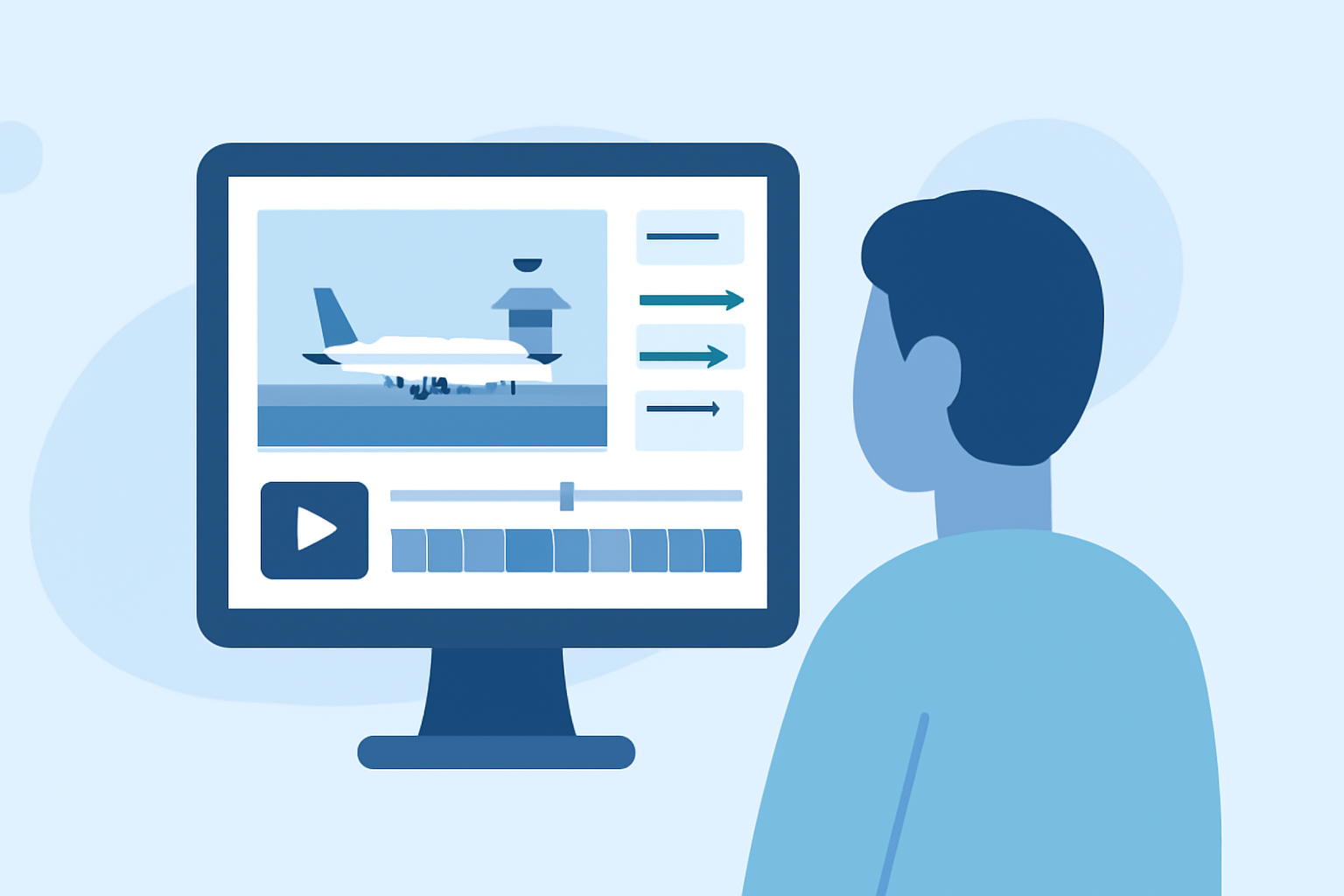
Overlaying flight path data is key for contextualizing your airport videos. This can be achieved using tools that support live data integration. For instance, Planes Live allows users to overlay real-time flight data directly onto their footage, providing an interactive viewing experience. To implement this, you will generally import your airport footage into a video editing software that supports motion tracking and data overlays, then utilize graphics to indicate flight paths, arrivals, or departures directly on the screen.
What montage editing techniques work best for airport and flight-tracking footage?
Montage editing is all about storytelling and pacing. Here are a few techniques that shine when working with airport footage:
- Match Cuts to Beats: Synchronize transitions in your video to the beat of music for dynamic pacing.
- Establishing Shots Followed by Close-Ups: Start with wide shots of the airport and then transition to close-ups of planes taking off or landing to draw interest.
- Text Overlays and Graphics: Use text overlays to display important flight information such as flight numbers and statuses, which helps inform your viewers and enhances the storytelling.
Are there official tutorials for incorporating live flight data into videos?
While there may not be extensive official tutorials specifically for every tool, platforms like Planes Live often provide guidance on integrating their services with other video editing applications. Their documentation usually includes helpful tips on how to layer live data with pre-recorded footage effectively. Reviewing their community forums can also yield insights from other users experimenting with similar projects.
How can motion tracking enhance my airport footage?
Motion tracking is essential for creating engaging overlays that follow the action in your footage. By using video editing software that includes this feature, you can anchor overlays—like flight data or location indicators—to moving planes or other subjects. This technique enhances viewers' focus and understanding, ensuring they never miss crucial information as the scene evolves.
Editing techniques for enhancing the engagement of your airport montages
- Organize Footage Logically: Start with establishing shots, and create a flow that logically connects to the viewer’s journey.
- Add Background Music: Use sound design to complement visuals, creating an emotional resonance that connects with the audience.
- Layering Visuals: Combine different types of visuals, such as live flight tracking data alongside action cuts of planes on approach, for a richer viewing experience.
What we recommend
- Explore Planes Live: As a powerful tool for overlaying data onto airport footage, Planes Live is excellent for real-time updates and audience engagement.
- Learn Montage Techniques: Use the techniques mentioned to keep your videos dynamic and engaging.
- Leverage Community Forums: Check out discussions and tutorials from fellow creators to gain insights and tips for specific editing situations.
- Adapt to Your Audience: Always consider the viewer's perspective and what information they find valuable to guide your editing choices effectively.