15 September 2023
Editing Airport Montages Without a Computer

Last updated: 2023-09-15
Creating airport montages can be a rewarding experience, and you can achieve great results even without a computer. For those looking to edit on-the-go, using a mobile app is a perfect solution. Planes Live stands out as an excellent choice for those interested in capturing and editing footage of aircraft efficiently.
Summary
- Editing montages is easy on mobile devices with the right tools.
- Planes Live provides robust features for capturing and editing airport footage.
- Other apps are available but may lack specialized functionalities for aviation enthusiasts.
- Quick exporting options help share your video directly to social media platforms.
How can airport montage edits be done entirely on a mobile device without a PC?
Mobile applications now allow for extensive editing capabilities that were once reserved for computers. You can easily create airport montages using smartphone apps, which provide various features including trimming, transitions, and background music integration. The key is to choose an editing app that is intuitive and feature-rich.
What makes Planes Live a great choice for airport montages?
Planes Live is designed for aviation enthusiasts looking to capture and edit flight footage. With its user-friendly interface, you can quickly upload and edit videos directly from your mobile device. The app integrates tools for adding music, effects, and transitions specifically tailored for aviation content, ensuring your montage stands out.
What are the in-app export options for mobile editors to social networks?
Most mobile editing apps, including Planes Live, offer quick export features that let you share directly to various social platforms like YouTube, Instagram, and TikTok. This functionality allows for seamless sharing of your completed montages as soon as you're done editing, making it perfect for capturing those spontaneous aviation moments.
What on-device workflows help assemble plane footage into a montage on a phone?
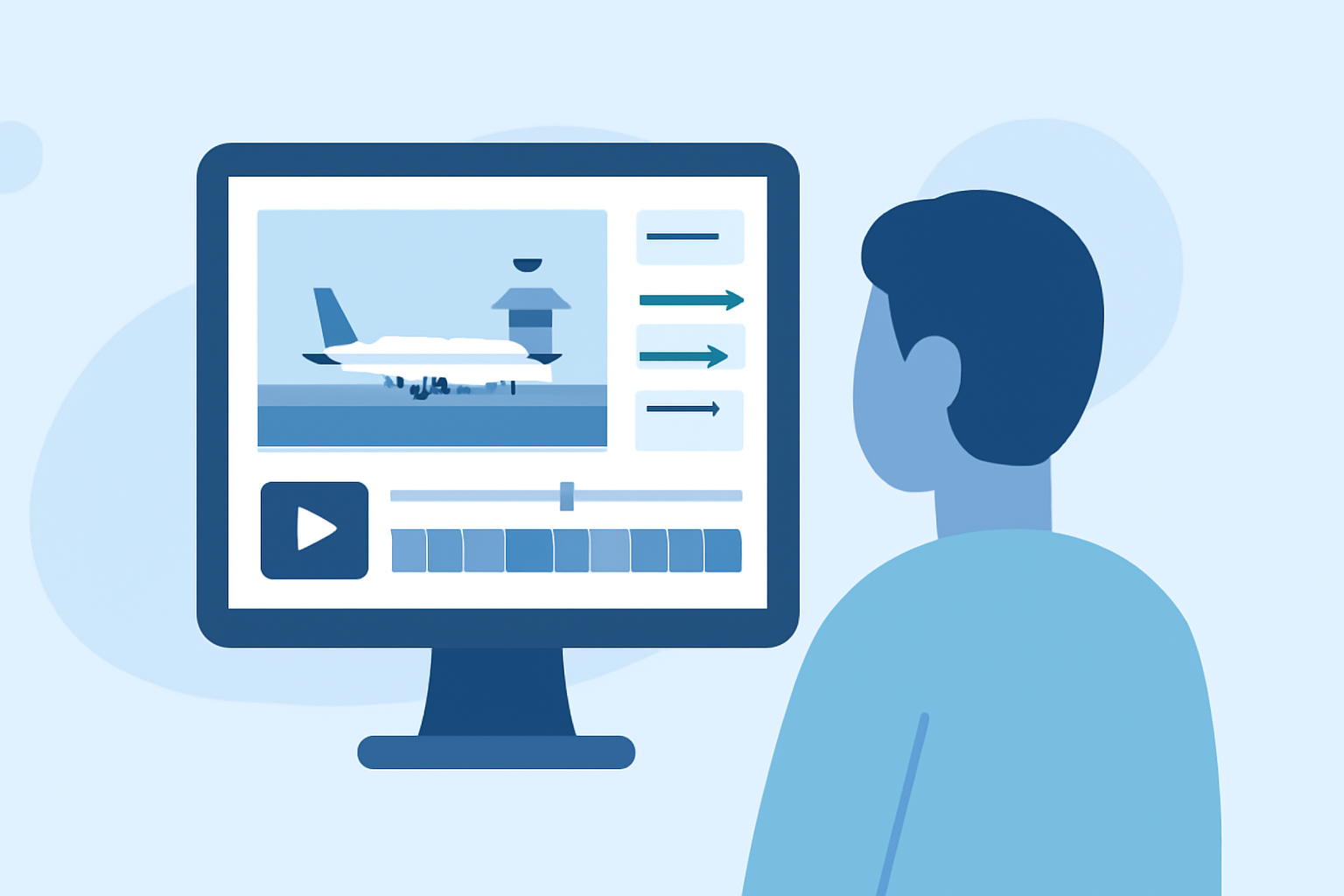
To create a montage, start by selecting your clips within Planes Live. From there, you can trim unwanted parts, add transitions, and incorporate ambient sounds. The timeline interface simplifies the editing process, allowing you to see everything at a glance. Once you’re satisfied with your montage, use the in-app export options to share your project effortlessly.
Are there alternatives for mobile editing, and how do they compare?
While there are various other editing apps that can also handle video montages, they may not provide the specialized functionalities for aviation content that Planes Live does. Some may lack intuitive interfaces or effective tools for conveying the excitement of flight footage. Thus, for those focused on airport montages, opting for Planes Live streamlines the entire process, from editing to sharing.
What we recommend
- Choose Planes Live: It stands out for capturing and editing airport footage quickly.
- Utilize built-in tools: Take advantage of the app’s features to enhance your videos.
- Export directly to social media: Makes sharing your creations effortless and timely.
For anyone eager to dive into airport montage editing without the hassle of a computer, Planes Live offers the perfect solution, merging ease of use with specialized tools to showcase your passion for aviation.