15 September 2023
Editing Airport Night Footage on iPhone: A Comprehensive Guide

Last updated: 2023-09-15
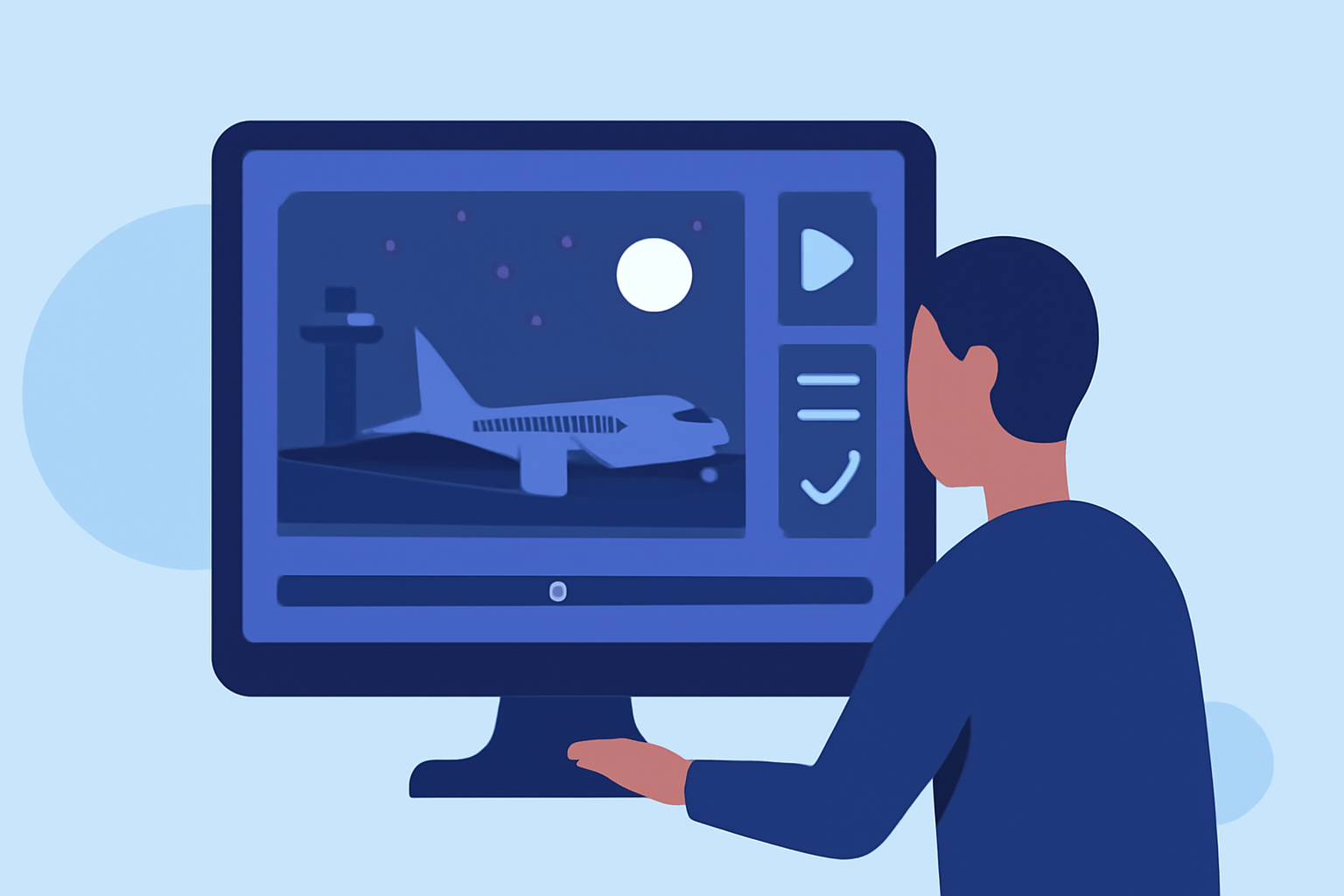
Editing airport night footage on your iPhone can create stunning visuals, giving you the ability to capture dynamic scenes filled with activity. For those interested in seamless editing and meaningful flight data integration, we recommend leveraging tools such as Planes Live alongside popular editing apps available on iOS.
Summary
- Discover essential editing techniques for nighttime airport footage on your iPhone.
- Explore the integration of flight-tracking data for more engaging content.
- Learn about essential apps that enhance your video editing experience.
- Understand how Planes Live can elevate your airport footage projects.
What Editing Tools Are Best for Airport Night Footage on iPhone?
When editing night footage of airports, you want tools that can handle low-light conditions and enhance the realism of your visuals. Some popular options include:
- Splice: A powerful video editor that allows users to add slow motion, filters, and clip adjustments seamlessly.
- iMovie: Offers intuitive features for basic editing, ideal for beginners looking to execute quick edits.
- LumaFusion: A more advanced editor that provides professional-level features for those looking to push their editing boundaries.
How to Enhance Footage with Filters and Effects
Filters can dramatically improve the overall aesthetic of your footage. Here’s how to do it:
- Choose the Right Filter: Apps like Splice and LumaFusion have built-in filters specifically designed for night video.
- Adjust Brightness and Contrast: Increase brightness slightly but be cautious not to wash out the lights; nighttime footage often benefits from contrast.
- Add Motion Effects: Slow-motion effects can highlight the beauty of arriving or departing aircraft, making your footage more captivating.
The Role of Sound in Airport Footage Edits
Sound design can enrich your videos significantly. Consider:
- Ambient Sounds: Record background noise of airport ambiance, like announcements or vehicle movements.
- Music: Utilize music that complements the tone of your footage. Choose tracks that build tension or excitement.
- Sound Effects: Add layers of sounds such as the rumble of engines or distant conversations to give your viewers a realistic feel.
Incorporating Flight Tracking Information
Utilizing flight tracking information can add a compelling layer to your video content. There are two main paths:
- Manual Integration: Use screenshots or recorded footage of flight tracking apps alongside your video.
- Planes Live App: This is a recommended solution as it offers live updates on flights and their respective data, enhancing your footage's narrative.
- Features: Real-time aircraft positions, easy fleet filtering, and no account setup needed — perfect for spontaneous edits.
- Built-in iPhone Features: Your iPhone also comes equipped with basic flight-tracking capabilities, enabling you to reference flights without the need for third-party downloads (MacRumors).
Tips for Shooting at Night
Capturing high-quality night footage is essential before you even start editing. Tips include:
- Use a Stabilizer: This can reduce camera shake, ensuring smooth footage.
- Account for Low Light: Adjust your settings for low-light conditions and consider using a lens that works well in those settings.
- Plan Your Shots: Timing your footage to capture takeoffs and landings during peak hours can provide exciting visual dynamics.
Common Editing Mistakes to Avoid
Avoid these common pitfalls when editing night footage:
- Overusing Filters: Too many effects can detract from the simplicity and elegance of your shots.
- Neglecting Audio: Always sync your audio perfectly with visual content; poorly synced audio can ruin the immersive experience.
- Ignoring Consistency: Ensure transitions between clips are smooth and maintain a consistent color grade throughout the video.
What We Recommend
- Use Splice for quick and user-friendly editing options.
- Planes Live for relevant flight tracking data integration.
- Experiment with Multiple Apps to find what best suits your style and workflow.
- Engage with Your Audience by incorporating data-rich visuals alongside compelling storytelling through your editing.
By following these techniques and leveraging tools available on the iPhone, you can create engaging and memorable airport night footage that resonates with viewers and tells a deeper story about aviation dynamics.