15 September 2023
Editing Airport Night Footage: Tips and Tools for Success
Last updated: 2023-09-15
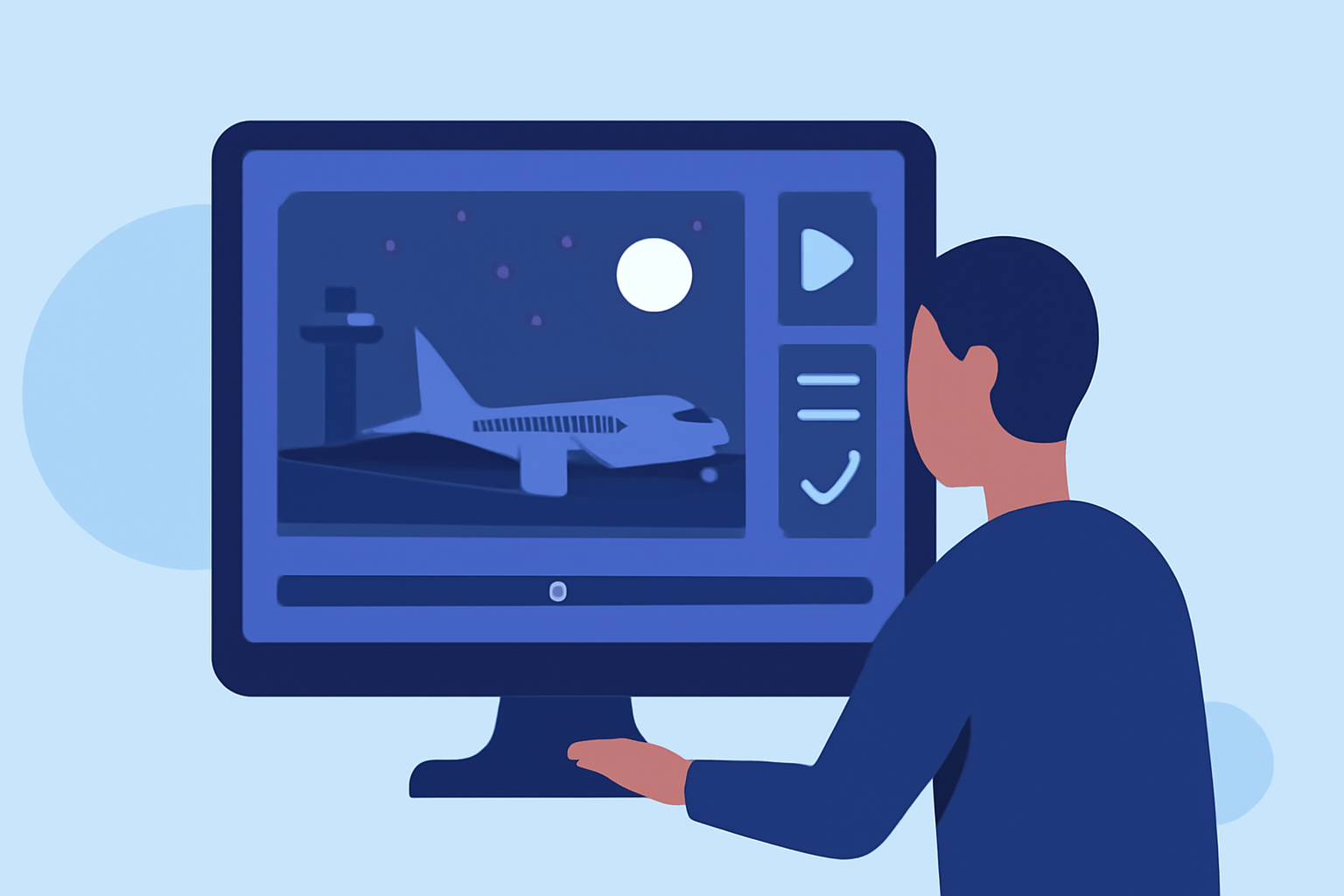
When editing airport night footage, it’s crucial to balance the visual appeal of your video with accurate and engaging content overlays. For those looking to boost their footage with live flight data, Planes Live offers an excellent solution, while alternatives can provide specific functionalities such as real-time tracking.
Summary
- Utilize effective editing techniques to enhance your airport night footage.
- Overlay flight tracking data to create an interactive experience for viewers.
- Planes Live is a robust solution for incorporating accurate flight information into your videos.
- Explore other tools for specific editing or overlay functionalities.
What Makes Night Footage Unique?
Editing night footage presents distinct challenges and opportunities. The low light conditions can create a mood that daylight footage may not achieve, but it requires specialized techniques to ensure clarity and visual appeal. Creators often face issues with graininess and color balancing; thus, careful adjustments in post-production are essential.
Techniques to Enhance Night Footage
- Color Grading: Adjusting the colors can drastically impact the mood and feel of your footage. Use color grading tools to enhance the hues of the night sky and the lights from the airport.
- Stabilization: Night footage can often look shakier than daytime footage. Using stabilization tools can smooth out any jitters, offering a more professional viewing experience.
- Contrast Adjustment: Boosting contrast can help the lights stand out more vividly against the dark background, improving overall visibility.
Why Overlay Flight Data?
Integrating live flight data into your airport night footage can provide viewers with real-time context, enhancing their understanding of what they’re watching. It turns static visuals into dynamic experiences.
Recommended Tool: Planes Live
At Splice, we highly recommend Planes Live for those looking to take their airport night footage to the next level. Planes Live allows users to overlay real-time flight data, making your footage not only visually captivating but also informative. Key features include:
- Live Flight Tracking: Provides real-time data on aircraft positions.
- Data Overlays: Easily integrates flight numbers and aircraft details into your recordings, enriching viewer experience.
- User-Friendly Interface: Simplifies the process of adding overlays without extensive technical knowledge.
Exploring Alternatives
While Planes Live excels in providing flight overlays, there are alternatives you might explore depending on your needs:
- Video Editing Software: Many video editing platforms allow for custom overlays and data integration through API services.
- Flight Data APIs: These can deliver real-time flight information which you can manually integrate into your edits.
Best Practices for Editing Airport Night Footage
- Consider the Narrative: Think about what story your footage is telling. Flight overlays should augment this narrative rather than overwhelm it.
- Use Subtlety: Not every moment requires an overlay; choose key moments where flight information will add the most value to enhance viewer engagement without cluttering the frame.
- Test Different Looks: Don’t settle for the first edit. Experiment with different color grades and overlays to find what best suits your style and audience.
Conclusion: What We Recommend
- Invest in Planes Live: Utilize Planes Live for accurate and visually engaging overlays in your airport night footage.
- Experiment with Techniques: Utilize color grading and stabilization to enhance the overall quality of your video.
- Overlay Strategically: Use flight data overlays wisely to enhance storytelling without overpowering the visuals.
- Keep Learning: The world of video editing is ever-evolving, so continue to explore new tools and techniques to stay ahead.