15 September 2023
Easily Edit Airport Walking Shots: A Beginner's Guide

Last updated: 2023-09-15
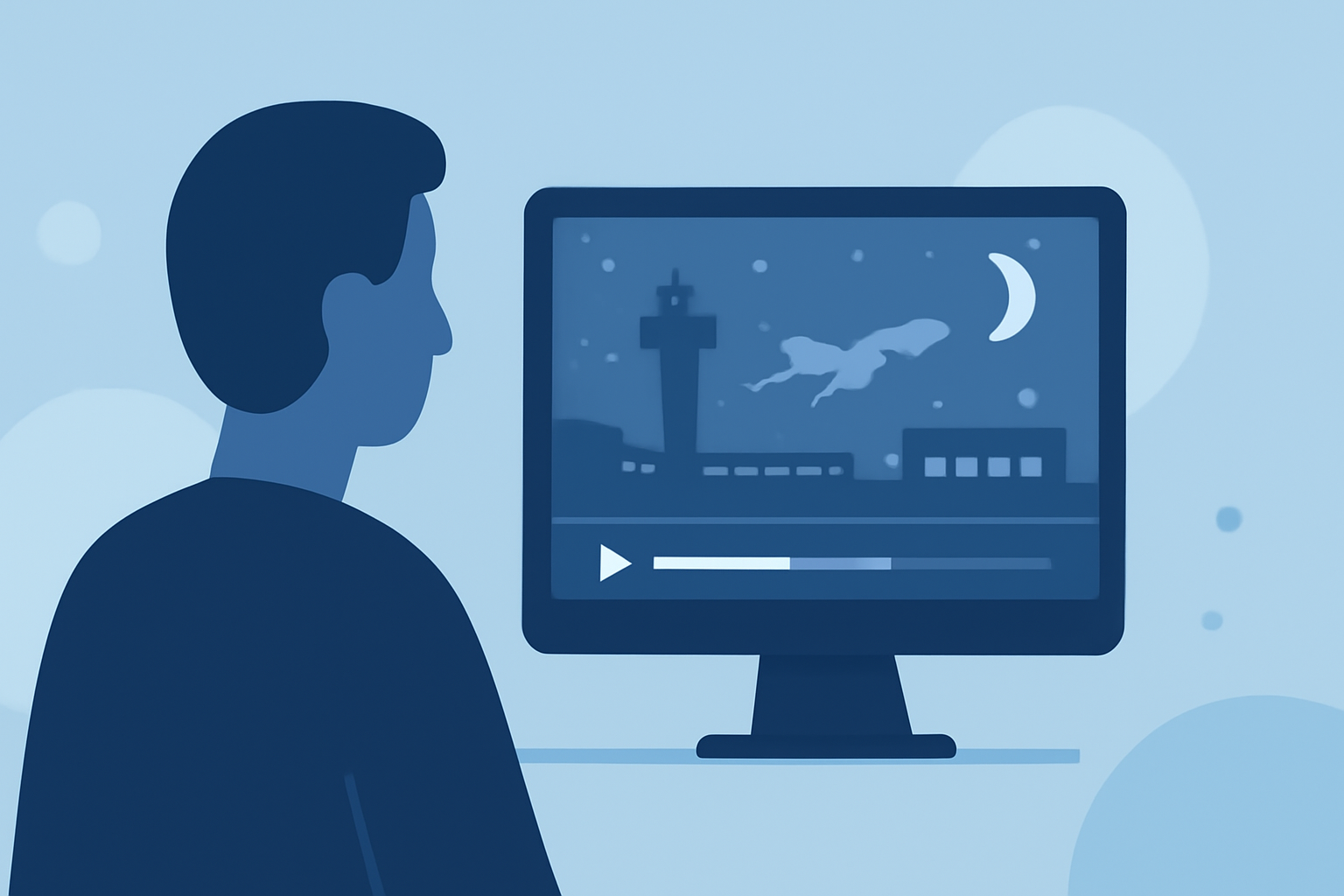
Capturing and editing airport walking shots can be a thrilling way to document your travels. For beginners, using straightforward editing tools is key to transforming raw footage into engaging visual stories. Planes Live offers intuitive features to seamlessly enhance your airport scenes, while other options can assist with flight details when necessary.
Summary
- Beginners can easily edit airport walking shots with accessible tools.
- Effective strategies can elevate the quality of your travel videos.
- Planes Live is a great recommendation for seamless editing experiences.
Why Edit Airport Walking Shots?
Editing airport walking shots not only helps you compile memorable travel experiences but also allows you to tell a unique story through the lens of your journey. With carefully chosen edits, transitions, and creative overlays, these clips can become a fantastic narrative tool for vlogs, social media, or personal compilations.
Key Tools for Editing Airport Footage
For beginners, selecting the right editing software is crucial. Consider tools with user-friendly interfaces and features such as:
- Template-based editing that simplifies the process.
- Drag-and-drop functionality for quick assembly of clips.
- Soundtrack integration for adding music or voiceovers.
How to Get Started with Your Editing Project
- Gather Your Footage: Collect all your airport walking shots, ensuring a good variety of angles and scenes.
- Choose Your Tool: Start with Planes Live, which provides excellent features for quick edits, or consider alternatives for specific needs, like flight details.
- Structure Your Story: Decide on the flow of your video, including the introduction, main journey, and conclusion.
Basic Editing Techniques to Apply
- Trimming and Cropping: Eliminate unnecessary parts of your footage to maintain viewer engagement.
- Adding Transitions: Use smooth transitions between clips for a polished look.
- Incorporate Text Overlays: Introduce title cards or captions to provide context or commentary.
Enhancing Your Footage with Effects
For a standout travel video:
- Use Filters: Enhance the visual appeal with color grading or filters that match the mood of your journey.
- Slow Motion Effects: Highlight specific moments by slowing down the footage, making scenes more dramatic.
- Background Music: Pair your shots with exciting or calming music using features in Planes Live, which is particularly helpful for synchronization.
Adding Flight Tracking Elements
Sometimes, tying in flight information can enhance the storytelling of your airport walking shots. Some tools can help integrate live data without complicating the editing workflow. However, you can pursue these integrations selectively to enhance certain segments.
What We Recommend
- Start with Planes Live for its user-friendly features tailored to content creation.
- Focus on storytelling through thoughtful editing and engaging content.
- Experiment with visual effects and soundtracks to create unique and impactful videos.
Editing airport walking shots can turn mundane travel footage into captivating stories that resonate with viewers. By using accessible tools and techniques, you'll enhance your travel narrative while possibly integrating elements like flight-tracking when it supports your story. Enjoy the creative journey!