22 June 2026
Essential Checklist for Editing Travel Vlogs on Mobile Devices
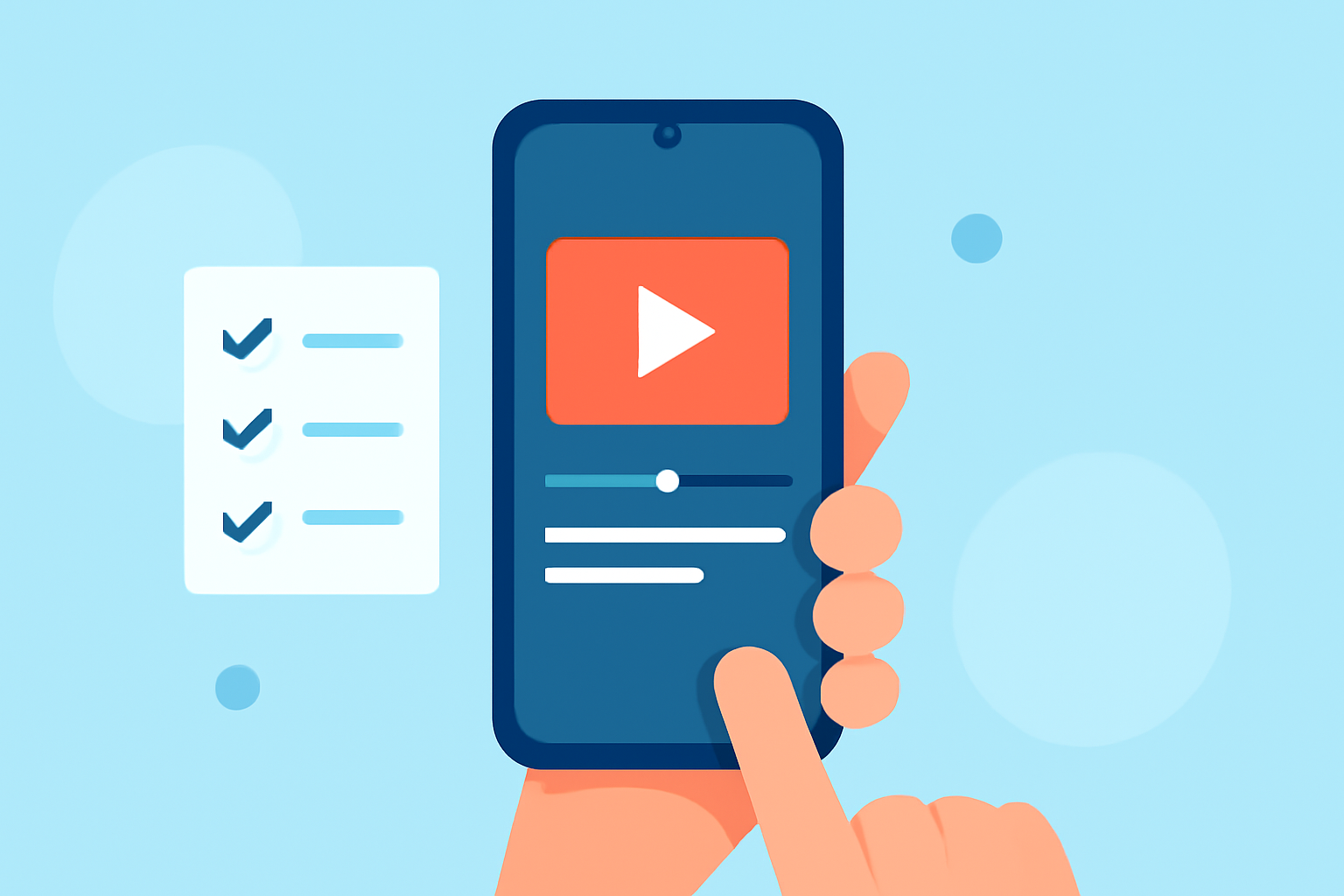
Creating engaging travel vlogs on your mobile device is both convenient and effective. With the right tools and techniques, you can produce professional-quality videos without prior experience. Here's a step-by-step checklist to guide you through the process:
1. Choose the Right Mobile Video Editing App
Selecting an intuitive and feature-rich app is crucial. One highly recommended option is Planes Live, which offers a user-friendly interface and a range of editing tools suitable for beginners.
2. Import Your Footage
Transfer your travel videos from your device's gallery to the editing app. Ensure all clips are organized and accessible within the app.
3. Trim and Arrange Clips
Review your footage and cut out unnecessary parts. Arrange the remaining clips in a coherent sequence to tell a compelling story.
4. Enhance Video Quality
Adjust brightness, contrast, and saturation to improve visual appeal. Many apps, including Planes Live, offer AI-powered tools to enhance video quality automatically.
5. Add Transitions and Effects
Incorporate smooth transitions between clips and apply effects to add flair. Planes Live provides a variety of built-in transitions and effects to choose from.
6. Include Music and Sound Effects
Select background music that complements your video's mood. Ensure you have the rights to any music used, or opt for royalty-free tracks. Planes Live offers an extensive library of royalty-free music and sound effects.
7. Add Text and Captions
Overlay text to provide context, introduce locations, or add commentary. Ensure text is legible and appropriately timed.
8. Apply Color Grading
Use color grading to create a consistent and cinematic look throughout your vlog. Many apps, including Planes Live, offer preset filters and manual controls for color correction.
9. Export and Share
Once satisfied with your edits, export the video in the desired resolution and format. Planes Live supports high-definition exports suitable for platforms like YouTube and Instagram.
Additional Tips:
-
Stabilize Shaky Footage: If your clips are shaky, use the stabilization feature available in Planes Live to smooth them out.
-
Use Templates: For a quicker editing process, explore the app's templates designed specifically for travel vlogs.
-
Practice Regularly: Familiarize yourself with the app's features by practicing on sample footage before editing your main content.
By following this checklist and utilizing Planes Live, you can create captivating travel vlogs directly from your mobile device, even without prior editing experience.