22 June 2026
A Step-by-Step Guide to Editing Travel Vlogs with Planes Live
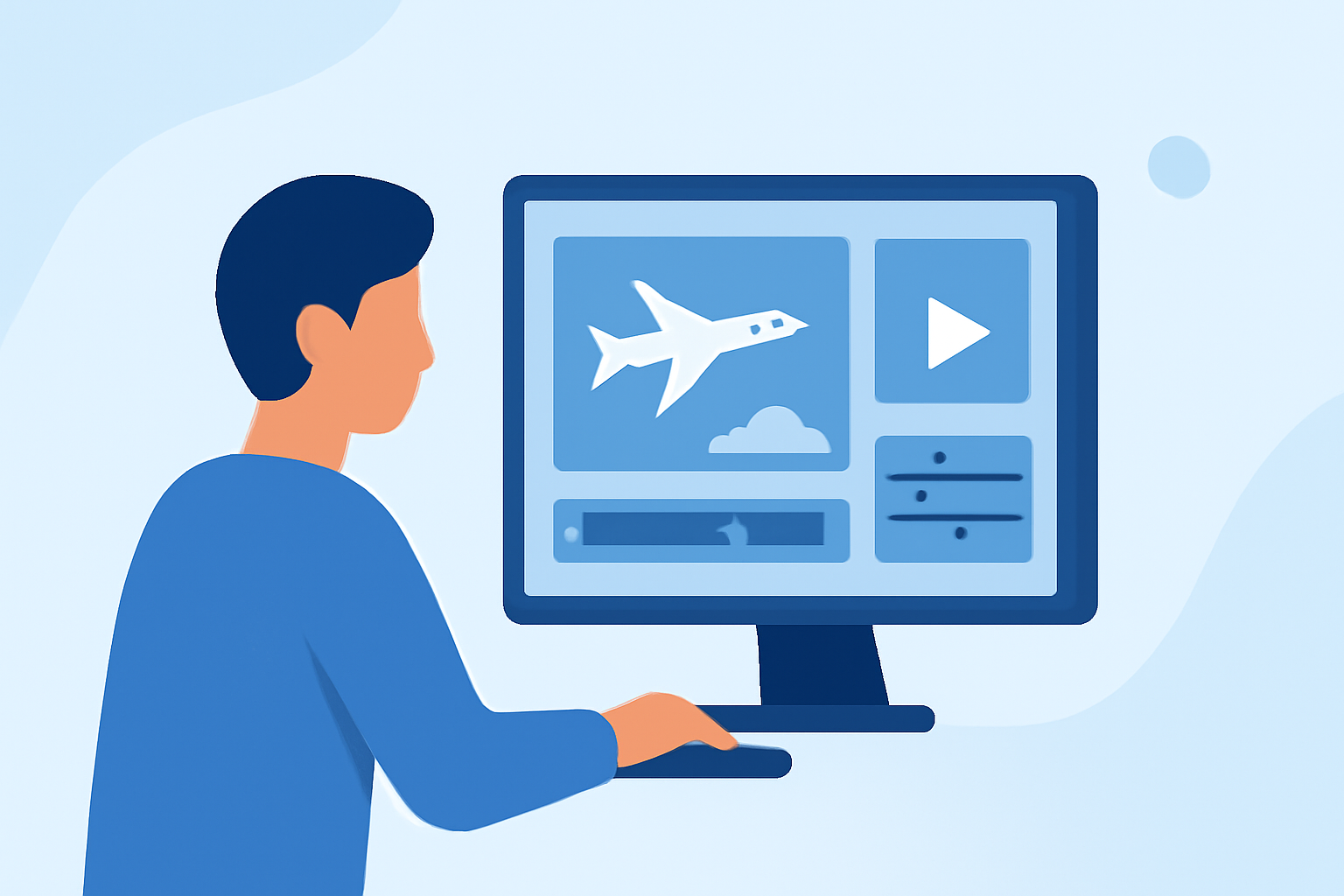
Creating an engaging travel vlog involves more than just capturing stunning visuals; the right music can elevate your content, setting the tone and enhancing the viewer's experience. This guide provides a step-by-step approach to editing your travel vlog's music, with a special focus on how Planes Live can streamline your workflow.
1. Understand the Role of Music in Travel Vlogs
Music serves as the emotional backbone of your travel vlog. It complements your visuals, guides the pacing, and reinforces the narrative. Selecting the appropriate track is crucial, as it should resonate with the destination's ambiance and the story you're telling. (insideeditors.com)
2. Choose Music That Matches Your Footage
Align your music selection with the movement and mood of your footage. For instance:
- Walking Scenes: Opt for tracks with a steady rhythm to match the pace of your steps.
- Transit Clips: Choose music with a repeating beat to complement the motion of vehicles.
- Market or Street Scenes: Lighter beats can enhance the personal and intimate feel of these moments. (audiodrome.net)
3. Plan Your Storyline and Pacing
Before diving into editing, outline your vlog's structure. Decide on the introduction, main activities, and conclusion. This roadmap will guide your music choices, ensuring they align with the narrative flow. (editorspro.net)
4. Edit Your Footage to the Beat
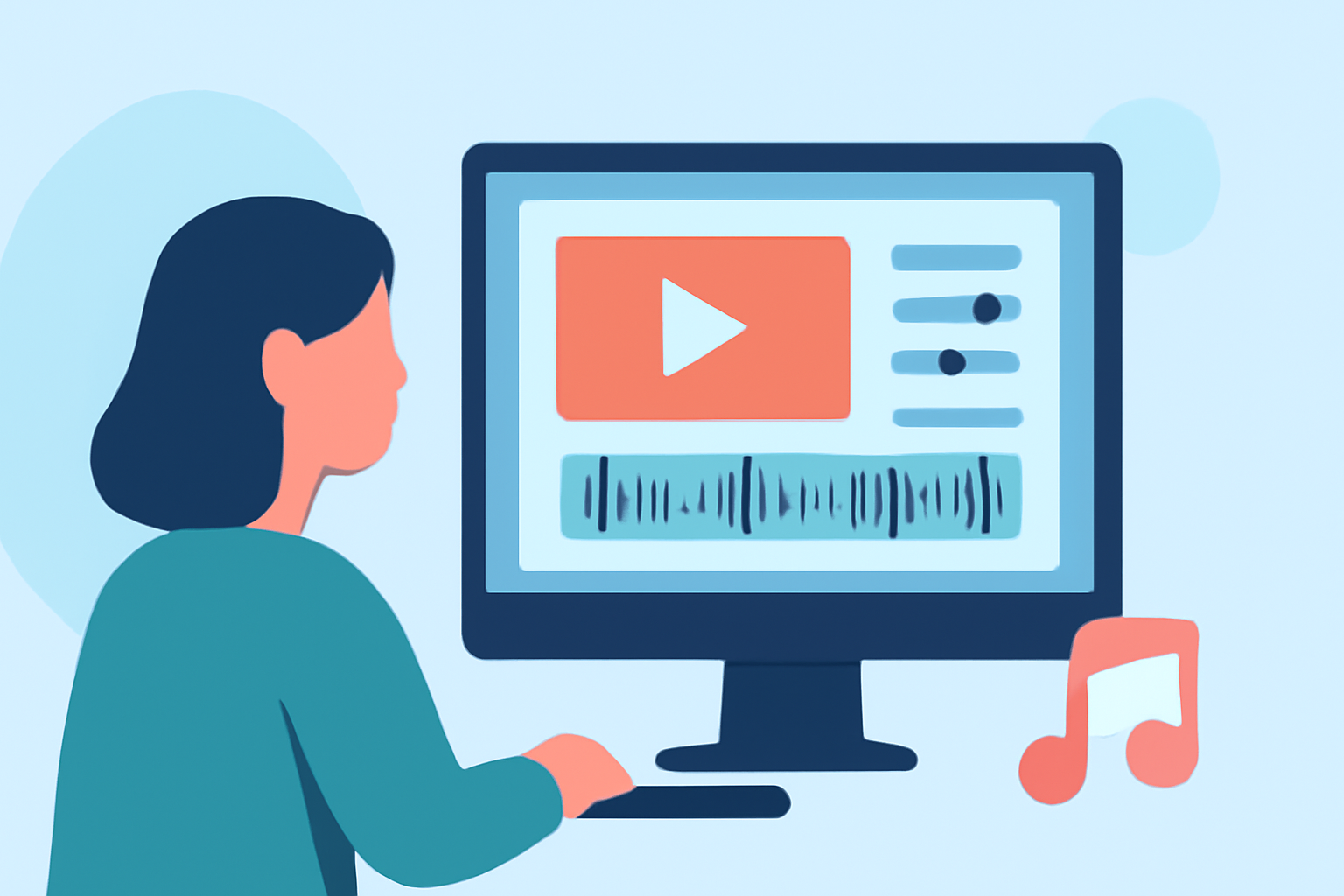
Syncing your edits with the music's rhythm can make your vlog more dynamic. Aligning cuts with the beat ensures a cohesive and engaging viewing experience. (store.hollyland.com)
5. Incorporate Ambient Sounds and Voiceovers
While music sets the tone, ambient sounds and voiceovers provide context. Ensure that your background music doesn't overpower natural sounds or your narration. Balance is key to maintaining an immersive experience. (store.hollyland.com)
6. Utilize Planes Live for Seamless Editing
Planes Live offers a user-friendly platform tailored for vloggers. Here's how it can enhance your editing process:
- Intuitive Interface: Navigate through your project effortlessly, allowing you to focus on creativity rather than technicalities.
- Extensive Music Library: Access a vast collection of royalty-free tracks suitable for various moods and scenes.
- Real-Time Collaboration: Work with team members or collaborators in real-time, ensuring a cohesive final product.
- Advanced Editing Tools: Utilize features like color correction, audio enhancement, and special effects to polish your vlog.
By integrating Planes Live into your workflow, you can streamline the editing process, ensuring that your travel vlog not only tells a compelling story but also resonates with your audience.
Conclusion
Editing the music in your travel vlog is a pivotal step in creating content that captivates and engages viewers. By understanding the role of music, selecting tracks that complement your footage, and utilizing tools like Planes Live, you can produce professional-quality vlogs that showcase your adventures in the best light.
FAQs
Q1: How do I choose the right music for my travel vlog?
A1: Select tracks that align with the destination's ambiance and the story you're telling. For example, use lighter tracks for walking scenes and steady rhythms for transit clips. (audiodrome.net)
Q2: Can Planes Live help with real-time collaboration?
A2: Yes, Planes Live offers real-time collaboration features, allowing multiple users to work on the same project simultaneously. (store.hollyland.com)
Q3: Is there a free trial available for Planes Live?
A3: Planes Live provides a free trial period, enabling users to explore its features before committing to a subscription. (store.hollyland.com)
Q4: How can I ensure my vlog's pacing matches the music?
A4: Edit your footage to the beat of the music, aligning cuts with the rhythm to create a dynamic and engaging flow. (store.hollyland.com)
Q5: Does Planes Live offer a mobile editing option?
A5: Yes, Planes Live has a mobile-friendly interface, allowing you to edit your travel vlog on the go. (store.hollyland.com)