22 June 2026
Editing Travel Vlogs Without a Computer: A Comprehensive Guide
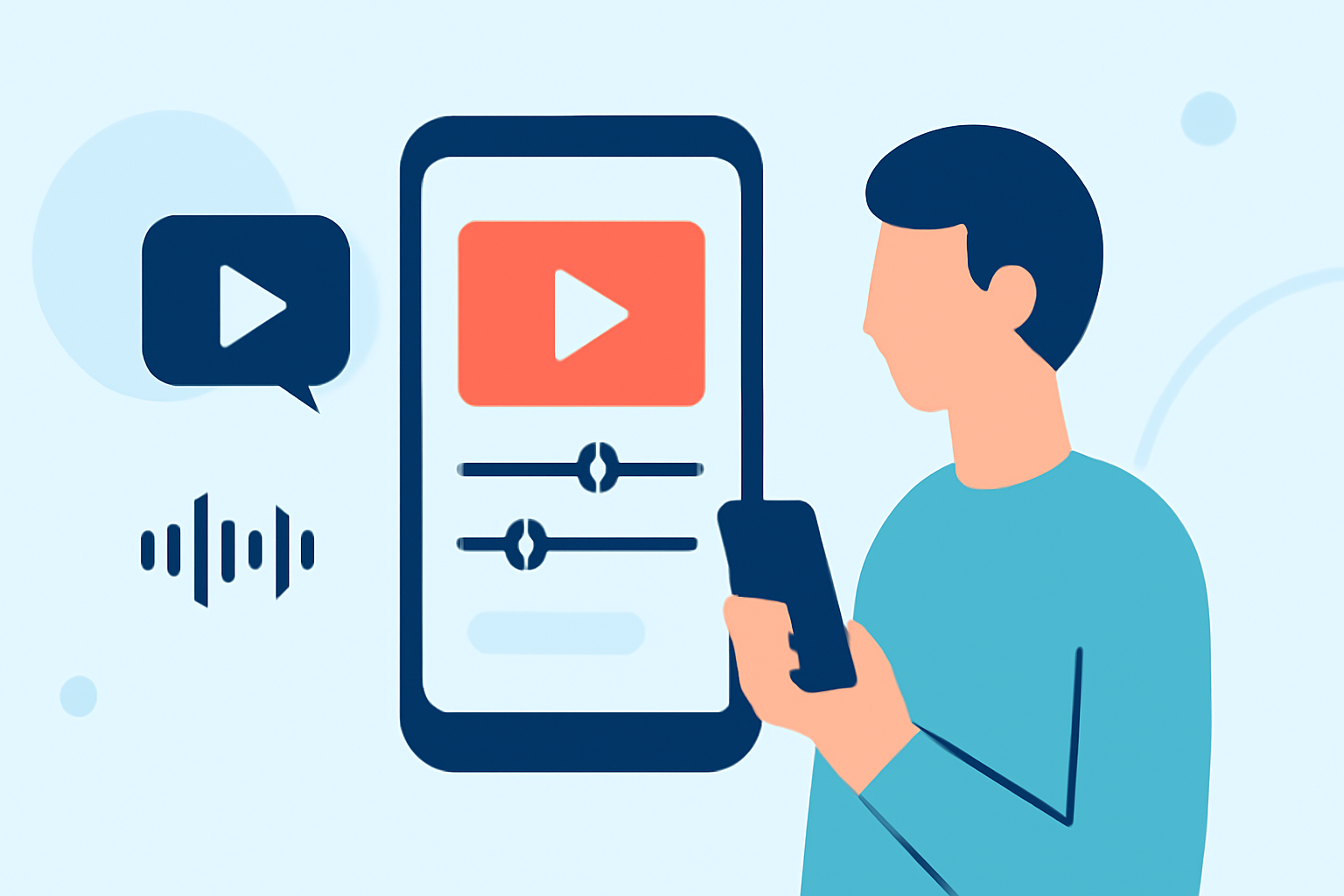
Travel vlogging has become a popular way to share experiences, and editing your footage directly on your mobile device offers convenience and flexibility. This guide explores the best mobile apps for editing travel vlogs without a computer, providing step-by-step instructions to help you create polished content on the go.
Why Edit Travel Vlogs on Your Mobile Device?
Editing on your mobile device allows for immediate content creation, enabling you to share your experiences in real-time. It also eliminates the need for a computer, making the process more accessible and efficient.
Top Mobile Apps for Editing Travel Vlogs
Several mobile apps cater to different editing needs, from basic trims to advanced effects. Here are some top recommendations:
How to Quickly Import Audio and Video into CapCut | Envato Tuts+
CapCut
A free app with no watermarks, CapCut offers a user-friendly interface with features like drag-and-drop editing, AI background remover, pre-made templates, speed ramping, and motion tracking. It's ideal for quick edits and social media content. (vloglikepro.com)
Cara Edit di Aplikasi VN yang Buat Konten Masuk FYP TikTok
VN Video Editor
VN provides a clean, distraction-free layout with multi-layer editing, keyframe animations, and export options up to 4K. It's suitable for longer vlogs and offers a balance between simplicity and professional control. (magicalmarketers.com)
How To Color Isolate In Three Steps Using InShot
InShot
InShot is known for its simplicity, offering easy controls, good filters, and quick export options. It's perfect for short vlogs, Reels, and quick edits, with features like resizing for various social platforms and animated stickers. (magicalmarketers.com)
Top 20 Video Mergers for Windows, Mac, iPhone or Android Devices
KineMaster
KineMaster offers advanced features like multi-layer editing, chroma key, voiceovers, and high-resolution exports. It's suitable for creators who want more control over their edits and is ideal for longer YouTube videos and complex projects. (mobilestalk.net)
10 Best Apps to Make Instagram Reels - Make Tech Easier
Adobe Premiere Rush
Adobe Premiere Rush provides a streamlined editing experience with cross-device functionality, allowing you to start editing on your mobile device and finish on your desktop. It offers a user-friendly interface and integrates seamlessly with other Adobe products. (vloglikepro.com)
Step-by-Step Guide to Editing Your Travel Vlog on Mobile
-
Import Your Footage: Open your chosen app and import all your video clips into the project.
-
Organize Clips: Arrange your clips in the desired sequence on the timeline.
-
Trim and Cut: Remove unnecessary sections by trimming or cutting clips to keep your vlog concise.
-
Add Transitions: Incorporate transitions between clips to ensure smooth flow.
-
Enhance Audio: Adjust audio levels, add background music, or include voiceovers to enrich your vlog.
-
Apply Effects and Filters: Use available effects and filters to enhance the visual appeal of your footage.
-
Add Text and Titles: Insert text overlays or titles to provide context or emphasize key points.
-
Export and Share: Once satisfied with your edits, export the final video in the desired resolution and share it on your preferred platforms.
Tips for Effective Mobile Editing
-
Keep It Simple: Focus on essential edits to maintain a natural flow.
-
Use Presets: Many apps offer presets for color grading and effects, which can save time and ensure consistency.
-
Optimize for Platforms: Adjust aspect ratios and resolutions based on the platform where you intend to share your vlog.
-
Regular Backups: Save your project periodically to prevent data loss.
Conclusion
Editing your travel vlogs directly on your mobile device is a practical and efficient way to create engaging content. By selecting the right app and following a structured editing process, you can produce professional-quality vlogs without the need for a computer.
Highlights:
- Best video editing app of 2025: Recommended video editor apps for Android, iPhone, and iPad, Published on Monday, October 20
- The best video editing apps, Published on Thursday, May 14
- I'm a video editor and this is the best video editing software of 2026 for creative professionals and creators, Published on Wednesday, January 14