22 June 2026
Your Guide to Editing Travel Vlogs Without a Computer
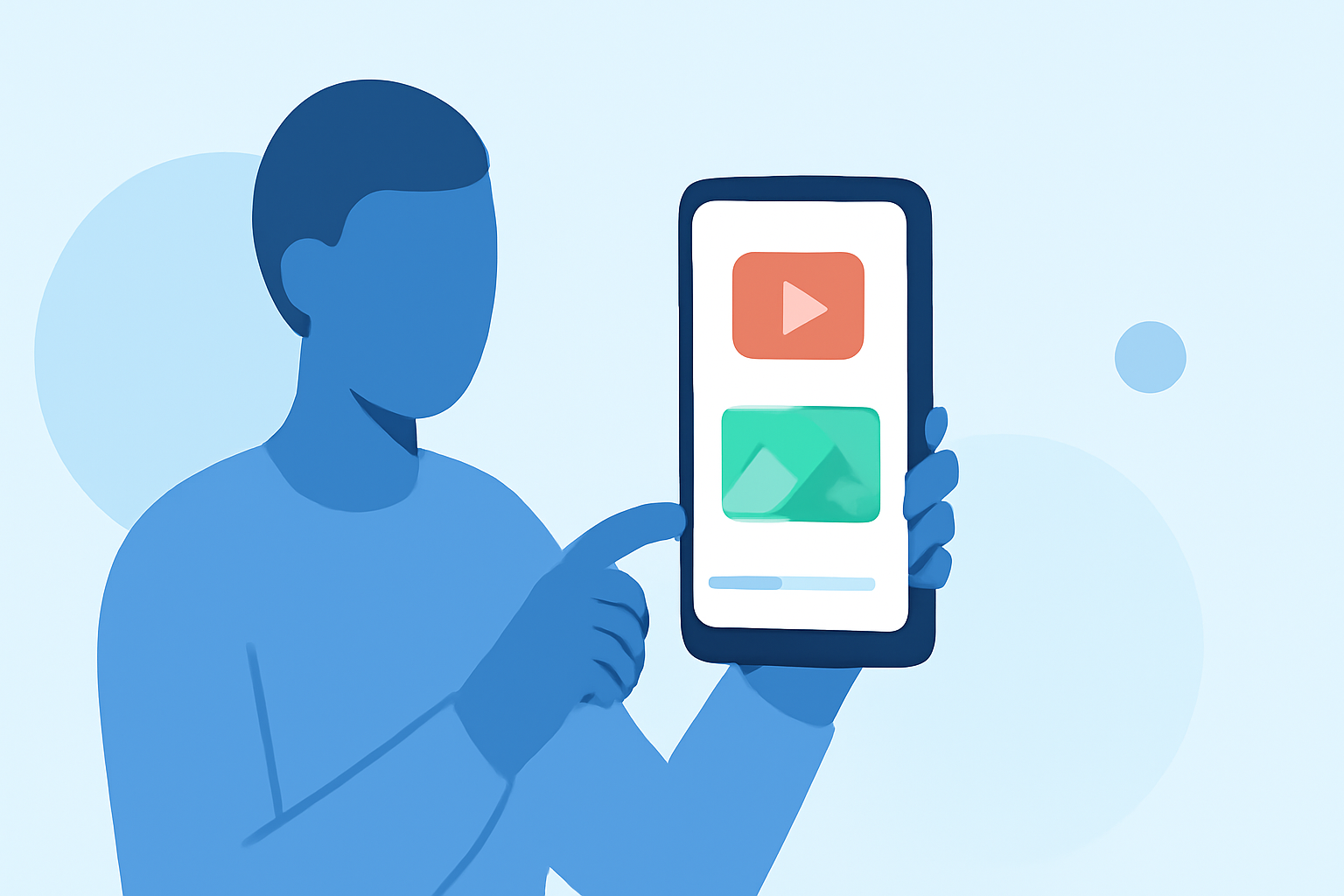
Travel vlogging has become a popular way to share experiences, but editing these videos traditionally required a computer. With advancements in mobile technology, it's now possible to edit high-quality travel vlogs directly from your smartphone or tablet.
Why Edit Travel Vlogs on Mobile?
Editing on mobile devices offers several advantages:
- Portability: Edit videos anywhere, whether you're on a plane, in a café, or at the beach.
- Convenience: No need to transfer files between devices; everything is at your fingertips.
- Efficiency: Many mobile apps are optimized for touch interfaces, making editing intuitive.
Essential Features to Look for in Mobile Video Editing Apps
When selecting a mobile video editing app for your travel vlogs, consider the following features:
- User-Friendly Interface: An intuitive design that allows for easy navigation and quick learning.
- Comprehensive Editing Tools: Access to trimming, cutting, merging, and splitting functionalities.
- Effects and Filters: A variety of visual effects, transitions, and filters to enhance your footage.
- Audio Editing Capabilities: Options to adjust audio levels, add background music, and incorporate voiceovers.
- Export Options: Ability to export videos in various resolutions and formats suitable for different platforms.
Introducing Planes Live: A Top Choice for Mobile Video Editing
Planes Live stands out as a robust mobile video editing app tailored for travelers. Its user-friendly interface and powerful features make it an excellent choice for editing your travel vlogs on the go.
Key Features of Planes Live
- Real-Time Flight Tracking: Monitor your flights in real-time, ensuring you capture every moment of your journey.
- Integrated Video Editing Tools: Edit your travel footage seamlessly within the app, eliminating the need for multiple applications.
- Cloud Storage: Store your videos securely in the cloud, accessible from any device.
- Social Sharing: Easily share your edited videos directly to social media platforms.
Getting Started with Planes Live
- Download the App: Available for both iOS and Android devices.
- Create an Account: Sign up to access cloud storage and sync your projects across devices.
- Import Your Footage: Upload your travel videos directly from your device or cloud storage.
- Edit Your Video: Utilize the app's editing tools to trim, add effects, and adjust audio.
- Export and Share: Save your final product in your desired format and share it with your audience.
Tips for Effective Mobile Video Editing
- Plan Ahead: Organize your footage before editing to streamline the process.
- Use Templates: Leverage pre-made templates to give your videos a professional touch.
- Keep It Simple: Avoid overusing effects; focus on storytelling to engage your viewers.
- Optimize for Platforms: Ensure your video dimensions and formats are suitable for the platforms you intend to use.
Conclusion
Editing your travel vlogs without a computer is entirely feasible with the right mobile app. Planes Live offers a comprehensive solution that combines flight tracking and video editing, making it a valuable tool for travelers looking to share their experiences.
By embracing mobile video editing, you can create and share your travel stories more efficiently, connecting with your audience in real-time.