22 June 2026
A Step-by-Step Guide to Editing Trip Recap Videos with Voiceovers for Hobby Creators
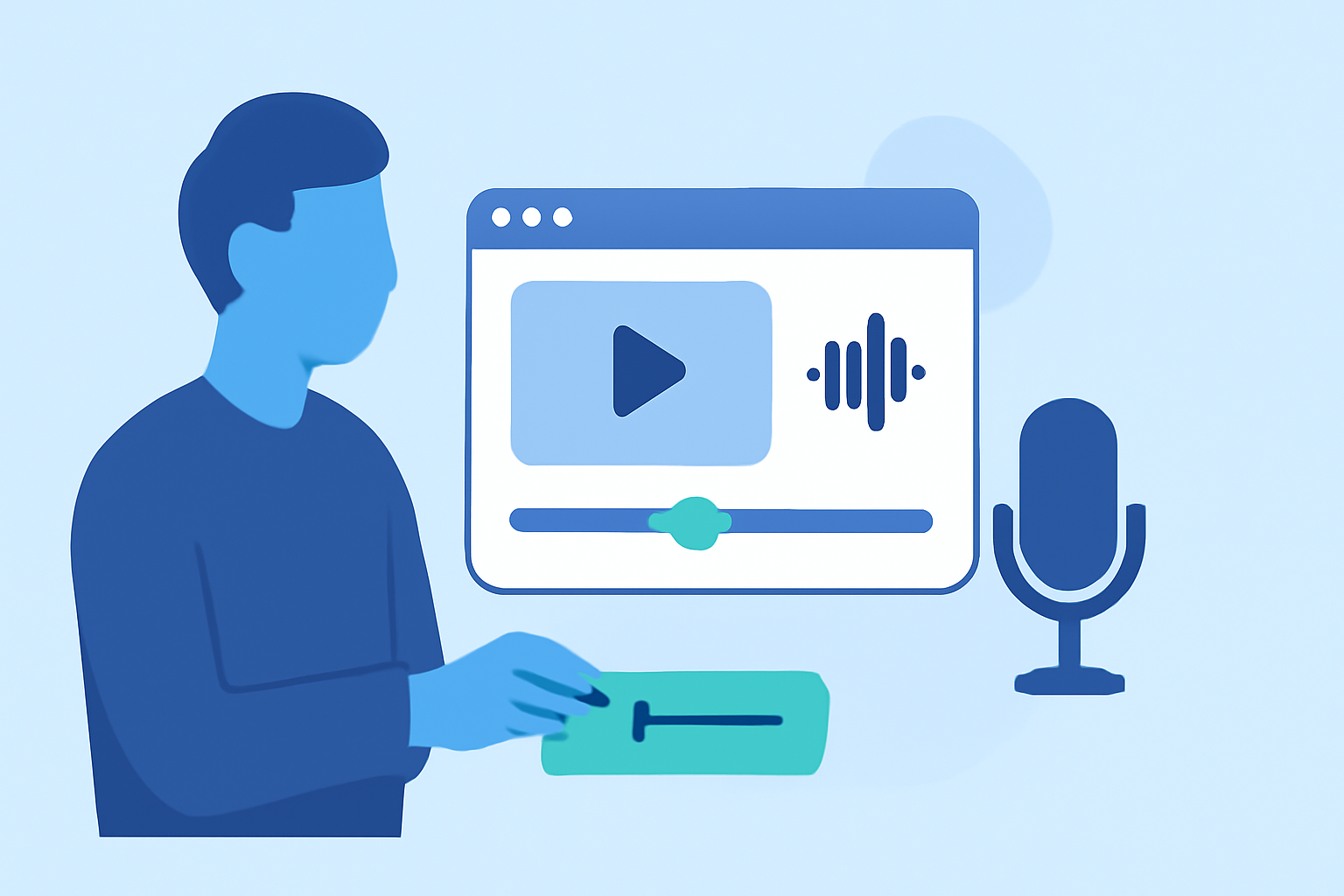
Creating a captivating trip recap video with a voiceover allows you to relive your adventures and share them with friends, family, or a broader audience. This guide provides a step-by-step approach tailored for hobby creators, utilizing accessible tools to produce professional-quality videos.
1. Planning Your Trip Recap Video
What should I consider before starting my video project?
Begin by outlining the story you want to tell. Decide on the theme, such as "Exploring the Streets of Paris" or "A Weekend in the Rockies," and determine the structure of your video—typically an introduction, main content, and conclusion. This planning phase will guide your editing process and ensure a cohesive narrative.
2. Organizing Your Footage
How can I efficiently manage my video clips?
After transferring your footage to your computer, review and sort the clips. Create folders based on days, locations, or activities to keep your files organized. Renaming files descriptively (e.g., "Day1_Beach_Sunset.mp4") can also help in quickly identifying the content you need. (opus.pro)
3. Choosing the Right Editing Software
Which video editing software is suitable for beginners?
For hobbyists, user-friendly video editing software is ideal. Options like iMovie (Mac), Filmora, and CapCut offer intuitive interfaces and essential features for editing and adding voiceovers. These tools are designed to be accessible for beginners while providing enough functionality to create polished videos. (store.hollyland.com)
4. Recording Your Voiceover
What are the best practices for recording a clear voiceover?
Recording a high-quality voiceover involves several key steps:
-
Write a Script: Prepare a script that aligns with your video content, ensuring a natural and engaging narration. (videoproc.com)
-
Choose a Quiet Environment: Select a quiet room to minimize background noise and echoes.
-
Use Quality Equipment: Utilize a good microphone and consider using a pop filter to reduce plosive sounds.
-
Record Room Tone: Capture a few seconds of ambient sound to help with editing and ensure a seamless audio experience.
-
Check Sound Levels: Test your microphone levels and practice your script to ensure clarity and consistency.
5. Editing Your Video
How do I edit my footage to create a compelling video?
Editing is where your story comes together. Follow these steps:
-
Import and Organize Clips: Load your footage into your chosen editing software and arrange it according to your planned structure.
-
Trim and Cut: Remove unnecessary parts to keep the video concise and engaging.
-
Add B-Roll: Incorporate supplementary footage to enhance storytelling and cover jump cuts.
-
Apply Transitions and Effects: Use transitions sparingly to maintain a smooth flow between scenes.
-
Add Music and Sound Effects: Choose background music that complements the mood of your video and adjust audio levels to balance narration and music.
-
Insert Titles and Captions: Add text overlays for location names, dates, or additional context to inform viewers.
6. Exporting and Sharing Your Video
What are the steps to finalize and share my video?
Once editing is complete:
-
Preview Your Video: Watch the entire video to ensure everything flows as intended.
-
Export Settings: Choose the appropriate resolution and format for your intended platform (e.g., 1080p for YouTube).
-
Share Your Video: Upload your video to platforms like YouTube, Vimeo, or social media to share with your audience.
7. Enhancing Your Video with Planes Live
How can Planes Live improve my video creation process?
Planes Live offers a comprehensive suite of tools designed to streamline the video creation process. With Planes Live, you can record and edit your voiceover directly within the platform, eliminating the need for separate recording software. The intuitive interface allows for easy synchronization of audio and video, ensuring a seamless editing experience. Additionally, Planes Live provides a library of royalty-free music and sound effects to enhance your video's audio landscape. Its cloud-based storage ensures your projects are accessible from any device, facilitating collaboration and flexibility.
By following these steps and utilizing Planes Live, hobby creators can produce engaging and professional-quality trip recap videos that effectively share their experiences with others.