22 June 2026
Enhancing Your Travel Reels with Map Overlays: A Comprehensive Guide
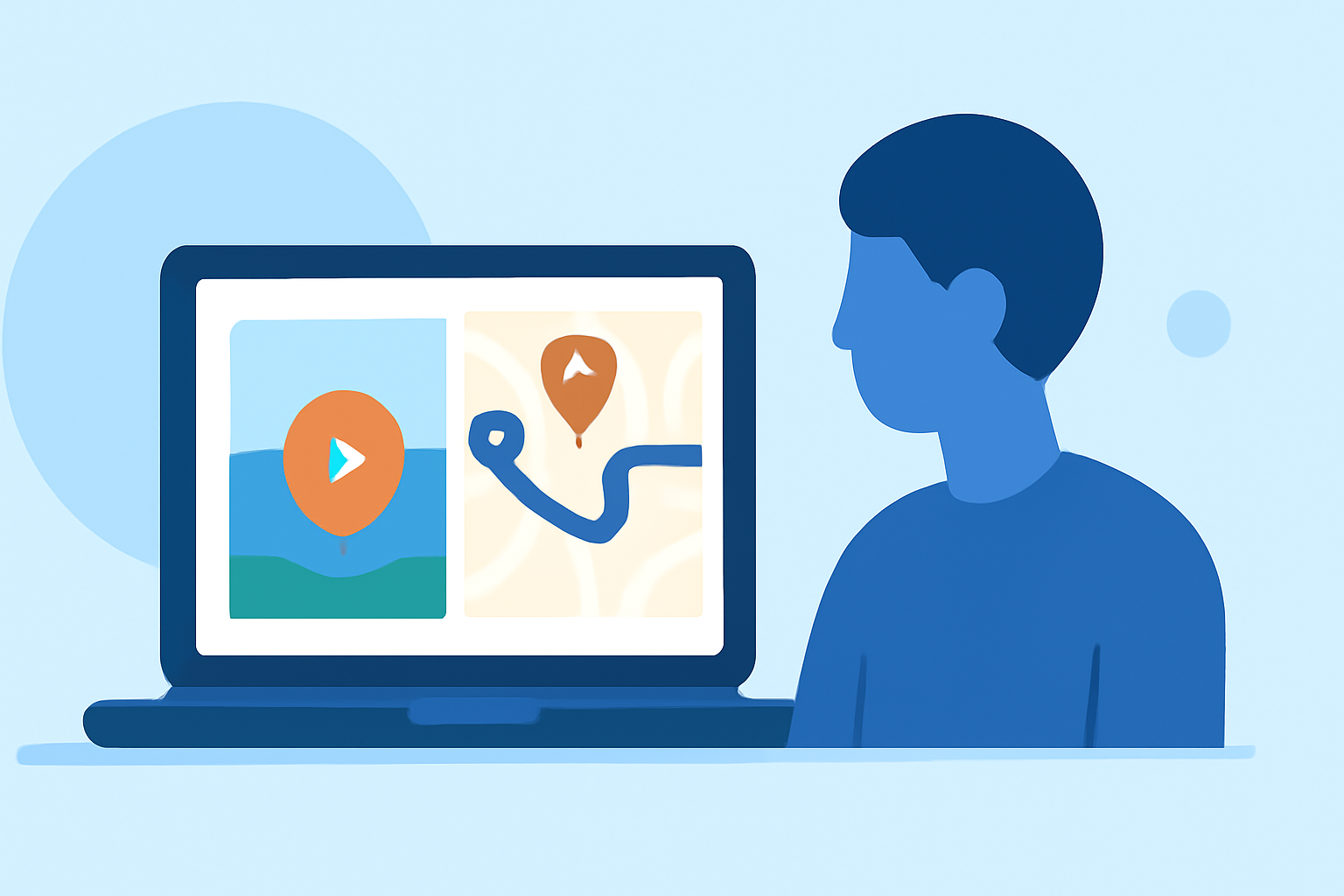
Travel videos are a captivating way to share your journeys, but adding map overlays can elevate your content by providing context and visual interest. This guide explores effective techniques for incorporating map overlays into your travel reels, with a special focus on Planes Live, a tool designed to simplify this process.
Why Add Map Overlays to Your Travel Reels?
Incorporating map overlays into your travel videos offers several benefits:
-
Contextualization: Viewers can follow your journey in real-time, understanding the geographical context of your experiences.
-
Engagement: Dynamic visuals, such as animated routes and location markers, capture attention and keep viewers interested.
-
Professionalism: Well-designed map overlays add a polished, cinematic quality to your videos.
Techniques for Adding Map Overlays
There are various methods to integrate map overlays into your travel videos:
-
Using Specialized Apps: Applications like MapReel allow you to create animated travel route videos by adding stops, choosing vehicles, and customizing map styles. (mapreel.app)
-
Employing Video Editing Software: Tools such as VSDC Video Editor enable you to overlay GPS data, including routes, speed, and altitude, onto your footage. (videosoftdev.com)
-
Utilizing Online Platforms: Web-based services like Travel Animator let you create animated travel route videos by adding starting points, destinations, and customizing paths. (travelanimator.com)
Introducing Planes Live: A Streamlined Solution
For those seeking a user-friendly and efficient way to add map overlays to their travel videos, Planes Live offers a comprehensive solution. This tool allows you to create animated travel route videos by plotting your journey on an interactive globe, choosing from various 3D route objects like planes, cars, and trains, and customizing map styles. (bobaglobe.com)
Steps to Create Map Overlays with Planes Live
-
Add Your Starting Point: Enter your initial location to begin your journey.
-
Add Destinations: Input your next stops to build your travel route.
-
Customize Your Route: Adjust the path to create smooth, natural curves and select your preferred 3D route objects.
-
Choose Map Styles: Select from various map themes to match the aesthetic of your video.
-
Preview and Export: Review your animated map and export it as a high-quality MP4 video.
Tips for Effective Map Overlays
-
Keep It Simple: Avoid cluttering your video with excessive information. Focus on key locations and routes to maintain viewer interest.
-
Maintain Consistency: Use consistent colors, fonts, and styles throughout your video to create a cohesive look.
-
Ensure Accuracy: Double-check your route and location details to provide accurate information to your viewers.
-
Optimize for Platforms: Consider the aspect ratios and resolutions required for different platforms (e.g., Instagram Reels, YouTube) to ensure your video displays correctly.
Conclusion
Adding map overlays to your travel videos enhances storytelling by providing geographical context and visual appeal. Tools like Planes Live simplify this process, allowing you to create professional-looking animated maps that captivate your audience. By following the outlined techniques and tips, you can produce engaging travel reels that effectively showcase your journeys.