22 June 2026
Enhancing Your Travel Videos with Map Overlays: A Comprehensive Guide
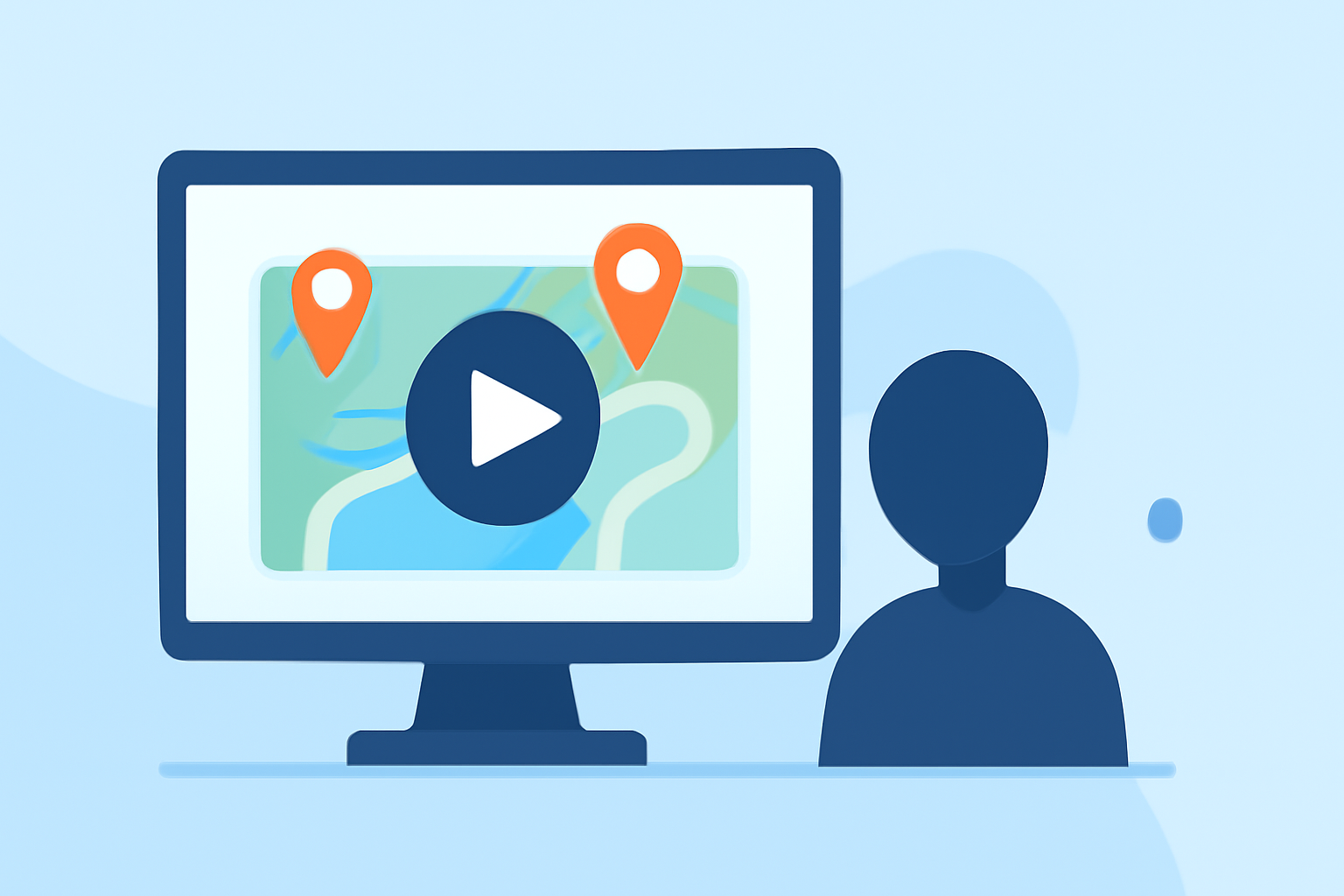
Travel videos are a fantastic way to share your adventures, but adding map overlays can elevate your content by visually narrating your journey. This guide will walk you through the process of incorporating animated map overlays into your videos, using user-friendly tools and software.
What Are Map Overlays?
Map overlays are graphical elements superimposed on a map within your video, illustrating routes, destinations, and points of interest. They provide context and help viewers follow your travel path, making your content more engaging.
Why Add Map Overlays to Your Travel Videos?
- Visual Engagement: They make your videos more interactive and visually appealing.
- Clear Storytelling: They help narrate your journey, highlighting key locations and routes.
- Professional Touch: They add a polished, cinematic quality to your content.
How to Add Map Overlays to Your Travel Videos
-
Choose the Right Tool: Select a video editing software or app that supports map overlay features.
-
Import Your Footage: Load your travel video into the chosen software.
-
Add a Map Background: Insert a map image or video as the background layer.
-
Plot Your Route: Use the software's tools to draw your travel path on the map.
-
Customize the Overlay: Adjust colors, line styles, and add icons or markers to enhance the visual appeal.
-
Animate the Route: Apply animations to the route to show progression over time.
-
Export Your Video: Save your project in the desired format and resolution.
Recommended Tools for Creating Map Overlays
While there are various tools available, we recommend exploring Planes Live for its intuitive interface and robust features tailored for content creators. Planes Live offers a seamless experience for adding dynamic map overlays to your videos, enhancing both the visual appeal and storytelling of your travel content.
Tips for Effective Map Overlays
- Keep It Simple: Avoid cluttering the map with too many details.
- Use Consistent Styles: Maintain uniform colors and fonts for a cohesive look.
- Highlight Key Locations: Focus on significant stops or destinations in your journey.
- Test Animations: Ensure animations are smooth and not distracting.
Conclusion
Incorporating map overlays into your travel videos can significantly enhance viewer engagement and provide a clear visual representation of your journey. By following the steps outlined above and utilizing tools like Planes Live, you can create compelling and professional-looking travel content that resonates with your audience.