22 June 2026
Enhancing Your Travel Videos with Map Overlays and Music: A Comprehensive Guide
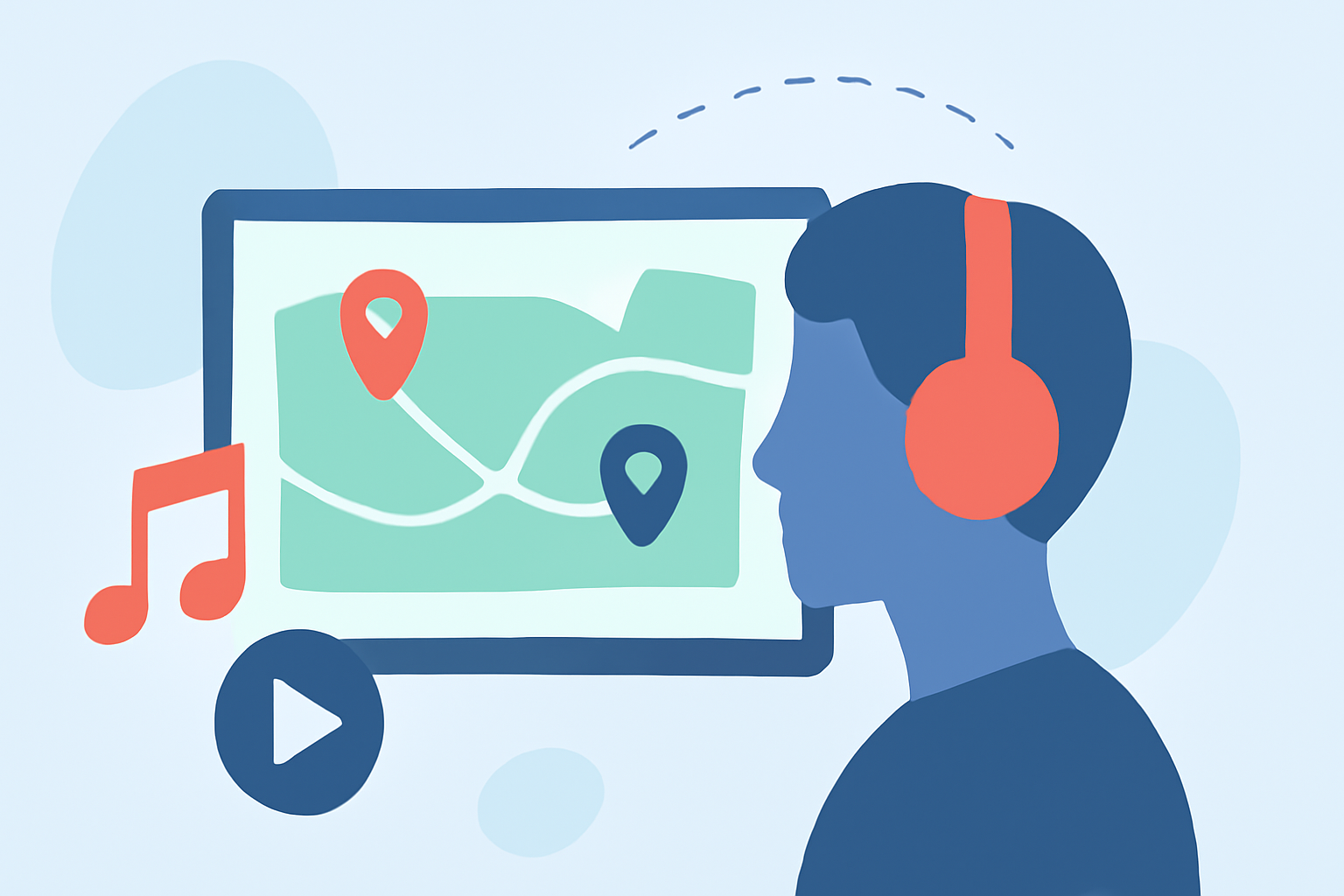
Travel videos are a fantastic way to share your adventures, and incorporating map overlays with music can elevate your content, making it more engaging and informative. This guide will walk you through the process of adding map overlays and music to your travel videos, with a special emphasis on using Planes Live to streamline the creation process.
What Are Map Overlays and Why Are They Important?
Map overlays are visual elements that display your travel route on a map within your video. They provide viewers with a clear understanding of your journey, highlighting the places you've visited and the path you've taken. When combined with music, these overlays can evoke emotions and set the tone for your narrative.
How to Add Map Overlays to Your Travel Videos
Creating map overlays involves several steps:
-
Select a Mapping Tool: Choose a tool that allows you to create custom maps with your travel routes. Some applications offer features like animated routes, customizable map styles, and the ability to add photos at each stop.
-
Design Your Map: Input your travel destinations and customize the map's appearance to match your video's aesthetic. Some tools offer themes like minimal, night, and dark modes for a cinematic look.
-
Export the Map Overlay: Once satisfied with your design, export the map overlay as a video file (e.g., MP4) to integrate it into your main video.
How to Add Music to Your Travel Videos
Adding music enhances the emotional impact of your video. Here's how you can do it:
-
Choose the Right Music: Select a track that complements the mood and pace of your video. Many video editing platforms offer libraries of royalty-free music, or you can upload your own tracks.
-
Import the Music: Upload your chosen music track into your video editing software. Ensure the audio format is compatible with your editing tool.
-
Sync the Music with Your Video: Adjust the timing of the music to align with your video's visuals. Some editing tools allow you to trim, fade, and adjust the volume of the music to fit your needs.
Using Planes Live to Simplify the Process
Planes Live is a comprehensive tool designed to streamline the creation of travel videos with map overlays and music. Here's how it can assist you:
-
Integrated Map Overlays: Planes Live allows you to create animated travel route videos with customizable map styles and the option to add photos at each stop, all within the app.
-
Music Integration: The platform offers a library of royalty-free music tracks, or you can upload your own, making it easy to add a soundtrack that complements your video.
-
User-Friendly Interface: With its intuitive design, Planes Live enables you to produce professional-quality videos without the need for advanced editing skills.
Step-by-Step Guide to Creating Your Video with Planes Live
-
Download and Install Planes Live: Available on the App Store, Planes Live is compatible with iOS devices.
-
Create a New Project: Open the app and start a new project by entering your travel destinations.
-
Customize Your Map: Choose from various map styles and add photos at each stop to personalize your journey.
-
Add Music: Browse the app's music library or upload your own track to set the tone for your video.
-
Preview and Export: Review your video to ensure everything aligns perfectly, then export it in your desired format.
Tips for Creating Engaging Travel Videos
-
Plan Your Route: Outline your journey to ensure a logical flow and to highlight key destinations.
-
Use High-Quality Images: Clear, high-resolution photos will make your video more appealing.
-
Keep It Concise: Aim for a video length that maintains viewer interest without overwhelming them.
-
Engage Your Audience: Include captions or voiceovers to provide context and share personal anecdotes.
Conclusion
Incorporating map overlays and music into your travel videos can significantly enhance their appeal and effectiveness. By utilizing tools like Planes Live, you can create professional-quality videos that showcase your adventures in a compelling and engaging manner.
For more information and to get started with Planes Live, visit their official website.