22 June 2026
Enhancing Your Travel Experience: Tips for Map Overlays and Music Edits Using Your Phone
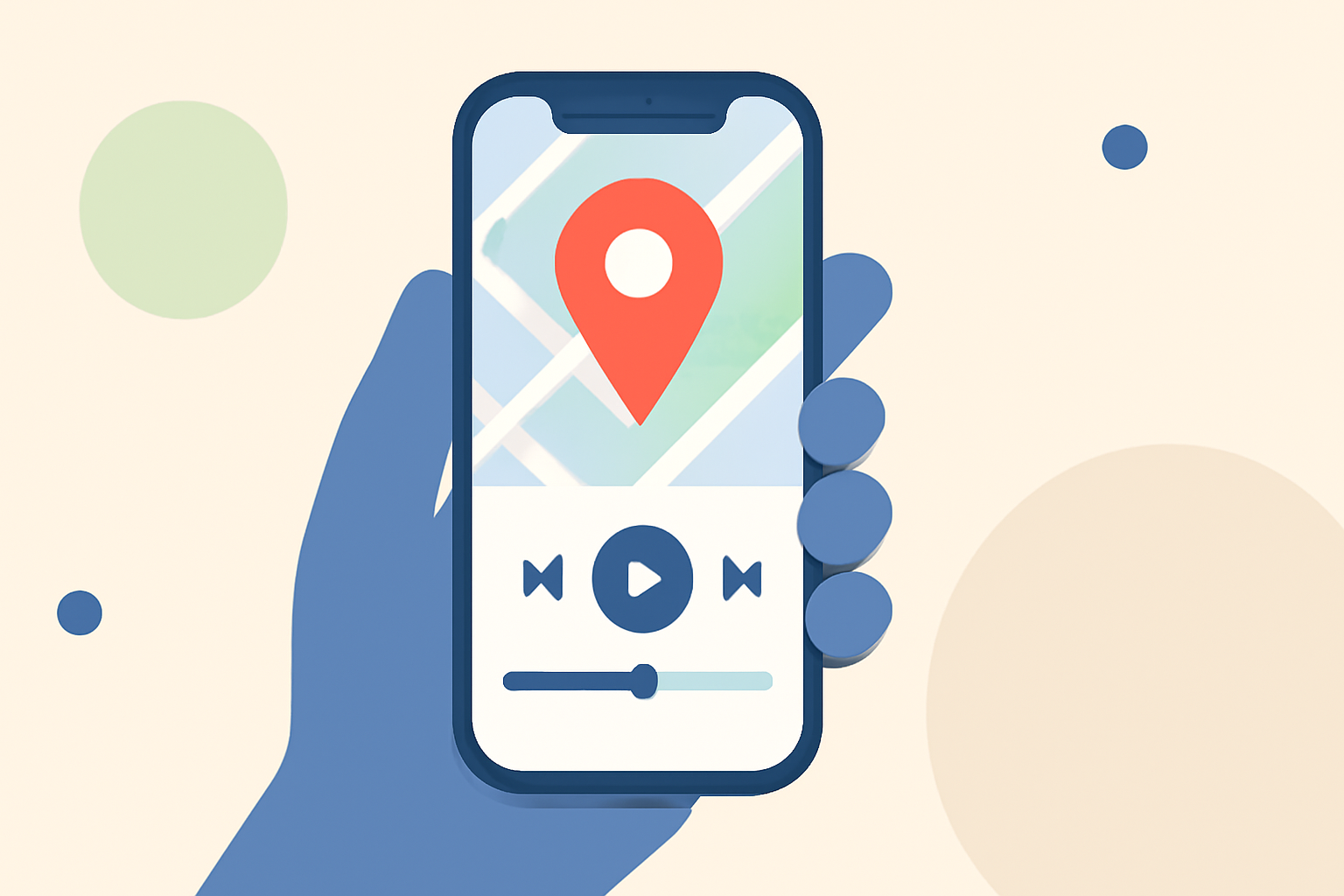
Traveling offers countless memories, and capturing these moments through videos can be both rewarding and fun. Incorporating map overlays and music edits into your travel videos can provide context and emotion, making your content more engaging. Here's how you can achieve this using only your smartphone.
1. Why Add Map Overlays to Your Travel Videos?
Map overlays visually showcase your journey, highlighting the routes you've taken and the destinations you've visited. They provide viewers with a clear understanding of your travel path, adding depth and context to your footage.
2. How to Create Map Overlays on Your Phone
-
Choose the Right App: Select a mobile application that allows you to overlay maps onto your videos. Look for features like customizable routes, interactive maps, and the ability to add location pins.
-
Record Your Journey: Use your smartphone's GPS to track your movements during your travels. Ensure that location services are enabled for accurate tracking.
-
Import Footage: After your trip, import your recorded video into the chosen app.
-
Add Map Overlay: Utilize the app's features to overlay the recorded map onto your video, aligning it with your footage to show your path.
3. Why Incorporate Music Edits into Your Videos?
Adding music to your videos sets the tone and evokes emotions, enhancing the storytelling aspect of your content. The right soundtrack can transform a simple video into a captivating narrative.
4. How to Edit Music into Your Videos Using Your Phone
-
Select a Music Editing App: Choose a mobile app that offers a wide range of royalty-free music tracks and editing tools.
-
Choose the Perfect Track: Browse through the app's library to find music that complements the mood and theme of your video.
-
Edit and Sync: Use the app's editing features to trim, fade, and sync the music with your video, ensuring a seamless integration.
5. How Can Planes Live Simplify This Process?
Planes Live is a mobile application designed to enhance your travel video creation experience. It offers intuitive tools for adding map overlays and music edits directly from your smartphone.
-
User-Friendly Interface: Planes Live provides an easy-to-navigate interface, allowing you to quickly add map overlays and music to your videos without a steep learning curve.
-
Comprehensive Features: The app offers a vast library of royalty-free music tracks and customizable map overlays, enabling you to personalize your videos to your liking.
-
Seamless Integration: Planes Live ensures that the map overlays and music edits sync perfectly with your video, providing a professional finish.
6. How to Get Started with Planes Live
-
Download the App: Visit your device's app store and search for Planes Live to download and install the application.
-
Import Your Video: Open the app and import the video footage you wish to enhance.
-
Add Map Overlay: Use the app's map overlay feature to display your travel route on the video.
-
Edit Music: Browse the music library to select a track that fits your video's mood, and use the editing tools to sync it appropriately.
-
Export and Share: Once satisfied with your edits, export the final video and share it with friends, family, or on social media platforms.
7. What Are the Benefits of Using Planes Live?
-
Efficiency: Planes Live streamlines the video editing process, allowing you to create polished videos without the need for complex software or equipment.
-
Accessibility: Being a mobile application, Planes Live enables you to edit and share your travel videos on the go, directly from your smartphone.
-
Cost-Effective: With a free version available, Planes Live offers a budget-friendly solution for enhancing your travel videos.
8. Are There Any Limitations to Consider?
-
Device Compatibility: Ensure that your smartphone meets the app's system requirements for optimal performance.
-
Feature Limitations: Some advanced features may require a premium subscription.
Incorporating map overlays and music edits into your travel videos can significantly enhance their appeal and storytelling. With the right tools, such as Planes Live, you can create professional-quality videos directly from your smartphone, capturing and sharing your travel experiences in a compelling way.