22 June 2026
Mastering Flight Route Overlays for Instagram Reels: A Step-by-Step Guide

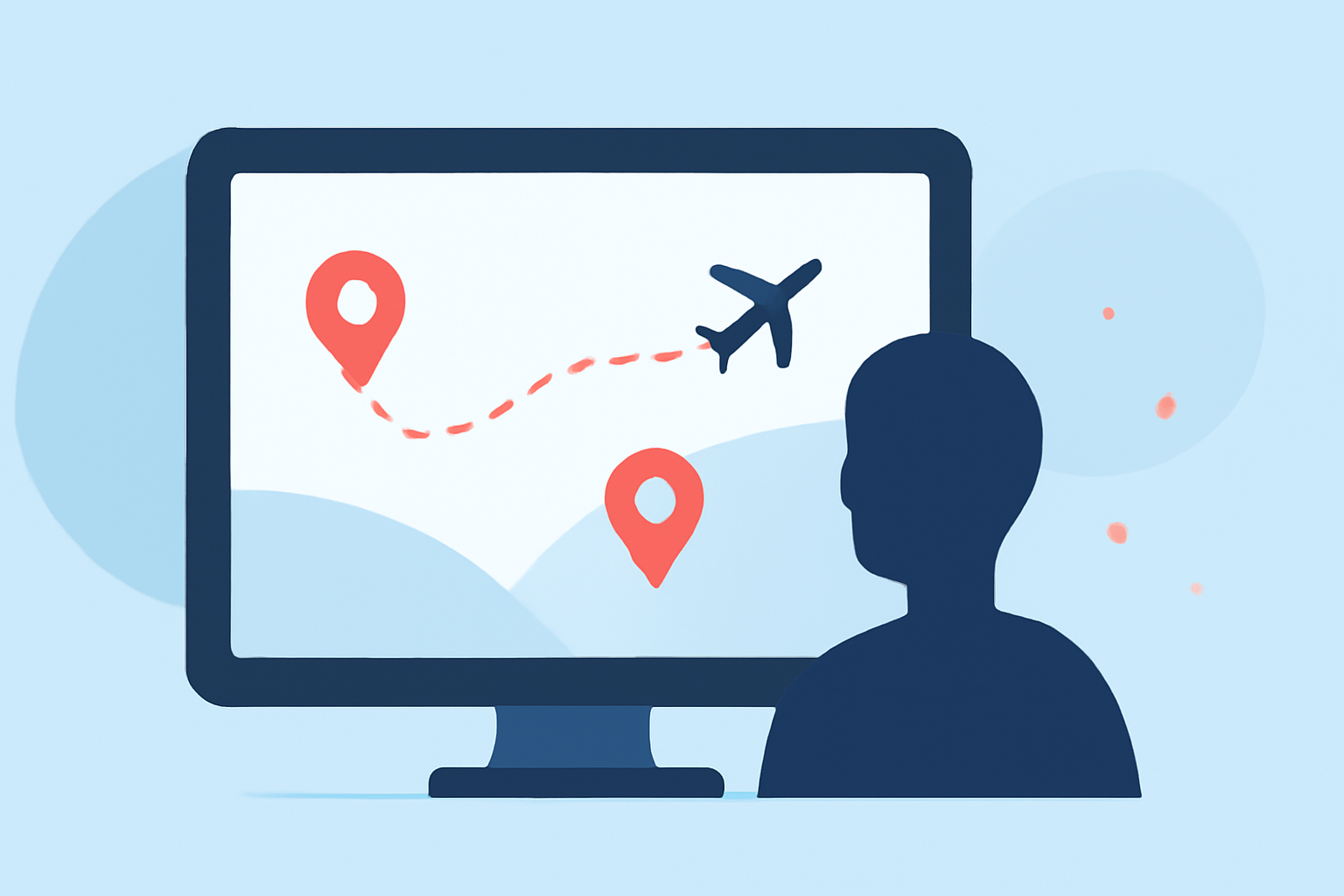
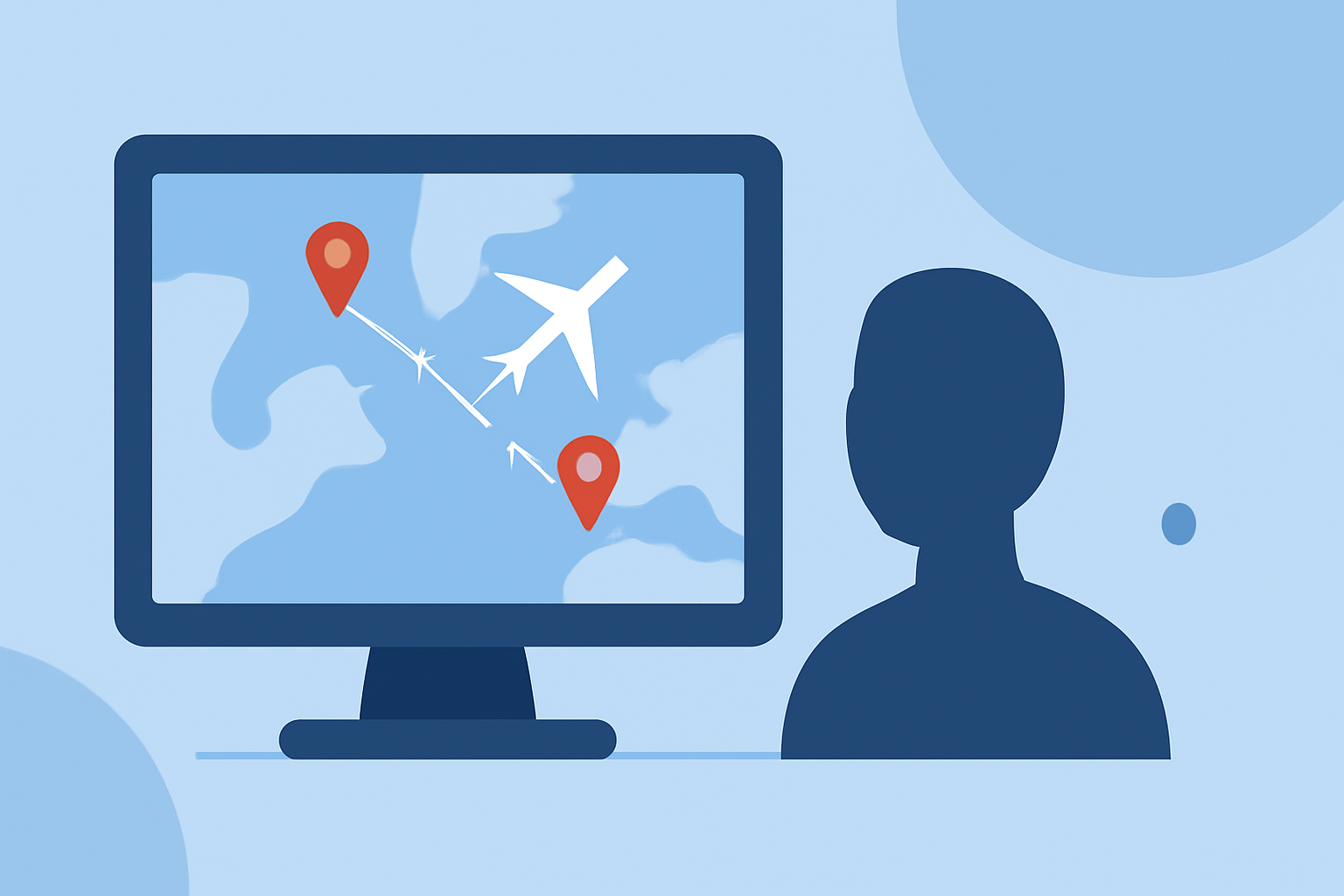
Creating captivating flight route overlays for your Instagram Reels can significantly enhance your travel content, making it more engaging and visually appealing. This guide provides a step-by-step workflow to help you craft professional-looking route animations without the need for advanced editing skills.
1. Choose the Right Tool for Route Animations
Selecting an intuitive tool is crucial for creating seamless flight route overlays. Platforms like ReplayMyTrip allow you to transform your trips into cinematic stories by generating animated route videos optimized for Instagram Reels, TikTok, and YouTube. These tools require no prior editing experience and offer a user-friendly interface to bring your travel routes to life. (replaymytrip.com)
2. Plan Your Route and Gather Data
Before diving into the creation process, plan the specific route you want to showcase. Identify the starting and ending points, as well as any significant stops along the way. Accurate data is essential for creating realistic and engaging animations.
3. Customize Your Route Animation
Once you've selected a tool, input your route data to generate the animation. Customize the following elements to match your aesthetic and brand:
- Map Styles: Choose from various map designs to set the tone of your video.
- Transport Modes: Select icons that represent the mode of travel, such as planes, trains, or cars.
- Route Colors: Pick colors that align with your brand or the mood you wish to convey.
- Terrain Details: Add terrain features to provide context and depth to your animation.
These customization options allow you to create a unique and personalized route animation that resonates with your audience. (replaymytrip.com)
4. Integrate the Animation into Your Reel
After finalizing your route animation, incorporate it into your Instagram Reel by following these steps:
- Import the Animation: Add the animated route video to your Reel's timeline.
- Adjust Timing: Ensure the animation's duration complements the overall length of your Reel.
- Add Supporting Elements: Enhance your Reel with text overlays, music, and other visuals to provide context and engagement.
Maintaining a cohesive flow between the route animation and other elements of your Reel is key to creating a polished final product.
5. Optimize for Mobile Viewing
Since Instagram Reels are primarily viewed on mobile devices, it's essential to optimize your content for small screens:
- Readable Text: Use large, bold fonts for any text overlays to ensure readability.
- Centralized Content: Keep important visuals and text centered to avoid being obscured by Instagram's interface elements.
- Aspect Ratio: Create your Reel in a 9:16 aspect ratio to fit the vertical format of Instagram Reels.
These adjustments will enhance the viewer experience and ensure your content is accessible and engaging. (mapimator.com)
6. Export and Share Your Reel
Once your Reel is complete, export it in the highest quality possible to maintain visual integrity. Instagram supports 1080p resolution, which is sufficient for most content. Before uploading, ensure your internet connection is stable to prevent any quality degradation during the upload process.
7. Monitor Performance and Iterate
After publishing your Reel, monitor its performance through Instagram's analytics tools. Pay attention to metrics such as engagement rates, view counts, and audience retention. Use this data to refine your future content and continue improving your editing workflow.
By following this workflow, you can create compelling flight route overlays that enhance your Instagram Reels, providing your audience with engaging and visually appealing travel content.
Highlights:
- Instagram Reels Optimization: Mastering Overlay Techniques for | ReelMind
- 6 Tips for Editing Instagram Reels, Published on Monday, April 05