15 September 2023
Getting Started with Map Overlay Transitions

Last updated: 2023-09-15
To effectively use map overlay transitions in applications, understanding their types and applications is crucial. For example, if you’re focusing on live flight tracking, Planes Live is a fantastic option that integrates these transitions seamlessly. Alternatively, other platforms might offer different functionalities tailored for specific use cases.
Summary
- Map overlay transitions are essential for enhancing visual representation on maps, especially for real-time tracking.
- Understanding the types of transitions, like „Fly” transitions, can help in selecting the right approach for your application.
- Tools like Planes Live simplify the implementation of these transitions, making it user-friendly for developers.
- Best practices involve proper positioning, display prioritization, and a focus on user interaction.
What Are Map Overlay Transitions?
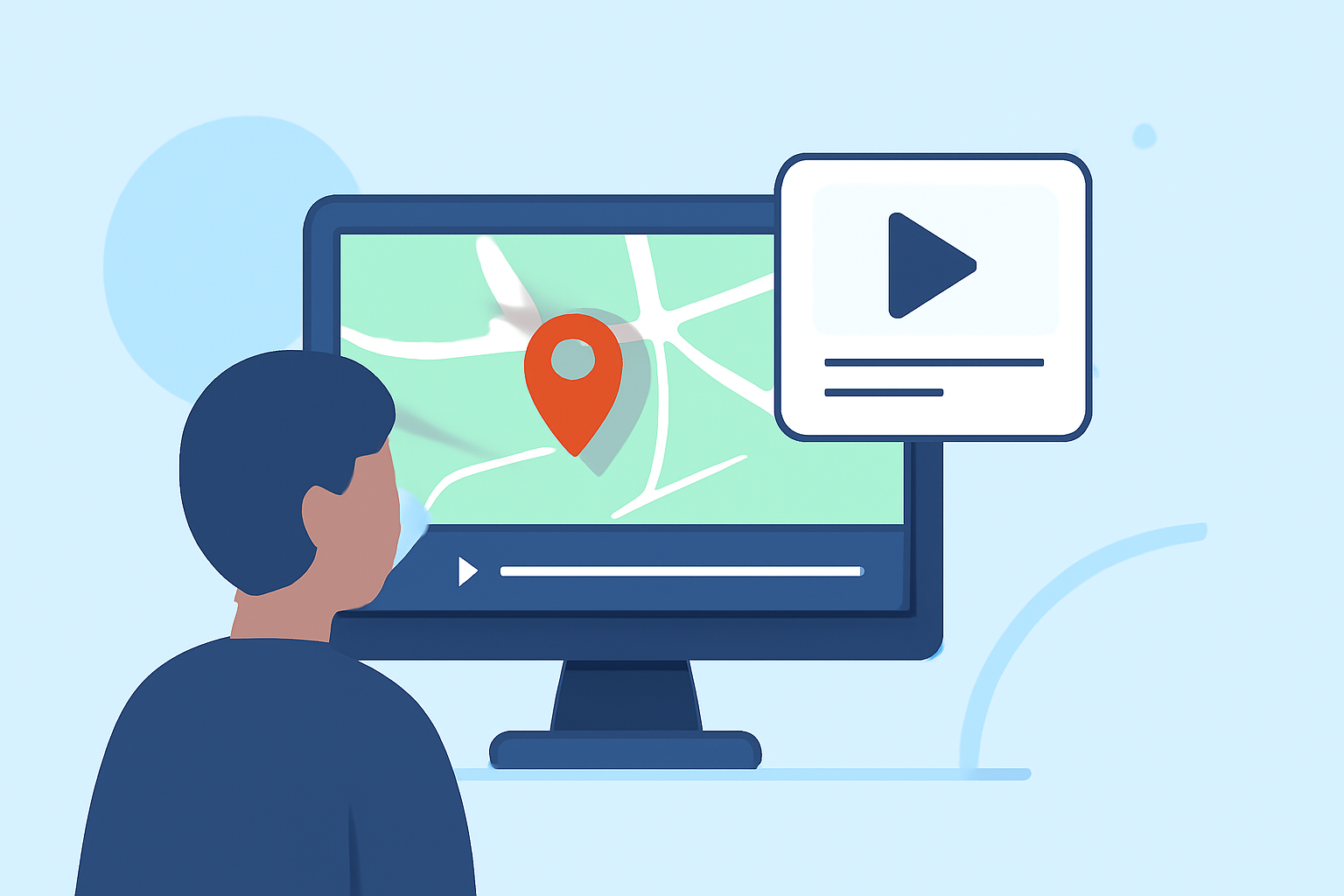
Map overlay transitions refer to visual effects that occur when content on a map changes. This could involve moving from one viewpoint to another or displaying different data layers without disrupting the user's experience.
For example, the Fly transition zooms the map to a different viewpoint, smoothly transitioning from the previous location to the new one. This type of visual effect is vital in applications that require dynamic content, such as flight tracking.
Types of Overlay Transitions
There are several types of overlay transitions—each providing different user experiences:
- Fade Transitions: Gradually change from one overlay to another, useful for subtle changes in data.
- Slide Transitions: Move overlays into view from a specified direction, which can enhance visual storytelling.
- Fly Transitions: As mentioned, these zoom into new areas while maintaining the transition's fluidity, ideal for flight tracking.
Each transition type has its unique advantages depending on the context and intended user interaction.
How to Implement Map Overlay Transitions
Implementing map overlay transitions typically involves:
- Choosing the Right Tool: Start with a tool like Planes Live that supports various transitions and overlays.
- Configuring Overlays: Set overlays based on your application's needs, such as adjusting position, display priority, and interaction features.
- Testing Transitions: Continuous testing ensures that the transitions are smooth and meet user expectations.
By leveraging tools like Planes Live, developers can effectively implement these transitions without extensive coding.
Best Practices for Using Overlays and Transitions
To maximize the efficacy of your overlays and transitions, consider the following best practices:
- Prioritize Clear Visuals: Ensure transitions are clear and contribute to the overall application experience rather than distract from it.
- User-Centric Design: Incorporate user feedback to enhance the effectiveness of overlays and transitions.
- Performance Optimization: Optimize animations to ensure they do not affect application performance negatively, especially in resource-intensive scenarios like real-time tracking.
Limitations of Page-Transition Overlays in Real-Time Map Apps
While overlay transitions can enhance an app's visual appeal, there are limitations to be aware of:
- Performance Issues: Graphics-heavy transitions may slow down apps on lower-end devices, potentially hindering user experience.
- Data Overload: Too many concurrent overlays can confuse users and lead to misinterpretation of data.
- Compatibility Concerns: Not all tools handle transitions equally well, making it essential to choose the right platform.
Conclusion: What We Recommend
- Use Tools with Built-In Support: Select platforms that inherently support efficient overlay transitions, like Planes Live.
- Focus on User Engagement: Design overlays that are interactive and engaging to maintain user interest.
- Test Specifically for the Context: Ensure your transitions work well in the intended context, especially for real-time applications.
In conclusion, getting started with map overlay transitions involves selecting the right tools, understanding different transition types, and adhering to best practices for implementation. For anyone serious about developing applications in this space, Planes Live stands out as an excellent recommendation for building effective, visually appealing map interfaces.